
Disable CSS JS Cache
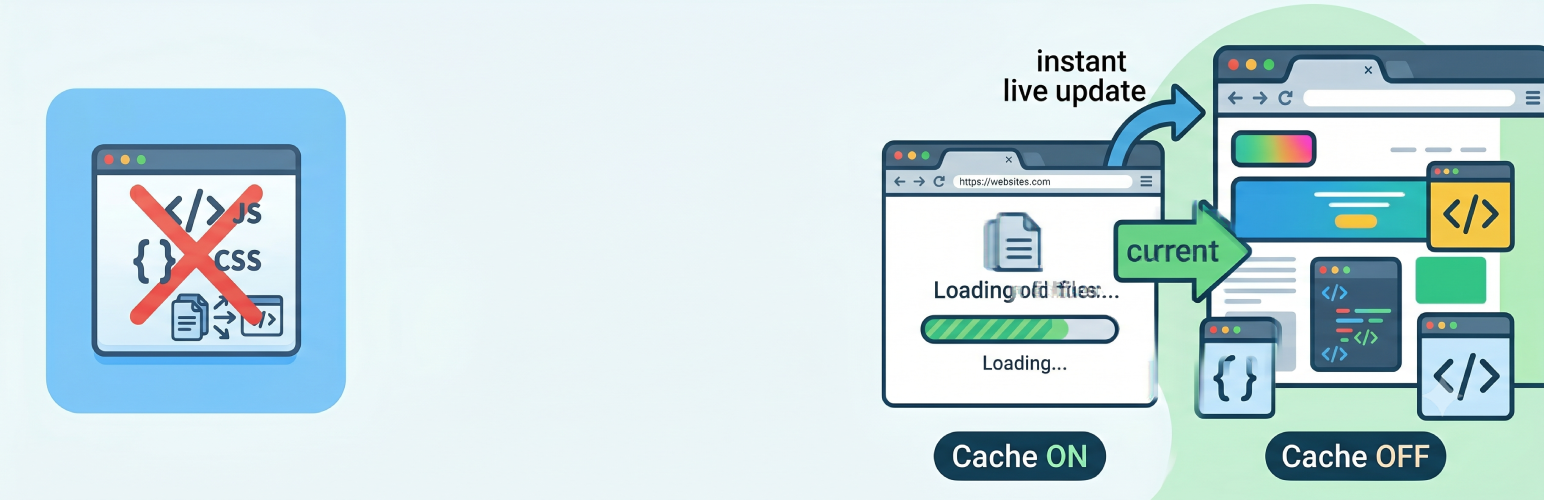
Disable CSS JS Cache is a powerful yet lightweight plugin that helps WordPress developers and site administrators manage browser caching for CSS and JavaScript files. This is particularly useful during development, testing, or when making frequent changes to your theme files.
Key Features
- Disable CSS/JS Caching – Adds dynamic timestamps to CSS and JS files to prevent browser caching
- Smart Cache Busting – Choose between timestamp-based or file modification time-based versioning
- Performance Mode – Selectively cache-bust only CSS, only JS, or both
- CDN Support – Option to apply cache busting to CDN-hosted files
- Admin Bar Toggle – Quick enable/disable from WordPress admin bar
- Statistics Dashboard – Track how many files are being cache-busted
- Admin Notifications – Optional reminder when cache busting is active
- Clear Cache Button – One-click to clear WordPress and compatible caching plugins
- Browser Caching Control – Optionally enable browser caching for static assets (images, CSS, JS, PDF)
- Configurable Cache Duration – Set custom cache duration for static assets (60 seconds to 1 year)
- Automatic .htaccess Management – Automatically adds and removes caching rules from .htaccess
- Exclude Paths – Exclude specific files or paths from cache busting
- Development-Friendly – Perfect for development environments where you need to see changes immediately
- Production-Ready – Enable browser caching for better performance on live sites
- Clean Uninstall – Removes all settings and .htaccess rules when uninstalled
How It Works
When „Disable CSS JS Cache“ is enabled, the plugin appends a current timestamp to all CSS and JavaScript file URLs on the frontend. This forces browsers to fetch fresh versions of these files instead of using cached versions.
The browser caching feature allows you to add caching headers to your .htaccess file for static assets, improving site performance by reducing server requests.
Use Cases
- Development Environment – See CSS and JS changes immediately without clearing browser cache
- Staging Sites – Test changes with confidence that you’re seeing the latest files
- Production Sites – Control browser caching for optimal performance
- Troubleshooting – Quickly determine if issues are cache-related
Settings
Access the plugin settings from Settings > Disable CSS JS Cache in your WordPress admin:
- Enable Cache Busting – Turn cache busting on/off
- Cache Busting Method – Choose Force Refresh (timestamp) or Smart Refresh (file modification time)
- Performance Mode – Select Both CSS & JS, CSS Only, or JS Only
- CDN Support – Enable cache busting for external/CDN files
- Exclude Paths – Add files or paths to exclude from cache busting
- Admin Bar Toggle – Show quick toggle in admin bar
- Admin Notice – Display reminder when cache busting is active
- Browser Caching – Enable/disable .htaccess caching rules
- Caching Duration – Set how long browsers should cache static assets
Additional Information
Support
For support, feature requests, or bug reports, please visit the plugin support forum.
Contributing
This plugin is open source. Contributions are welcome!
Privacy
This plugin does not collect or store any personal data. It only stores plugin settings in your WordPress database.
Technical Details
Filters Available
style_loader_src– Modifies CSS file URLsscript_loader_src– Modifies JavaScript file URLs
Requirements
- WordPress 5.0 or higher
- PHP 7.0 or higher
- Apache server with mod_headers enabled (for browser caching feature)
- Writable .htaccess file (for browser caching feature)
File Structure
disable-css-js-cache.php– Main plugin fileincludes/– Core plugin classesuninstall.php– Cleanup on uninstalllanguages/– Translation files
Compatibility
- Compatible with all WordPress themes
- Works with major page builders
- Multisite compatible
- Translation ready