
Disable Fatal Error Handler
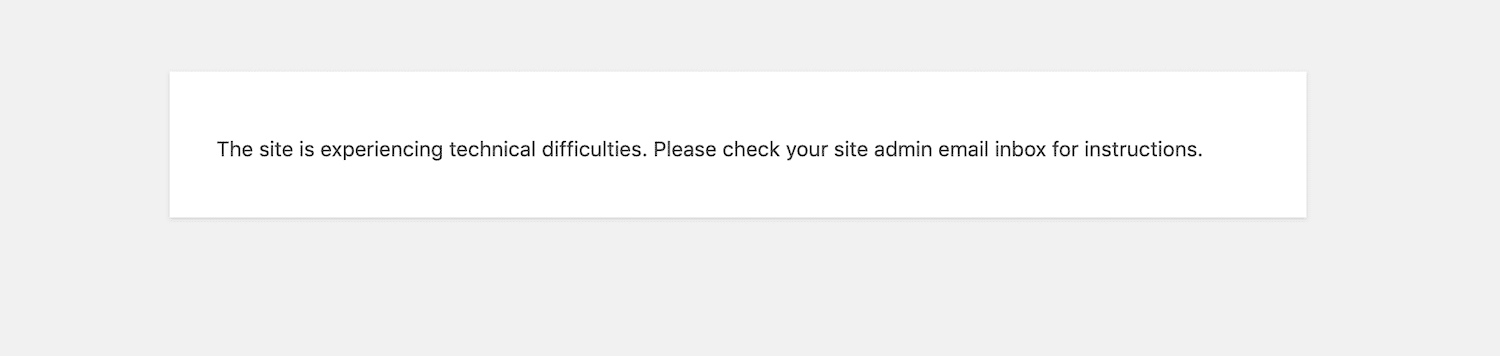
Activating Disable Fatal Error Handler your website will not send any email in case of fatal errors.
When you work on a website and you don’t want the administrators receive an email every time the website triggers a fatal error, just activate this plugin.
Disable Fatal Error Handler adds a constant in wp-config.php. You would not need this plugin if you remembered that constant and you have access via FTP.
In my case I prefer remembering „Disable Fatal Error Handler“, search it in the plugins page, install and activate it, and that’s it.
Help
If you need help open a thread on the support forum of this plugin. Please, before posting enable the debugging in wp-config.php. Need a step-by-step guide? Read this detailed tutorial on how to enable debugging in WordPress to learn more.