
Easy Map- Store Locator Plugin for WordPress (No API Key Required)
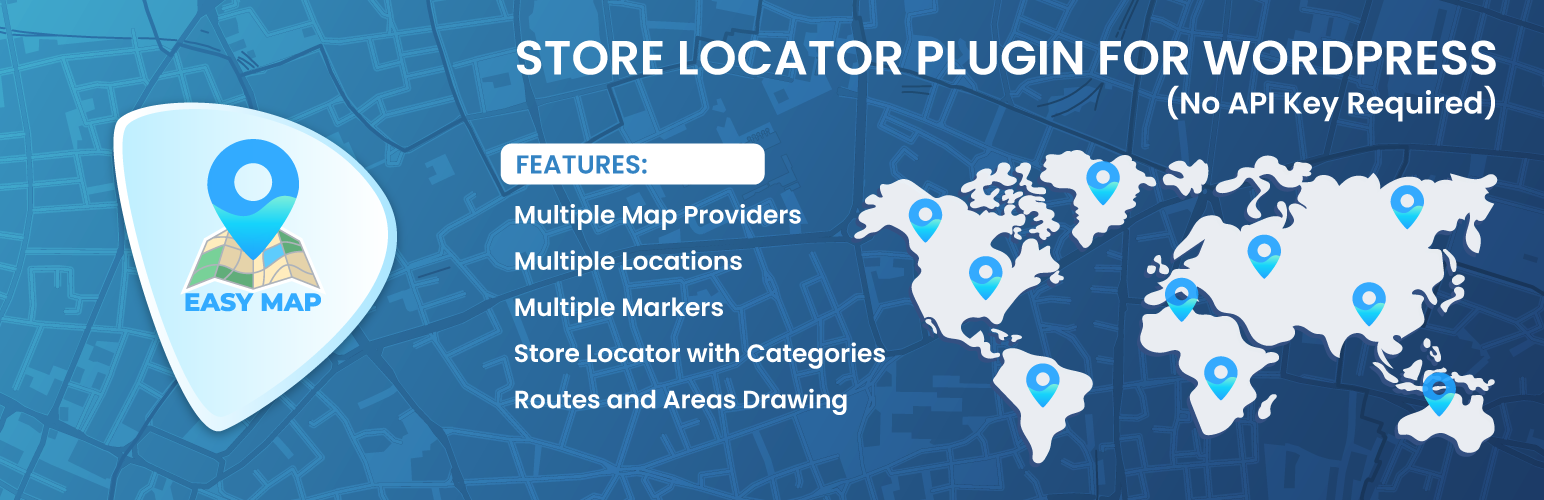
Easy Map is a lightweight WordPress store locator plugin that helps you create interactive maps, display multiple business locations, and add store finder functionality to your website. With OpenStreetMap and Leaflet support, Easy Map lets you create maps without setting up a Google Maps API key when using OpenStreetMap
Whether you manage retail stores, restaurant branches, clinics, offices, service areas, or custom locations, Easy Map makes it easy to add maps to WordPress using shortcodes or Gutenberg blocks. You can also use Google Maps or Bing Maps with an API key if your project requires those map providers.
Map Demo | Store Locator Demo | Support
Why Choose Easy Map – Store Locator Plugin for WordPress ?
Choose Easy Map if you want a simple way to add interactive WordPress maps and store locator functionality to your website.
- Create maps without an API key using OpenStreetMap
- Add a store locator for multiple business locations
- Display custom map markers with location details
- Use OpenStreetMap, Google Maps, or Bing Maps
- Add maps using shortcodes or Gutenberg blocks
- Draw routes, areas, circles, rectangles, and polygons
- Build responsive maps for business websites, directories, and local services
- Manage maps with beginner-friendly settings inside WordPress
No API Key Required with OpenStreetMap
One of the biggest advantages of Easy Map is that you can create WordPress maps using OpenStreetMap without setting up a Google Maps API key. This makes the plugin easier for beginners, small businesses, and website owners who want to display locations without dealing with Google Cloud billing or API configuration.
With OpenStreetMap support, you can:
- Add maps without Google Maps API setup
- Avoid complicated billing configuration for OpenStreetMap maps
- Create store locator maps faster
- Use an open-source map provider
- Keep Google Maps and Bing Maps as optional providers when needed
Easy Map is a useful Google Maps alternative for WordPress users who want a flexible map plugin with OpenStreetMap and Leaflet support.
Key Features of Easy Map
Easy Map includes the essential tools you need to create interactive maps, store locators, custom markers, and location-based displays inside WordPress. From choosing map providers to adding shortcodes and drawing custom areas, each feature is designed to make map creation simple for beginners and flexible for advanced users
Multiple Map Providers
Easy Map gives you flexibility by supporting multiple map providers. You can use OpenStreetMap for a simple no-API-key setup, or connect Google Maps and Bing Maps if your project requires those providers. This makes Easy Map useful for different types of WordPress websites, from small business websites to location-based directories.
Store Locator with Categories
Easy Map helps you create a store locator for your WordPress website so visitors can find business locations, branches, offices, or service points from one interactive map. You can organize locations using store categories, making it easier for users to understand different location types.
Useful for:
- Retail outlets
- Restaurant branches
- Clinic locations
- Service centers
- Franchise stores
- Local business directories
Multiple Markers and Locations
With Easy Map, you can add multiple markers and locations to your WordPress map. This is useful for businesses that need to display branches, offices, service points, or custom locations. Each marker can help visitors understand where a location is and interact with the map more easily.
You can use map markers to show business locations, addresses, service points, or other important places directly on your website.
Drawing Tools for Routes and Areas
Easy Map includes drawing tools that help you create more than simple location markers. You can use drawings to show routes, boundaries, service areas, and custom map zones.
- Use polylines to show routes or paths
- Use polygons to show service areas or boundaries
- Use rectangles to highlight specific map regions
- Use circles to show coverage areas or radius-based locations
- Use circle markers for custom visual points
These drawing tools can be helpful for delivery zones, service areas, property boundaries, routes, and local coverage maps.
Shortcode Support
Easy Map supports shortcodes, so you can add maps, store locators, markers, and drawings to pages, posts, widgets, or other supported areas of your WordPress website
[easy-map]
[easy-map ID="168"]
[easy-map-store-locator ID="1"]
[easy-map-marker ID="1"]
[easy-map-drawing ID="1"]
This makes it easy to display a map exactly where you need it without editing theme files.
Gutenberg Block Support
Easy Map also supports the WordPress block editor, so you can add maps using Gutenberg blocks without manually placing shortcodes every time. This makes it easier for beginners and content editors to insert maps while building pages or posts inside WordPress.
Map Customization Options
Easy Map includes useful customization options so you can adjust how your map looks and behaves on your website.
- Set custom map height
- Control default zoom level
- Adjust zoom control position
- Enable or disable scroll wheel zoom
- Use fullscreen map mode
- Configure popup behavior for markers
- Create responsive maps for different screen sizes
Perfect For Different Business Types
Easy Map is useful for any business or website that needs to display locations, branches, service areas, or custom map points. Whether you run a local store, restaurant chain, healthcare service, real estate website, or service-based business, the plugin helps visitors find important location information through interactive WordPress maps.
Retail Stores and Franchise Locations
Retail stores and franchises can use Easy Map to display branch locations, outlets, and nearby stores on a single interactive map. This helps customers quickly find the closest location and get the information they need before visiting.
Restaurants, Cafes, and Food Businesses
Restaurants, cafes, and food businesses can use Easy Map to display branch locations, service areas, or delivery zones. This makes it easier for visitors to find nearby branches or understand where the business operates.
Healthcare and Medical Services
Healthcare businesses can use Easy Map to show clinic locations, pharmacy branches, hospitals, or diagnostic centers. A clear location map helps patients find the right branch or service center more easily
Real Estate and Property Listings
Real estate agencies can use Easy Map to display property locations, rental listings, land areas, or neighborhood zones. Drawing tools like polygons and rectangles can also help highlight property boundaries or service regions.
Service Area Businesses
Service area businesses can use Easy Map to show delivery zones, coverage areas, and operating regions. This is useful for local service providers, delivery businesses, repair companies, and agencies that serve specific locations.
Easy Map Free Features
The free version of Easy Map includes essential map and store locator features for WordPress users.
- OpenStreetMap support without API key setup
- Google Maps and Bing Maps support with API key
- Store locator functionality
- Store category management
- Multiple map markers and locations
- Drawing tools for routes, areas, and boundaries
- Shortcode support for maps, markers, drawings, and store locators
- Gutenberg block support
- Custom map settings
- Responsive map display
These features make Easy Map a practical free WordPress map plugin for websites that need store locator maps, business location maps, or interactive map displays.
Upgrade to Easy Map Pro
Need more advanced map and store locator options? Easy Map Pro adds extra features for growing websites, large directories, and multi-location businesses.
- Marker clustering for maps with many locations
- Geo search for store locator and custom maps
- Custom marker icons and marker colors
- Dynamic location selection from dropdown
- Dynamic drawing selection from dropdown
- Advanced location and store management options
- More flexible store locator experience
Easy Map Pro is useful when you need advanced WordPress store locator plugin features for larger maps, location directories, or business websites with many locations.
Shortcode Examples
Easy Map supports shortcodes so you can display maps, store locators, markers, and drawings anywhere on your WordPress website. Copy the shortcode you need and paste it into any page, post, widget, or supported page builder area.
Basic Map Shortcode
[easy-map]
Display a Specific Map
[easy-map ID="168"]
Store Locator Shortcode
[easy-map-store-locator ID="1"]
Marker and Drawing Shortcodes
[easy-map-marker ID="1"]
[easy-map-drawing ID="1"]
Video Tutorial
Watch the Easy Map video tutorial to learn how to create your first WordPress map, add markers, configure map settings, and display the map on your website using a shortcode or Gutenberg block.
Support
Need help using Easy Map? You can check the documentation for setup guides, shortcode examples, and feature instructions. For plugin issues, questions, or feature requests, please use the WordPress.org support forum or contact the WP Easy Soft support team
JS Libraries Used
The Third party libraries, non-compiled version of JavaScript and/or CSS-related documentation and source code can be found at the following links:
- assets/js/leaflet/leaflet.js: Leaflet an open-source JavaScript library for mobile-friendly interactive map. Documentation, Source Code
- assets/js/leaflet/Leaflet.draw.js: Leaflet.draw, a plugin that adds drawing and editing tools to Leaflet powered maps. Source Code
- assets/js/leaflet/GoogleMutant.js: Leaflet plugin to display Google maps baselayers using DOM mutation observers. Source Code
- assets/js/leaflet/leaflet-bing-layer.js: Bing Maps Layer for Leaflet. Source Code