
GDPR Data Request Form
Dieses Plugin benutzt WordPress-Core-Werkzeuge für DSGVO(GDPR)-Konformität.
Since release 4.9.6, WordPress admin has some tools to handle Privacy User Requests. Administrators are able to create Data Request for every users in order to send or erase users data. This plugin allow website administrators to display Data Request Forms in front-end, for example in your Privacy Policy Page.
Easily integrate a Personal Data Request Form for your visitors/users in front-end, with some options: – Personal Data Export – Personal Data Erasure – Both of them
It’s easy to integrate:
-
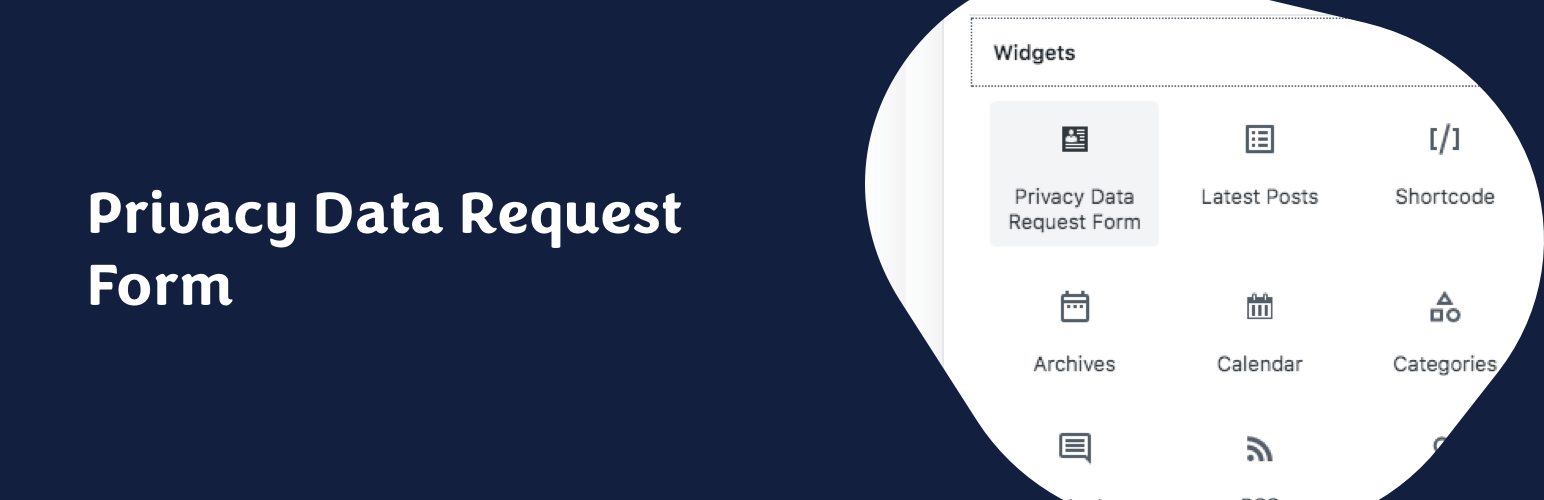
Widget The widget allows to integrate Data Request Form in your theme widget areas. It comes with three options: Form Title, Form Description Paragraph and Form Type.
-
Gutenberg Block (since 1.4!) The Gutenberg Block makes it even easier to integrate front-end forms in your website. The block allows you to choose the type of form you need.
-
Shortcode [gpdr-data-request] shortcode allows to integrate Data Request Form where you need. This shortcode has no parameter.
-
PHP Function echo gdrf_data_request_form( $args ) function allows to integrate Data Request Form where you need. This function has some parameters and filters (see FAQ section below). Don’t forget to
echothe function.
GDPR Data Request Form is using AJAX to provide clean and user-friendly forms in front-end. You can integrate them in any page of your website (like your Privacy Policy Page) or in your sidebar/footer.
The email address of the Data Protection Officer (DPO) can be changed in the Privacy Settings screen (Settings > Privacy).
Ablauf einer Anfrage:
- Der Benutzer/Besucher benutzt dein Anfrageformular bezüglich personenbezogener Daten, um deren Export oder Löschung zu beantragen.
- A request is created in WordPress Tools > Export/Erase personal data.
- Eine E-Mail wird an den Benutzer/Besucher gesendet, um diese Anfrage zu bestätigen.
- The user request is set to Confirmed in Tools > Export/Erase personal data.
- Eine E-Mail wird an den Administrator der Website geschickt, um die Anfrage zu bestätigen.
- Die personenbezogenen Daten werden per E-Mail an den Benutzer/Besucher versendet (der Download-Link ist 3 Tage lang gültig) oder gelöscht, je nach Anfragetyp.