
Marivya Lesson Planner
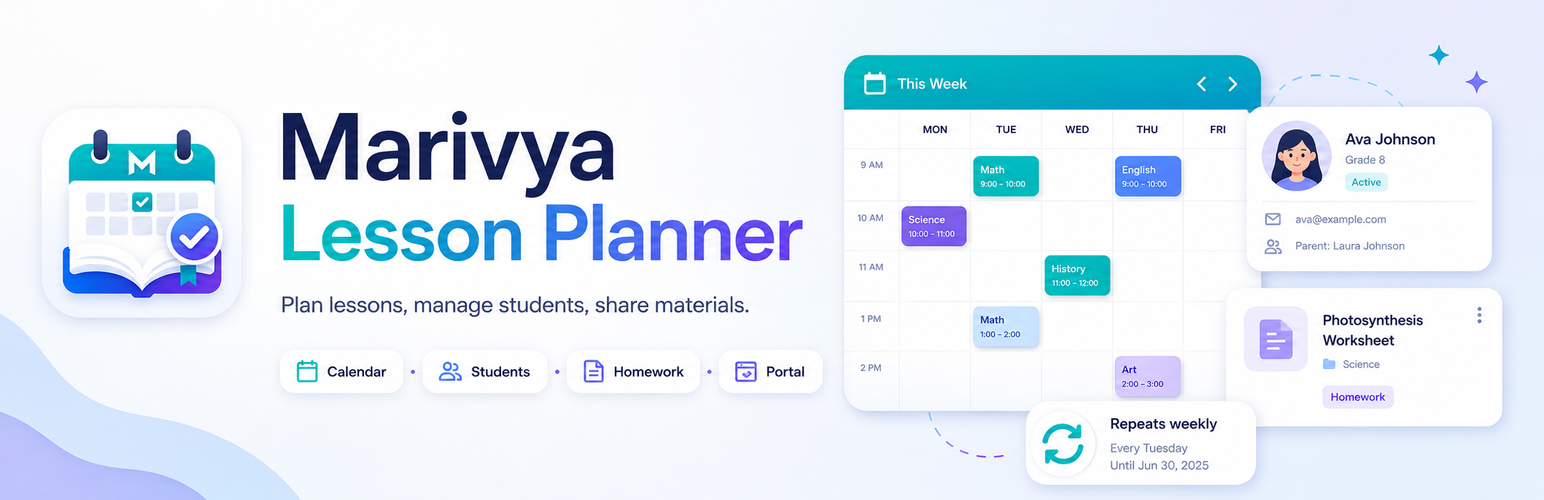
Marivya Lesson Planner helps tutors, private teachers, language teachers and coaches manage students, lessons and shared materials inside WordPress.
It includes a simple Student Portal that students can open via a magic link or PIN, so they can see upcoming lessons and notes without creating WordPress accounts.
Highlights – Manage Students, Lessons, and Materials as dedicated WordPress admin screens. – Create recurring lesson copies from one lesson: weekly, every 2 weeks, or monthly. – Use lesson fields for date, time, duration, status, meeting link, notes and homework. – Move lessons in the weekly calendar with drag and drop. – Attach materials to a student or keep them global. – Give students portal access via magic link or PIN. – Send teacher email reminders and export upcoming lessons as an ICS calendar file. – WordPress privacy integration: personal data exporter and eraser. – No telemetry. No external services required.
Simple recurring lessons are included in the free version. A future Pro add-on may add advanced recurring rules, student reminders, billing helpers and a richer portal.
This plugin is independent and not affiliated with any LMS vendor.
How it works
- Create a Student.
- Add a Lesson with date, time and duration.
- In the lesson editor, use Repeat lesson to create future weekly, biweekly or monthly lesson copies.
- Optionally attach Materials to the student.
- Open a student and use the Student Portal access box to generate a magic link or set a PIN.
- Students access the portal from the link or by PIN. A secure session cookie keeps them logged in for 30 days.
Privacy
- Includes a personal data exporter and eraser (
Tools → Export/Erase Personal Data). - Student portal session cookie:
marivya_lp_portal(HTTP-only, SameSite=Lax, Secure on HTTPS), expires in 30 days. - Magic links expire after a chosen number of days (default 7).
- No personal data is sent to third parties.