Migkapa Agent Chat
·
Embed OpenAI Agent Builder workflows into WordPress via a Gutenberg block, shortcode, and optional floating widget.
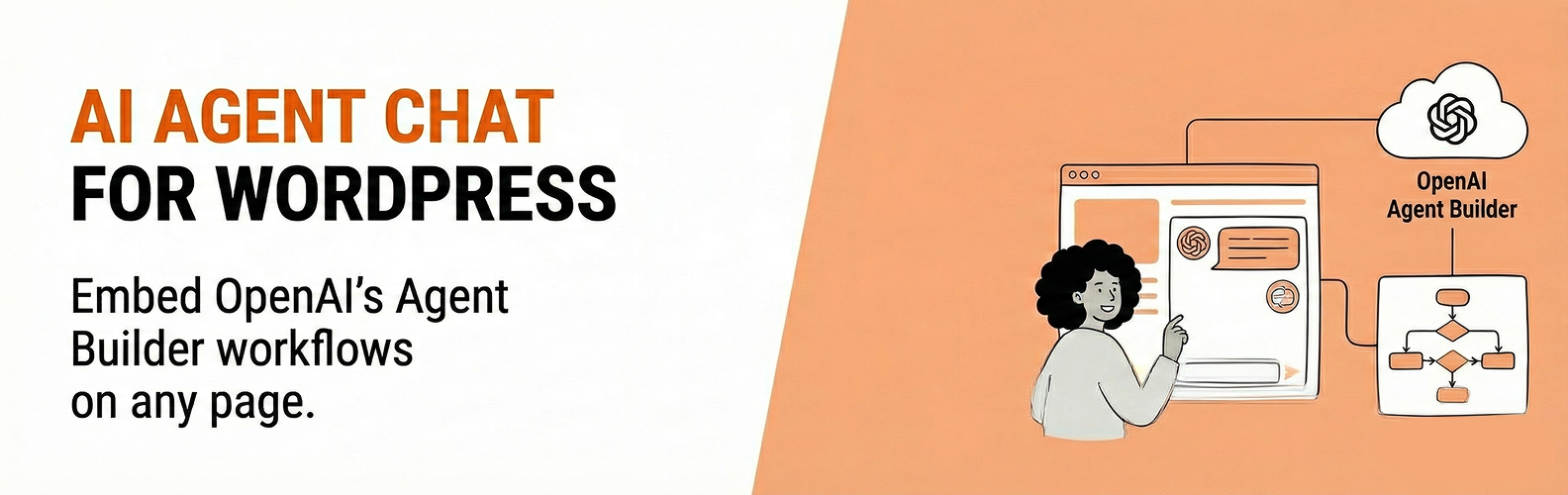
Embed AI chat widgets powered by OpenAI Agent Builder on your WordPress site. Connect to workflows you create in OpenAI’s Agent Builder platform, allowing you to add AI-powered chat assistants to any page.
Features:
- Gutenberg block for easy placement
- Shortcode support:
[migkapa_agent_chat] - Optional floating chat widget (site-wide)
- Customizable appearance (colors, size, position)
- Secure server-side API key handling
This plugin creates chat sessions server-side using your OpenAI API key and workflow ID, then returns a client_secret to the browser. Your OpenAI API key is never exposed to visitors.
Requirements
- An OpenAI account with API access
- An Agent Builder workflow (see setup instructions below)
- An OpenAI API key with Agent Builder permissions
- Your website domain added to OpenAI’s domain allowlist (see installation instructions)
External Services
This plugin connects to OpenAI’s servers to provide AI chat functionality.
OpenAI API (https://api.openai.com)
- Purpose: Creates chat sessions and processes chat messages
- Data sent: API key (server-side only), workflow ID, chat messages, session metadata
- Terms of Use
- Privacy Policy
OpenAI CDN (https://cdn.platform.openai.com)
- Purpose: Loads the chat web component script
- Data sent: Standard HTTP request headers
- Terms of Use
- Privacy Policy
You should disclose this external data transmission in your site’s privacy policy.
Shortcode
[migkapa_agent_chat height="600" width="320" workflow="wf_..." classname="my-class"]
workflowis optional; if omitted, the global Workflow ID from settings is used.
Dieses Plugin steht für deine -Website zum Download zur Verfügung.