
Max Mega Menu
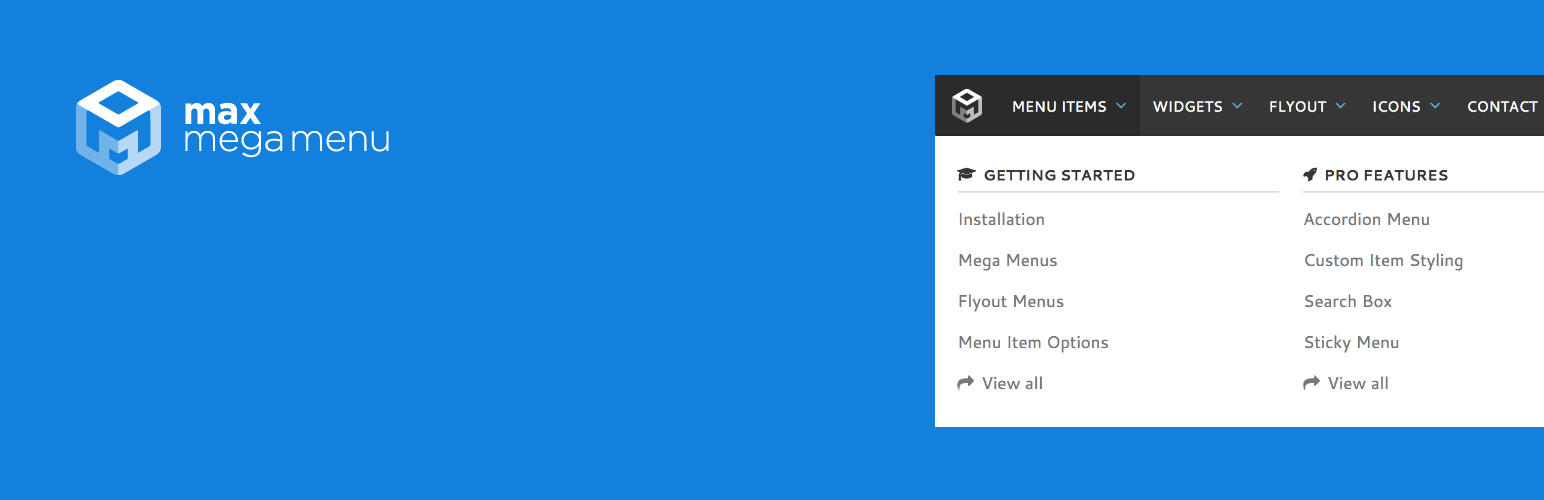
Max Mega Menu is a complete menu management plugin for WordPress, built for the block editor, page builders and classic themes.
Create new menus from scratch or enhance your existing ones. With Max Mega Menu you can add WordPress widgets, blocks or custom HTML to your sub menus, style everything with the built in theme editor, and fine tune behaviour with powerful settings.
Place menus via a block, page builder element (Bricks, Divi & Elementor), shortcode, widget or wp_nav_menu. The result is a light weight, user friendly, accessible and touch ready mega menu with just a few clicks.
Documentation & Demo: https://www.megamenu.com
Mobile
- Native touch event support
- Built-in off-canvas mobile menu option
- Set your own responsive breakpoint
- For items with sub-menus, control what happens on first and second tap – open/close or open/follow link
- Option to hide sub-menus on mobile
- Customisable mobile toggle bar – adjust elements to match your site design
Características
- Extends the native WordPress menu system
- Restores the Appearance > Menus screen in full site editing themes
- Supports multiple menu locations, each with its own configuration
- Organise sub-menu content into rows and columns with the grid layout builder
- Display any WordPress widget or Block Pattern in your menu
- Traditional Flyout or Mega Menu sub-menu styles
- Hover, hover intent, or click to open sub-menus
- Sub-menu transitions: fade, fade up, slide up, or slide
- Fully customise menu styling with the built in theme editor
- Add icons to menu items
- Per item options: hide text, disable link, hide on mobile and more
- Align items to the left or right of the menu bar
- Align sub-menus to the left or right of their parent item
- Off-canvas (slide in from left or right) or standard dropdown mobile menu
- Place your menu via block, widget, shortcode, or automatic integration
- Native Divi module and Elementor widget
Accessibility
- Keyboard Navigation built in
TABactivates keyboard navigation and navigates through the menuENTERorSPACEon a sub menu arrow indicator shows/hides the sub menuESCcloses all open sub menus
Max Mega Menu is developed with a focus on code quality, performance and usability.
- No
!important, inline or block CSS – menus are styled via a single static CSS file - Less than 2kb of JavaScript (gzipped)
- Responsive, touch and retina ready
- Keyboard navigation supported
- Tested across all modern desktop and mobile browsers
- Low memory footprint
- Supports all core
nav_menu_*filters (prefix with mega_) - In-depth documentation included
- Basic support included with the free version
Pro Features:
- Tabbed Mega Menus
- Menú persistente
- Vertical & Accordion Menus
- FontAwesome, Genericon & Custom Icons
- Custom Item Styling
- Menu Logo
- Search Box
- WooCommerce & EDD support
- Google Fonts
- Roles & Restrictions
- Mobile toggle blocks
- Automatic updates
- Priority Support
Find out more: https://www.megamenu.com/upgrade/