
PDF-Preview inside File-Block
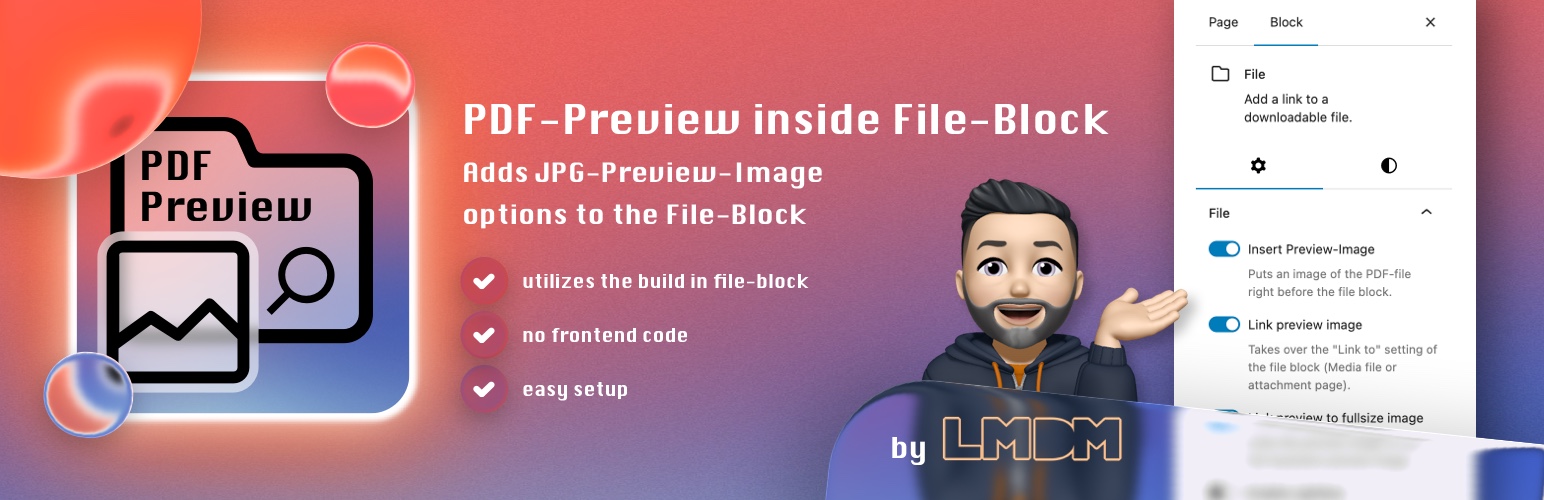
Did you know that WordPress generates a thumbnail image file when uploading a PDF-file? This works when the PHP Extension imagick and Ghostscript is available! It won’t work with GD library! You know they are present and it’s working, when you upload a PDF-file in the media library and you immediately see a thumbnail of the file. Now that thumbnails are available my plugin hooks into the Gutenberg file-block to automagically inserting that thumbnail right before the file block. Besides that it also provides some more options:
Plugin Features
✔ a toggle to insert an preview image before the file block
✔ a toggle to link the preview image with the «link to» settings value of the file block
✔ a toggle to link the preview image with itself to the full-size image
✔ a toggle to enable the Lightbox-Effect on the preview image (enable in settings)
✔ a setting to choose the size of the preview image: thumbnail, medium, large
✔ a settings page to define default for image size and show inline embed default value and a height in pixels default value
✔ when activating the plugin, the show inline embed option of the file block gets disabled by default
✔ the preview image link target is based on setting of file-block (open in new tab)
✔ adds new block styles to file block with just a few inline css code
✔ this plugins main goal is to be very lightweight and avoid loading any additional assets and saving DOM performance. It just uses 3 files.
This plugin requires imagick and Ghostscript! A good WordPress web hosting has it installed by default.