
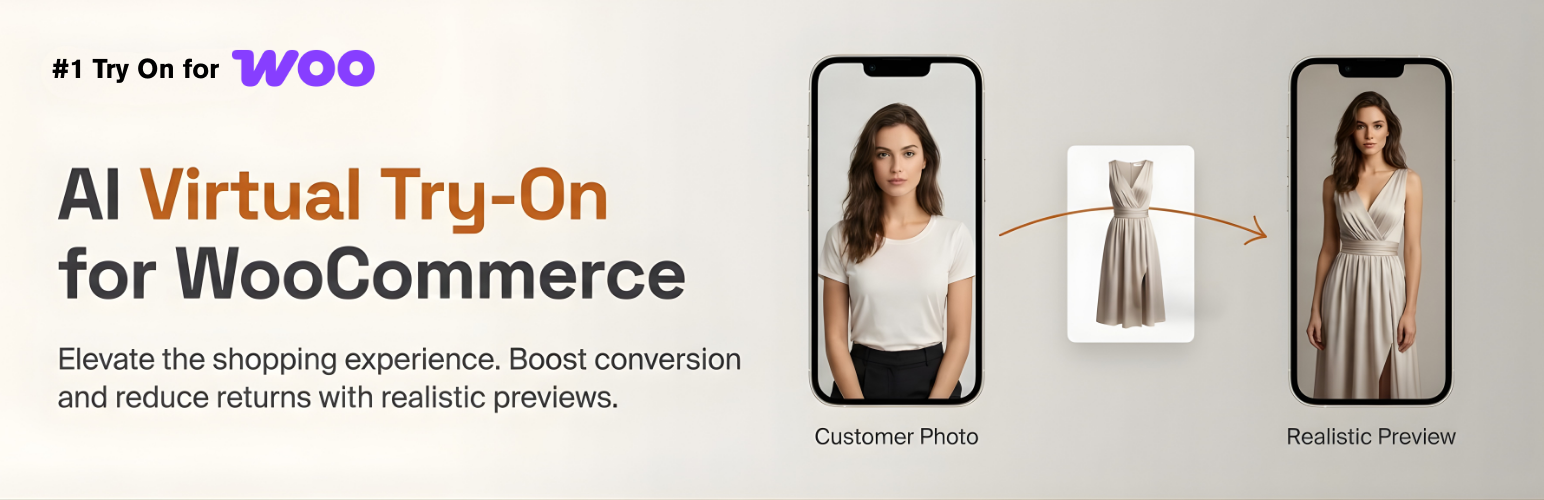
Preview AI is an AI-powered Virtual Try-On plugin for WooCommerce. Shoppers upload a photo and instantly see how a product looks on them — right on the product page, without leaving your store 👕✨
Customers who use virtual try-on convert at 3× the rate of those who don’t.
- 📈 3× higher conversion — shoppers who try on buy more
- 🔄 Fewer returns — expectations match reality before checkout
- ⏱️ More time on site — customers stay longer exploring products
- 💰 Higher average order value — confidence drives bigger carts
Try it yourself on the live demo →
Why it works
Most fashion shoppers hesitate not because of price, but because they can’t picture themselves in the product. Preview AI removes that friction at the most critical moment — the product page.
With a simple «Virtual Try-On» button, shoppers upload a photo and get a realistic AI-generated preview in seconds. No apps to install, no disruption to the checkout flow.
Benefits for merchants
- 🎨 Fully customize the button (color, text, shape, position)
- ⚡ Zero performance impact — AI runs on external infrastructure
- 📊 Built-in analytics to measure try-on impact on sales
- 🔌 Works with WooCommerce hooks, shortcode, or Elementor widget
Analytics & conversion tracking 📊
Preview AI includes an analytics panel designed to help merchants measure real impact.
Track: * How many shoppers use the Virtual Try-On feature * How many previews are successfully generated * Conversion performance of users who interacted with Virtual Try-On * Feature adoption across your product catalog
This allows you to understand not just usage, but how Virtual Try-On contributes to conversions — helping you optimize product pages and justify ROI.
Fully customizable & theme-friendly 🎨
Preview AI is designed to work seamlessly with any WooCommerce theme.
Customize: * Button color and styling to match your brand * Button text and labels * Button position on the product page * Placement via WooCommerce hooks, shortcode, or Elementor widget
You can start with the default setup and progressively customize the experience without touching code.
Features
– AI-powered virtual try-on from a single photo – Supports: – Upper-body garments (t-shirts, shirts, jackets, hoodies) – Lower-body garments (pants, skirts) – Dresses and full-body outfits – Shoes – Virtual Try-On button on WooCommerce product pages – Elementor widget + shortcode support – Customizable button (color, text, position) – Analytics dashboard with usage & conversion insights – Automatic product type classification – Mobile-first, responsive design – Performance-friendly external AI architecture
External Service Disclosure
This plugin connects to an external service operated by Preview AI.
Service Provider: Preview AI Service URL: https://previewai.app Terms of Service: https://www.previewai.app/terms/terms-and-conditions Privacy Policy: https://www.previewai.app/terms/privacy-policy
Data transmitted to the service:
- Virtual try-on generation — Product images and a customer-uploaded photo are sent to generate the try-on preview. Customer photos are processed in real time and are not stored permanently.
- Conversion attribution (opt-in) — When enabled in Settings > General > Advanced Analytics, anonymized order metadata (order ID, order total, currency, and product IDs) is sent when an order is completed or refunded to measure the impact of virtual try-on on sales. This feature is disabled by default and requires explicit activation by the store administrator. No customer personal data (name, email, address, or IP) is transmitted.
All communication is authenticated via the store’s API key and transmitted over HTTPS. A free usage tier is included so the plugin is functional immediately after activation.
Compatibility
– WooCommerce: Optimized for current versions – Elementor: Includes a widget for custom product templates – Themes: Compatible with Astra, Hello Elementor, OceanWP, and most WooCommerce themes – Responsive across all modern devices