
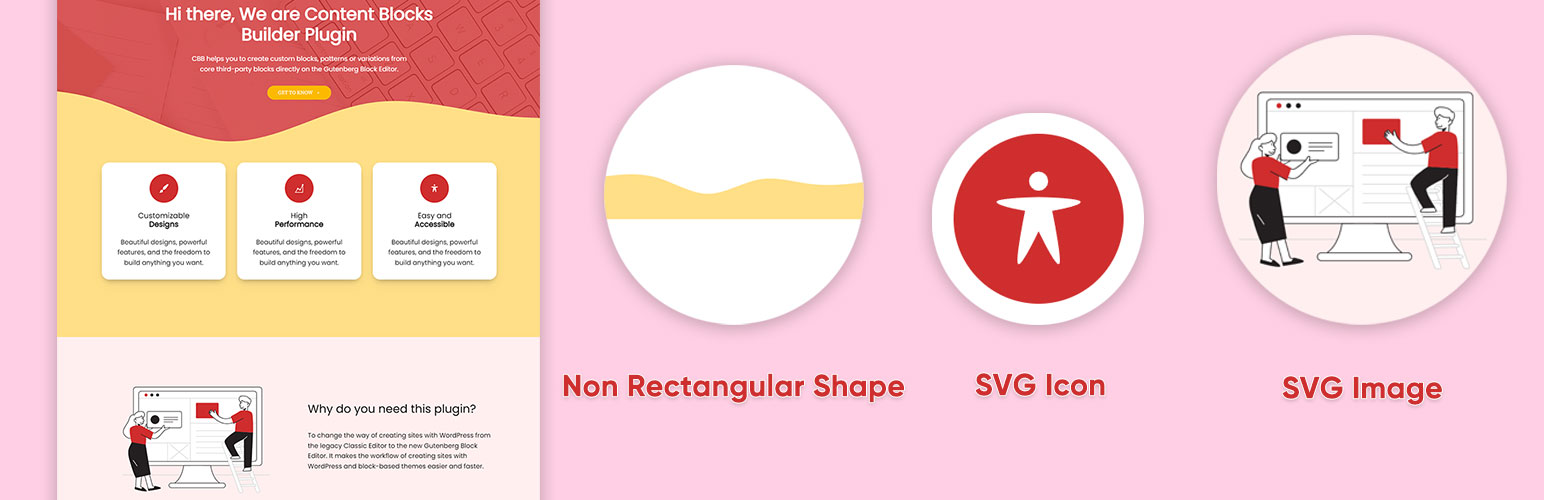
This SVG block allows you to display SVG images as inline HTML markup. You can either choose an icon from the icon library with more than 3000 icons or you can upload or input your custom SVG images directly in the block’s setting.
It also allows you to upload SVG images to the WordPress media library, and load them into the icon library. Only SVG files that have XML declaration at the top like <?xml version="1.0" encoding="utf-8"?> can be uploaded to the WordPress media library.
Key Features
- Accesibilidad preparada con el perfil «img», genera automáticamente el título y la descripción a partir de los ajustes.
- Depura automáticamente el marcado SVG para hacerlo seguro y ligero.
- Incluye casi todos los ajustes para personalizar la imagen SVG.
- Incluye una colección de divisores comunes no rectangulares.
- Una biblioteca de iconos que incluye «Iconos de Bootstrap», «Ionicons», «Dashicons» y nuevos «iconos de WordPress».
- Allow uploading SVG images to the WordPress media library
- Automatically load SVG images from the media library into the icon library
Videotutoriales
How to create an icon with custom styles using the icon library:
How to create a non-rectangular background section:
How to create icon buttons:
Please take a look at these custom block patterns that use this block to see how it can be applied to real-world sites.
If this plugin is useful for you, please do a quick review and rate it on WordPress.org to help us spread the word. I would very much appreciate it.
Por favor, echa un vistazo a mis otros plugins si estás interesado:
- Content Blocks Builder – This plugin turns the Block Editor into a powerful page builder by allowing you to create blocks, variations, and patterns directly in the Block Editor without needing a code editor.
- Meta Field Block – A block to display custom fields as blocks on the front end. It supports custom fields for posts, terms, users, and setting fields. It can also be used in the Query Loop block.
- Icon separator – A tiny block just like the core/separator block but with the ability to add an icon.
- Breadcrumb Block – A simple breadcrumb trail block that supports JSON-LD structured data and is compatible with WooCommerce.
- Block Enhancements – Adds practical features to blocks like icons, box shadows, transforms, etc.
- Counting Number Block – A block to display numbers with a counting effect
- Better YouTube Embed Block – A block to solve the performance issue with embedded YouTube videos. It can also embed multiple videos and playlists.
El plugin se desarrolló usando @wordpress/create-block.