
AIT AI Admin Assistance
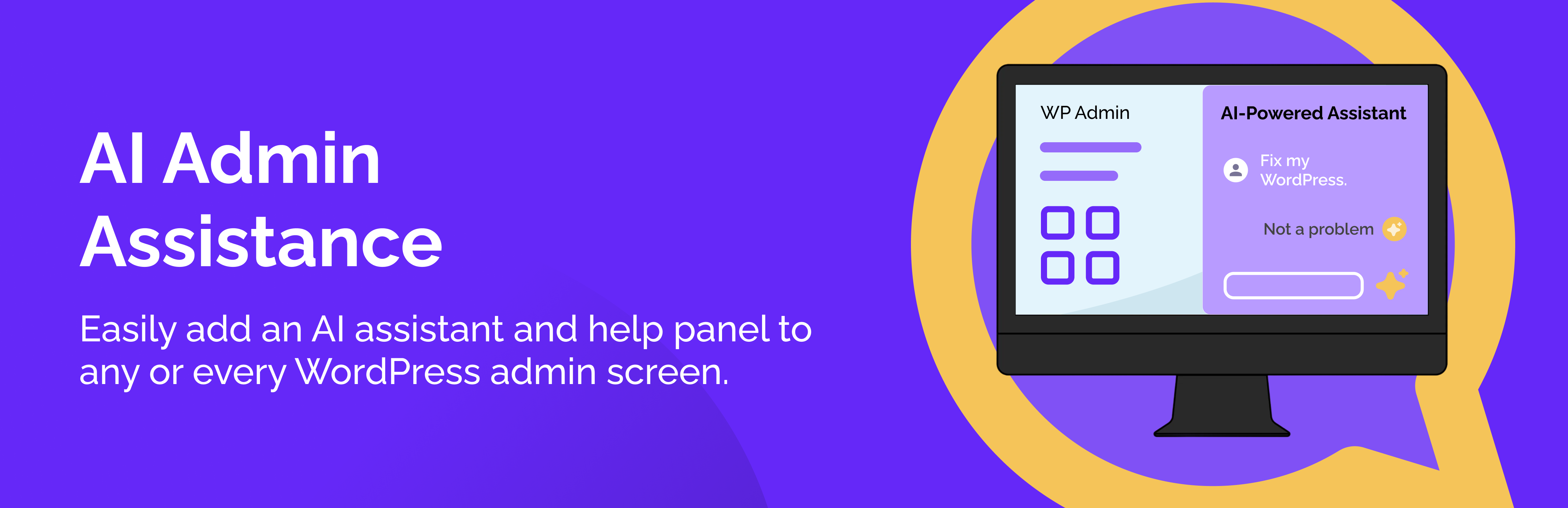
AI Admin Assistance adds an slide-in AI assistant and help panel to WordPress admin screens so you can find the right settings faster, follow step-by-step workflows, and keep important help links handy—all without leaving the page.
🌟 Pro | 📖 Documentation | ℹ️ Support
Use it as an « admin help hub » for your site (or client sites):
- Show Designer Guidance that’s relevant to the current screen (global + screen/post type/taxonomy targeting)
- Ask contextual AI questions right inside wp-admin (optional, can be disabled)
- Run Workflows (Pro) that guide admins through common tasks step-by-step
- Save answers and links as Bookmarks, filtered to the screen where you saved them
- Display Quick Links in the panel footer for fast access to docs or tools
- Control visibility by user role (only show the panel to the roles you want)
🔥 Key Features (Lite)
- 🧠 Ask AI: contextual AI assistance inside wp-admin
- ✅ Slide-in admin panel (right or left side)
- ✅ Designer Guidance (custom post type) with targeting:
- Global
- Screen-specific
- Post type
- Taxonomy
- ✅ Bookmarks (save AI answers + important links)
- ✅ Quick Links footer (configurable)
- ✅ Role-based visibility controls
- ✅ Optional UI preferences (remember open/collapsed state and panel width per user)
🌟 Pro Features (Upgrade)
- 🧠 Ask AI Conversations: continue the conversation to clarify or dive deeper into any admin issues
- 🧩 Workflows: guided, step-by-step admin tasks
- 🔁 Continue conversation (follow-up questions) and workflow resume support
- ℹ️ Inline Guidance
- ✅ Configure acknowledgements that can be shown to users, including critical ones that block access until accepted.
- ⬆️ Easily export settings and/or guidance and/or workflows, so you can import them into another site.
- ⚙️ Additional configuration options, advanced controls and styling options.
External Services
This plugin can connect to the OpenAI API to generate AI answers in the « Ask AI » feature (Pro).
When enabled, requests may include: – Your question text – The current admin screen context (screen ID, post type, taxonomy) – If you enable « Include extra page context »: visible headings and a schema of visible form fields (labels/types/names) without field values
You can disable AI features at any time in the plugin settings.
OpenAI policies: – Terms of service: https://openai.com/policies/row-terms-of-use/ – Privacy policy: https://openai.com/policies/row-privacy-policy/