3D Viewer – 3D Model Viewer – Augmented Reality – Virtual Try On
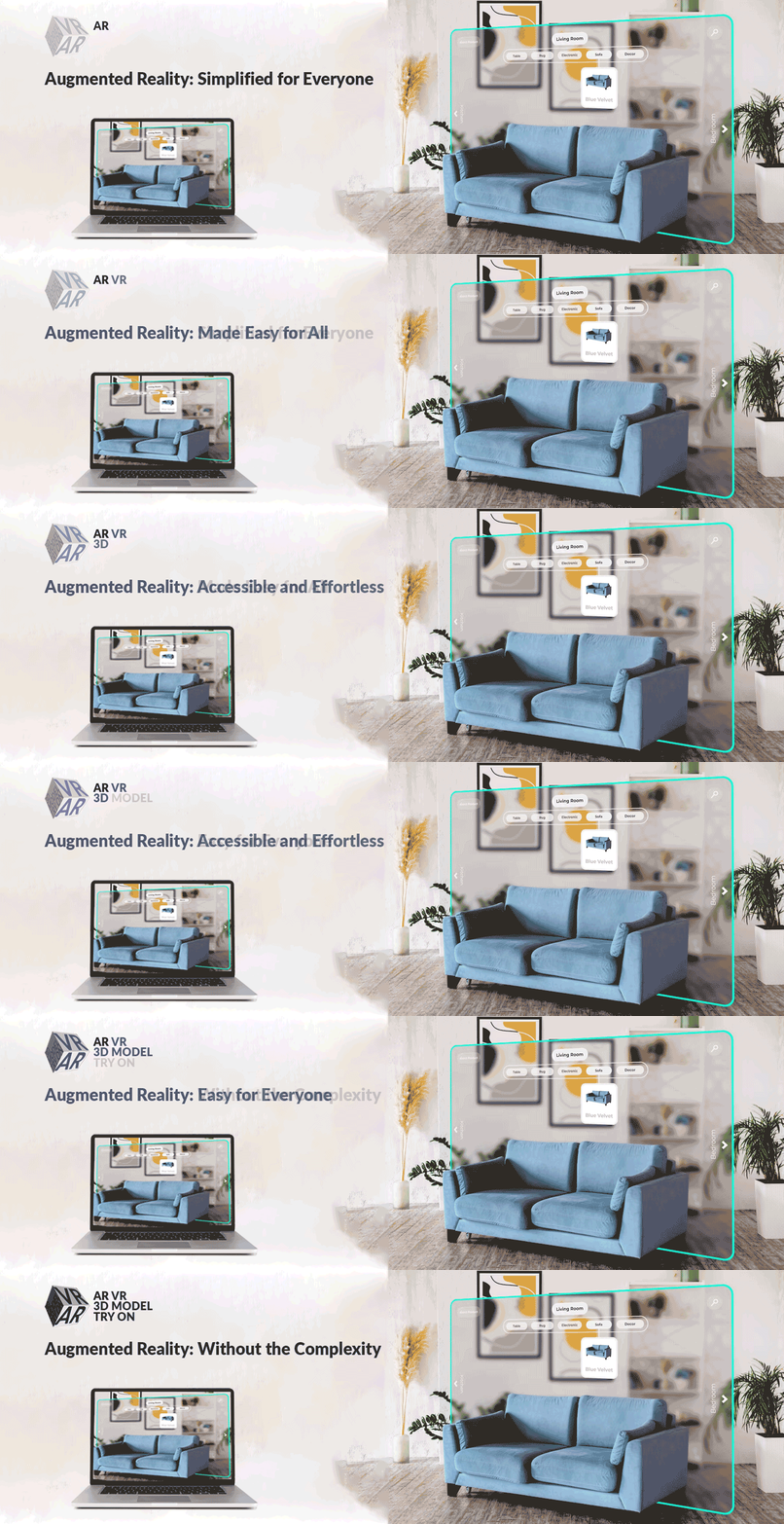
A complete 3D model viewer for WordPress and WooCommerce with built-in augmented reality and webcam virtual try-on — no apps, no coding. Let shoppers rotate, zoom and pan your .glb/.gltf models, place products in their real-world space on Android and iOS, or try on glasses and caps with the built-in AtlasTryOn viewer. Everything runs in the browser: the camera feed never leaves the shopper’s device, there’s no app to install and no account to create. All free, with unlimited model uploads.
🚀 AtlasTryOn — virtual try-on for glasses & caps, built into the free plugin. Shoppers can try on glasses, sunglasses and hats online right from the product page using their webcam — no app downloads, no extra setup, and the camera never leaves their device.
🎁 14-day Pro free trial included for the full AtlasTryOn Pro experience — head-pose tracking, HD watermark-free snapshots, multi-face detection, live calibration. Start your free trial →
Core features (Free):
- Rotate, zoom and pan 3D models on every product page (Google
<model-viewer>engine) - Mobile AR: floor + wall placement via Scene Viewer (Android) and AR Quick Look (iOS,
.usdz) - Unlimited model uploads — no caps on file count or size
- WooCommerce native: automatic « View in AR » button, simple + variable products
- Shortcode
[atlas_ar]+ Gutenberg block for posts/pages - QR code card for cross-device scanning
- AtlasTryOn webcam try-on for glasses, sunglasses, caps — unlimited products
- AI 3D model generator — Tripo3D and Meshy AI integration to create 3D models from a text prompt (admin-only; bring your own API key)
- Privacy by design — the camera feed stays on the shopper’s device; nothing is uploaded
Pro adds (separately installed plugin):
- Server-side compression for large model files (~80% size reduction)
- Interactive hotspots, real-world dimensions, image/model sliders in the metabox
- HD watermark-free try-on snapshots, head-pose tracking, multi-face detection, live calibration
- Bulk compression, analytics dashboard, multi-post-type AR, format conversion (FBX/OBJ/USDZ)
Pro pricing → · Live demos → · Video tutorials →
3D Model Generation
How to Generate 3D Models with Tripo3D API
- Generate your API key from the Tripo3D API.
- Copy the API key.
- Go to the AtlasAR metabox in the post edit screen.
- Click on the Integration tab.
- Paste your API key in the Integration settings and save.
- Now, go back to the Edit Post page.
- In the AtlasAR metabox, enter your prompt for the 3D model.
- Click on the Generate Model button.
- A
task_idwill be generated. - Wait a few seconds while the model is being processed.
- A
- Once the model is generated, a 3D preview will appear on the right side.
- Click on the Save This Model button to save the generated model and update the post data.
- After saving, you can view the generated 3D model on the front end of your site.
How to Generate 3D Models with Meshy AI API
- Generate your API key from the Meshy AI API.
- Copy the API key.
- Go to the AtlasAR metabox in the post edit screen.
- Click on the Integration tab.
- Choose Meshy AI 3D as the API, paste your API key, and save.
- Now, go back to the Edit Post page and open the AtlasAR metabox.
- Pick a model type — text_to_model (write a text prompt) or image_to_model (paste a public image URL, or pick a product image).
- Click on the Generate Model button.
- A
task_idwill be generated. - Wait a few seconds while the model is being processed.
- A
- Once the model is generated, a 3D preview will appear on the right side.
- Click on the Save This Model button to save the generated model and update the post data.
- After saving, you can view the generated 3D model on the front end of your site.
How It Works – 3 Simple Steps
- Install & Activate:
- In your WordPress admin panel, go to Plugins → Add New.
- Search for « AR VR 3D Model Try On ».
- Click « Install Now » and then « Activate. »
- Find the « AtlasAR » menu.
- Setup you basic settings.
- Upload Models:
- Navigate to a WordPress post eiditing screen
- Find the « AtlasAR » Metabox.
- Select the place where you want to display the 3D Model like Floor/Wall etc.
- Upload your Android Model:
.glb/.gltffile. - Upload your iOS Model:
.usdzfile. - Optionally, add a Poster Image (thumbnail) for the 3D model viewer.
- If your site is WooCommerce Store then first go to settings page of the plugin. And Look « Enable AR For Post Types » by default If would be
post' change it toproduct’ and save.
- Display 3D Model Viewer:
- The « View in AR » button is automatically placed on your WordPress Posts/WooCommerce product pages.
- For manual placement in other locations, you can use the shortcode:
[atlas_ar]. - Pro Users: Enable dimensions, hotspots, and sliders from the AtlasAR metabox settings.
Real-World 3D Viewer Applications
- 🪑 Furniture Stores: « Customers visualize sofas in their living rooms before buying. » Office Chair Demo
- 🖼️ Home Decor: « Preview wall art placement through phone camera. » Dining Armchair Demo
- 🛋️ Pro Feature – Dimensions: Show exact measurements in AR to answer « will it fit? » questions
- 🎨 Pro Feature – Configurators: Let customers customize furniture colors and materials before purchase
Competitive Advantages
Free Model Limits – Our Plugin: Unlimited ⭐ – Others: Often 1–10 models
iOS AR Support – Our Plugin: Full native .USDZ compatibility ⭐ – Others: Android-only or limited iOS support
WooCommerce Integration – Our Plugin: Native, seamless implementation ⭐ – Others: May require add-ons or hacks
Model Compression – Our Plugin: Automatic compression up to 70% savings ⭐ – Others: Manual compression required
Product Dimensions – Our Plugin: Real-world size display in AR (Pro) ⭐ – Others: No dimension features
Pro Version Features
🎯 Upgrade to Pro and unlock powerful features that boost conversions and reduce returns! 👉 See Pro Pricing Plans
Available Now in Pro:
⭐ Dimensions Display: * Show product measurements (length, width, height) directly in AR view * Help customers answer « will it fit? » before buying * Reduce returns caused by size mismatches * Perfect for furniture, appliances, home decor
⭐ Interactive Hotspots: * Add clickable information points on your 3D models * Educate customers about product features, materials, care instructions * Increase customer confidence and reduce support questions * Perfect for complex products like furniture, electronics, jewelry
⭐ Product Configurators (Sliders): * Let customers customize colors, materials, finishes, and options * Increase engagement and time spent viewing products * Higher average order value through personalization * Perfect for furniture, fashion, custom products
⭐ Automatic Model Compression: * Reduce 3D file sizes by up to 70% automatically * Faster loading times = better user experience * Uses industry-standard Draco geometry compression * Basis Universal texture compression for optimal quality * Keeps original files for backup
⭐ Per-Variation 3D Models: * Upload different 3D models for each product variation (color, size, style) * Critical for WooCommerce stores with variable products * Automatic model switching when customers select variations
⭐ Glass Mode Virtual Try-On: * Enable realistic virtual try-ons for eyewear and jewelry * Face tracking for accurate placement * Unique feature – no other AR plugin has this!
⭐ Multi-Model Scenes: * Display multiple products together in AR * Room planning and outfit builders * Advanced configurators
Coming Soon in Pro:
🚀 Advanced Analytics Dashboard (Q1 2026): * Track AR engagement, device types, placement attempts * See which products perform best in AR * Prove ROI with conversion tracking * Integration with Google Analytics
🚀 Background Processing & Bulk Compression (Q2 2026): * Compress large files in background (no upload delays) * Bulk compress your entire product catalog with one click * Queue system for processing multiple models
🚀 Desktop WebAR (Q3 2026): * AR experiences on desktop browsers (no phone needed) * Broader accessibility for all users
Pro Support & Updates:
- Priority email support (24-hour response time)
- Regular feature updates
- Early access to beta features
- Dedicated documentation
👉 Upgrade to Pro Now 💰 Starter Plan: Only $49.99/year – All Pro features for 1 site
Technical Specifications
- Supported 3D Formats:
.glb,.gltf(for Android/Web 3D),.usdz(for iOS AR Quick Look). - Mobile Device Requirements: Android 9.0+ with ARCore support, iOS 12+ with ARKit support.
- WooCommerce Compatibility: Version 3.0 and above.
- WordPress Compatibility: Version 5.0 and above.
- Performance: Models load asynchronously. Lazy loading implemented for archive pages to minimize performance impact. Optimized for mobile 3D rendering.
- Pro Compression: Draco geometry compression + Basis Universal texture compression for up to 70% file size reduction.
Start Your AR Journey Today
- Install the Free Version: Get started with unlimited 3D model uploads, no credit card needed.
- Upload Your First Model: Add a
.glb/.gltffile for Android/Web and a.usdzfile for iOS to a product. - Watch Engagement Soar: Provide interactive AR experiences.
- Upgrade to Pro: Unlock dimensions, hotspots, compression, and configurators to maximize conversions.
CHECK OUT OUR OTHER ADDONS 👑:
🔥 Text To Speech TTS Accessibility – Text To Speech TTS Accessibility is the most user-friendly Text-to-Speech tts plugin. Just install and automatically add a text to audio player to your WordPress site!. 🔥 Smart Local AI 🔥 Atlas AI Connector
External services
The third-party services below may be contacted. Each is used only when its feature is used. No visitor or product data is sent unless noted.
MediaPipe face tracking (Google / jsDelivr)
Powers the webcam Try-On feature. Only after a visitor clicks « Try It On », the browser downloads the MediaPipe WASM runtime from cdn.jsdelivr.net and the face-landmark model from storage.googleapis.com, then caches them. A plain HTTPS GET for static assets — no site, user, or visitor data is sent. The camera feed stays on the visitor’s device.
jsDelivr — Terms: https://www.jsdelivr.com/terms Privacy: https://www.jsdelivr.com/terms/privacy-policy-jsdelivr-net
Google — Terms: https://policies.google.com/terms Privacy: https://policies.google.com/privacy
3D model generation (Tripo3D / Meshy AI)
Admin-only. Only after an administrator enters their own API key and clicks « Generate 3D Model » is a request sent — to api.tripo3d.ai or api.meshy.ai — containing the admin’s text prompt or image plus their API key. No site visitor data is sent.
– Tripo3D — API keys: https://platform.tripo3d.ai/api-keys, Terms: https://www.tripo3d.ai/terms, Privacy: https://www.tripo3d.ai/privacy
– Meshy AI — API keys: https://www.meshy.ai/settings/api, Terms: https://www.meshy.ai/terms-of-use, Privacy: https://www.meshy.ai/privacy-policy
AtlasAiDev tracker (track.atlasaidev.com, icanhazip.com)
Opt-in, off by default (revocable anytime). When enabled, sends usage telemetry — plugin/WordPress/PHP versions, site URL/name/language, active+inactive plugin counts, admin name and email, and the site’s outbound public IP (resolved via icanhazip.com) — so AtlasAiDev can prioritise improvements. No visitor or product data is sent. AtlasAiDev — Terms: https://atlasaidev.com/terms-and-conditions/ Privacy: https://atlasaidev.com/privacy-policy/ icanhazip.com (Cloudflare) — Privacy: https://www.cloudflare.com/privacypolicy/
AtlasAiDev plugin catalog (raw.githubusercontent.com)
Fetches https://raw.githubusercontent.com/atlasaidev/plugins/main/plugins.json only when an admin opens the « Other AtlasAiDev Plugins » screen (cached 24h). No site or user data is sent beyond standard HTTP headers.
GitHub, Inc. — Terms: https://docs.github.com/en/site-policy/github-terms/github-terms-of-service Privacy: https://docs.github.com/en/site-policy/privacy-policies/github-general-privacy-statement
Bundled decoders (not an external service)
The DRACO, KTX2/Basis, and three.js Lottie decoders that <model-viewer> needs are bundled under public/js/vendor/decoders/ and served from your own site, so the plugin never fetches them from gstatic.com or cdn.jsdelivr.net.
Source code
The complete, unminified source (GPLv3) is on GitHub: https://github.com/azizulhasan/ar-vr-3d-model-try-on. The git tag matching each wp.org version is the exact source used for that release ZIP. Rebuild from a clean clone with composer install && npm install && npm run production.