
Easy Secure Login – Google One Tap & Sign-In
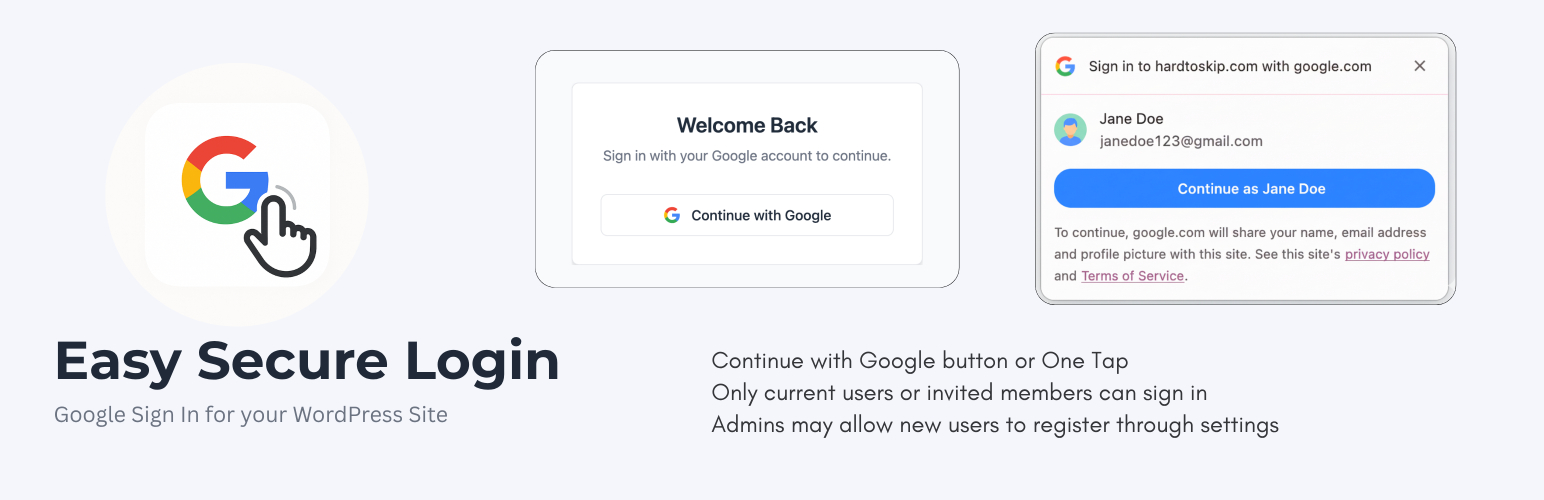
Easy Secure Login enhances your site’s security by integrating two powerful Google authentication methods: Google Sign-In and Google One Tap. It can optionally replace the standard WordPress password system entirely, offering a modern, passwordless login experience.
Born out of necessity after a real-world brute-force attack, this plugin was designed with the option to enforce a Google-only login policy. When that policy is enabled, Google authentication is restricted to verified accounts allowed by your user settings. It combines layered, Google-powered authentication safeguards with a modern interface, automatic user management, and a step-by-step setup wizard.
Key Features
- Optional Passwordless Security: Ability to completely disable standard password logins, forcing all users to authenticate via Google’s secure OAuth 2.0.
- Role-Based Redirects: Define custom landing pages for different user roles. Redirect subscribers to your homepage or a custom dashboard while keeping admins in wp-admin.
- Google Sign-In Button: A clean, modern « Continue with Google » button on the default login page or any custom login page through a shortcode.
- WooCommerce and Custom Login Pages: Add
[easy_secure_login]to page content, a shortcode block, or a custom PHP template withecho do_shortcode('[easy_secure_login]');. - Optional One Tap on Custom Pages: Use
[easy_secure_login one_tap="yes"]to show the button and request the Google One Tap prompt on a custom login page. - Google One Tap: Allows logged-in Google users to sign in instantly with a single click via a non-intrusive pop-up.
- Complete User Management: Whitelist specific Google accounts and assign roles, or allow open registration for any Google user.
- Google Profile Picture Sync: Automatically syncs and displays Google profile pictures as user avatars in WordPress.
- Built-in Security Hardening:
- Disable XML-RPC to prevent common attacks.
- Disable the plugin and theme file editor.
- Hide your WordPress version number.
- Restrict REST API access to logged-in users.
- Block direct access to sensitive core files.
- User-Friendly Setup Wizard: A clean, multi-step guide to get your Google Cloud credentials configured in minutes.
- Actively Maintained for the latest WordPress versions.
This plugin strengthens login security while improving the user experience.
External services
This plugin uses Google’s Identity Services to provide a secure authentication method (Google Sign-In and Google One Tap). To function, it connects to several Google APIs.
- Service: Google Identity Services (accounts.google.com)
- Purpose: This service is used to display the « Sign in with Google » button and the Google One Tap prompt. It handles the user authentication process directly in the user’s browser.
- Data Sent: This plugin initiates the authentication flow, but user data (like email and password) is entered directly on Google’s domain, not through this plugin. The plugin only receives a secure authentication token from Google after a successful login.
-
Terms and Policies:
- Google Terms of Service: https://policies.google.com/terms
- Google Privacy Policy: https://policies.google.com/privacy
-
Service: Google OAuth & People APIs (oauth2.googleapis.com, www.googleapis.com)
- Purpose: After a user authenticates, the plugin’s server sends the received authentication token/code to these Google APIs to verify its authenticity and retrieve basic user profile information (email, name, profile picture).
- Data Sent: An authentication token/code provided by Google is sent from your server to Google’s servers for validation.
- Terms and Policies:
- Google APIs Terms of Service: https://developers.google.com/terms