
Free Assets Library – Openverse/Pixabay 600+ Million Images
·
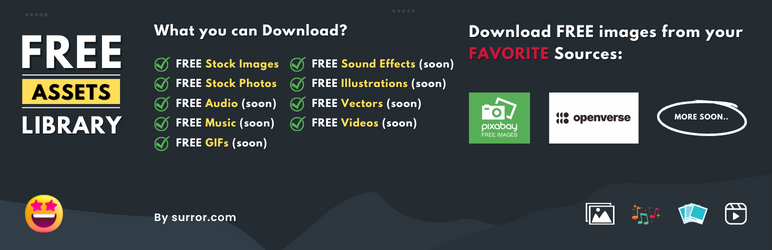
Free Assets Library is the #1 WordPress plugin which provides 600 Million FREE Images with 90,000+ downloads 🚀
Évaluations
Version
2.3.0
Installations actives
4K
Mis à jour récemment
May 27, 2026
Free Assets Library is the #1 WordPress plugin which provides 600 Million FREE Images with 90,000+ downloads 🚀
You can simply search your favorite images from 600+ millions of images from:
You can use the plugin with:
- Download from Media Popup
- Download from Admin Page
1. Download from Media Popup
- Go to Edit any post/page/custom post type
- Add an image to the post content
- Open media upload popup
- Select the Openverse or Pixabay tab
- Search for the image
- Click on the image
- Change image name, title, caption, description
- Click on the Download image
2. Download from Admin Page
- Go to
Media > Free AssetsLibrary - Select the « Openverse » or « Pixabay » tab
- Search for the image
- Click on the image
- Change image name, title, caption, description
- Click on the Download image
Read more in one page quick documentation.
Features:
- Zero configuration
- Download images from Openverse, Pixabay, and (soon more)
- Easy search from 600+ millions of images.
- Direct download into media library.
- Automatically set the image TITLE tag for SEO purpose.
- Automatically set the image ALT tag for SEO purpose.
- Automatically Image attribution (of original image author) in image description field for SEO purpose.
- Automatically create SEO ready images names.
- 100% safe, model released images.
- Quick support
Welcome for featured requests
If you have any suggestion or any featured request then don’t hesitate to contact.
Bug reports
Bug reports for « Free Assets Library » are welcomed in our Forum.
Further reading
For more info check out the following:
- The surror.com official website.
- The Contact Me.
- The Getting started guide.
- Other my WordPress Plugins.
- Make a small donation.