
Block: Icons Font Awesome
·
Add and customize Font Awesome icons in the block editor — a lightweight Icon block that renders crisp inline SVG.
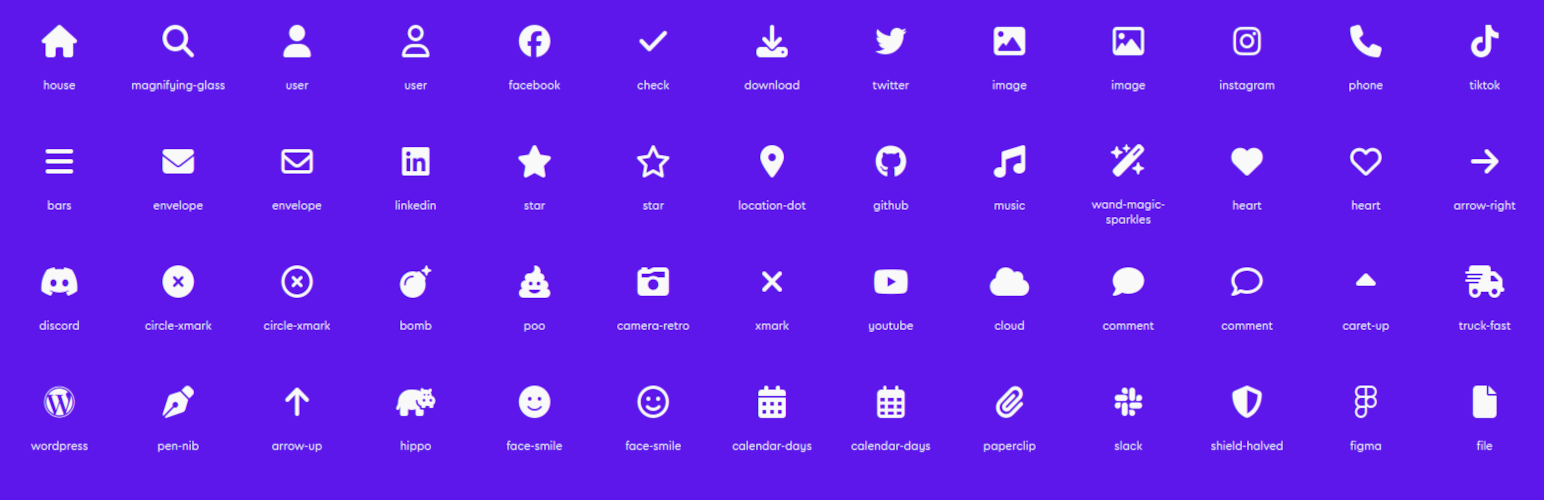
Block: Icons Font Awesome adds a single, focused Icon block to the WordPress block editor (Gutenberg). Pick from roughly 2,000 free Font Awesome 6 icons and drop them anywhere — no shortcodes, no page builder, no coding.
Icons render as inline SVG, so your site never loads the Font Awesome webfont or an extra stylesheet just to show an icon. That keeps pages fast and the markup clean.
Features
- ~2,000 free Font Awesome 6 icons — Solid, Regular, and Brands.
- Full-screen icon picker with instant search (by name and keyword), a category sidebar with per-style counts, a style filter, and a « recently used » list.
- Inline SVG output — no webfont, no render-blocking icon CSS.
- Styling controls — color, hover color, size, and alignment.
- Link support — wrap the icon in a link, optionally opening in a new tab.
- Accessibility — mark an icon as decorative (hidden from screen readers) or give it a label; links always get an accessible name.
- Global defaults — a Settings page to set the default style, size, and color, and to choose which icon styles appear in the picker.