
Image Roulette – Random Image Block
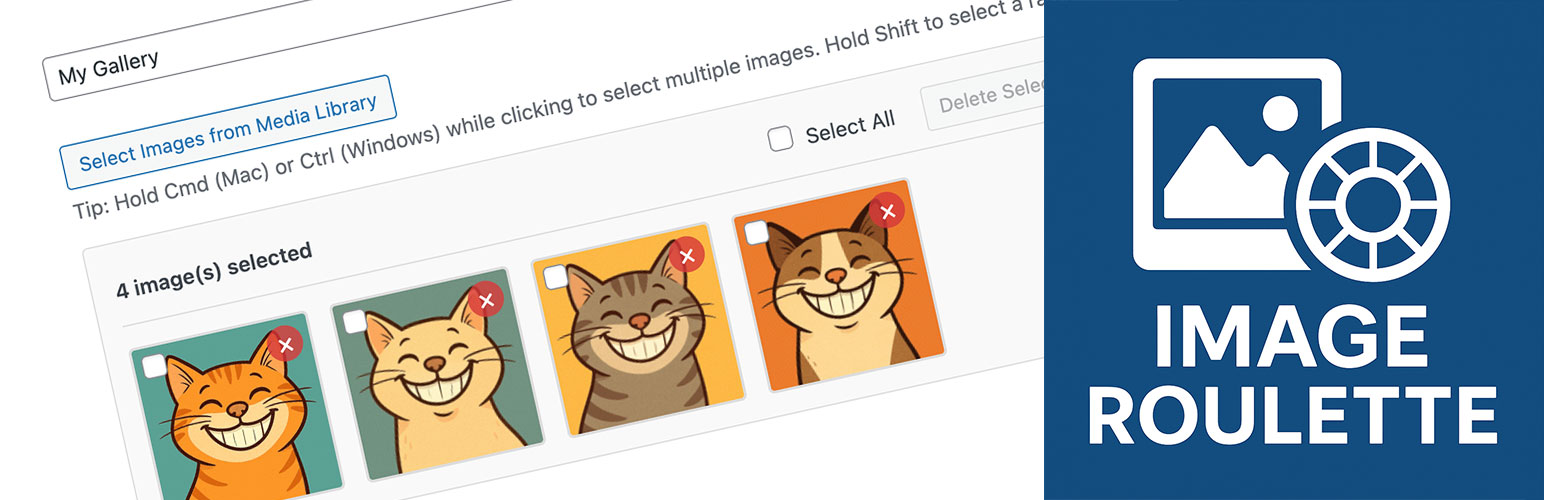
Image Roulette is a plugin that allows you to create galleries from your Media Library and display a random image from those galleries using either shortcodes or Gutenberg blocks. Perfect for displaying rotating testimonials, featured products, random artwork, or any content where you want to show variety.
Features
- Create Custom Galleries: Organize your Media Library images into custom galleries
- Random Image Display: Show a different image each time the page loads
- Gutenberg Block Support: Native block editor integration
- Shortcode Support: Use anywhere shortcodes are supported
- Flexible Image Sizing: Choose from registered image sizes or set custom dimensions
- Aspect Ratio Preservation: Smart resizing that maintains image proportions
- Accessibility Ready: Full support for alt text, captions, and screen readers
- User-Friendly Admin: Intuitive interface for managing galleries
- Bulk Operations: Select, edit, and delete multiple images at once
Usage
Creating a Gallery: 1. Go to Settings → Image Roulette in your admin dashboard 2. Click « Create New Gallery » 3. Enter a gallery name 4. Select images from your Media Library 5. Save your gallery
Using the Block: 1. Add the « Image Roulette » block to any page or post 2. Select your gallery from the dropdown 3. Configure image size settings 4. Publish your content
Using the Shortcode: [imagro id= »gallery_1″]
Shortcode Parameters:
* id – Gallery ID (required)
* size – Registered image size (thumbnail, medium, large, full)
* width – Custom width in pixels
* height – Custom height in pixels
Examples:
* [imagro id="gallery_123" size="large"]
* [imagro id="gallery_123" width="300"]
* [imagro id="gallery_123" width="400" height="300"]
Credits
This plugin was inspired by a request from @michelleames for speednetworkonline.com to create an accessible random image block.