
Share Cart and Save Cart for Later for WooCommerce by LeanPlugins
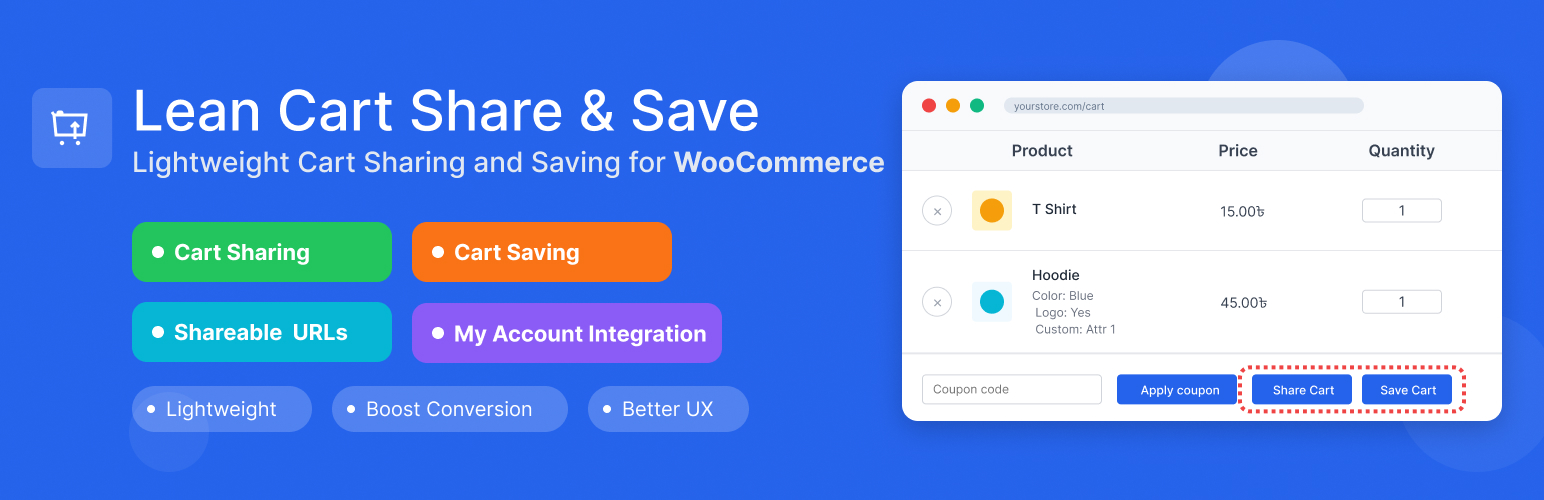
Share cart in one click and save cart for later. Every customer can share cart contents with a unique link, and logged-in users can save unlimited carts with custom names for later purchase.
The share cart feature works for everyone, including guests. One click creates a unique URL that loads the exact cart anywhere, on any device. Perfect for cross-device shopping, getting approval from others, or sharing product recommendations. Logged-in customers can save carts with custom names (like « Birthday Wishlist » or « Monthly Reorder »), viewable in My Account → Saved Carts where they can restore or delete them anytime.
Lightweight, works with classic themes and modern FSE Cart Blocks, and helps reduce cart abandonment while enabling natural product sharing.
🌐 Visit Official Website | ⚡ Upgrade to Pro
Try it yourself, no install needed:
1. Test Cart Sharing (no login required)
- See a pre-loaded shared cart →
- Works instantly, no need to add products yourself.
2. Test Cart Saving (auto login)
- Auto-login with cart ready →
- Click « Save Cart » once logged in to test the save feature.
- Manual login: Username
demo/ Passworddemo
3. View Saved Carts
4. Test Custom Message (Pro)
- See a shared cart with a personal note →
- Notice the message shown to the recipient above the cart.
5. Test Password Protection (Pro)
- Open a password-protected shared cart →
- Password:
demo
Real Business Scenarios Where This Plugin Shines:
- B2B Sales & Consultations: Share product quotes and recommendations with clients instantly
- Gift Shopping & Wishlists: Let customers create and share wishlists with family and friends
- Abandoned Cart Recovery: Customers can save their cart for later and return instead of losing their selections
- Team Purchasing & Approvals: Enable team members to collaborate on group orders and bulk purchases
- Cross-Device Shopping: Let customers start shopping on mobile, save, and complete on desktop
- Event Planning & Bulk Orders: Share product lists for weddings, parties, or seasonal restocking
- Recurring Purchases & Subscriptions: Create and share weekly/monthly item packages – customers can save these lists to their profile and easily reorder or modify quantities or products
Key Features:
- Cart Sharing: Generate unique shareable URLs for any cart
- One-Click Cart Links: Every cart link preloads the exact products and quantities, ready to send to customers or use in promotions and campaigns
- Cart Saving: Allow logged-in users to save carts with custom names
- Custom Message: Let sharers include a personal note shown to the recipient when the cart loads [PRO]
- QR Code: Show a scannable QR code in the share popup so recipients can open the cart on their phone [PRO]
- Password Protection: Let sharers set a password recipients must enter before the cart loads [PRO]
- WooCommerce Integration: Seamlessly integrates with your existing WooCommerce store
- FSE & Block Cart Support: Works perfectly with both classic themes and modern Full Site Editing (FSE) themes with WooCommerce Cart Blocks
- My Account Integration: Saved carts appear in customer My Account area
- Flexible Settings: Configure share expiry, button label, button position
- Data Management: Optional data cleanup on plugin uninstall
- Security First: Proper nonce verification and input sanitization
- Lightweight: Minimal impact on site performance
Cart Sharing Features: * Generate unique share URLs for any cart * Configurable expiration (or never expire) * Custom button label and position * Product variation support (size, color, etc. preserved on the shared link) * Quantities preserved exactly as the sharer selected them * Personal message to recipient [PRO] * Pre-filled default message text [PRO] * QR code in share popup [PRO] * Password-protect share links [PRO]
Cart Saving Features: * Save cart for later with a custom name * View all saved carts in My Account area * Restore any saved cart with one click * Delete saved carts when no longer needed * Perfect for wishlist functionality
Upgrade to Pro
Custom Message – Allow sharers to write a personal note shown to the recipient when the shared cart loads. Set a default pre-filled message so sharers always have a starting point.
QR Code – Display a scannable QR code inside the share popup. Recipients can open the shared cart instantly on any phone camera, no typing required.
Password Protection – Let sharers set a password for their cart link. Recipients must enter the correct password before the cart loads, keeping private shares truly private.
Usage
Sharing a Cart: 1. Add products to your WooCommerce cart 2. Go to the cart page 3. Click the « Share Cart » button 4. Copy the generated URL and share it 5. Recipients can click the URL to load the cart
Saving a Cart: 1. Add products to your WooCommerce cart 2. Go to the cart page 3. Click the « Save Cart » button (requires login) 4. Enter a name for your saved cart 5. Access saved carts from My Account → Saved Carts
Plugin Settings: * Enable/disable cart sharing * Enable/disable cart saving * Set share link expiration (days) * Choose button position: After cart table (default), Default (coupon row), Before cart, Before cart totals, Use shortcode * Choose whether to delete data on uninstall
Shortcode:
Place the buttons anywhere on your website: any page, post, widget, page builder (Elementor, Divi, etc.) or anywhere in WordPress that renders shortcodes.
[lean_cart_share_save]shows both buttons[lean_cart_share_save display="share"]shows only the Share Cart button[lean_cart_share_save display="save"]shows only the Save Cart button
To show buttons only where you place the shortcode, set Button Position to « Use shortcode » in the plugin settings.