
Local Last Update
·
Shows when each plugin was last updated on your server, right in the plugins list — with a sortable column header.
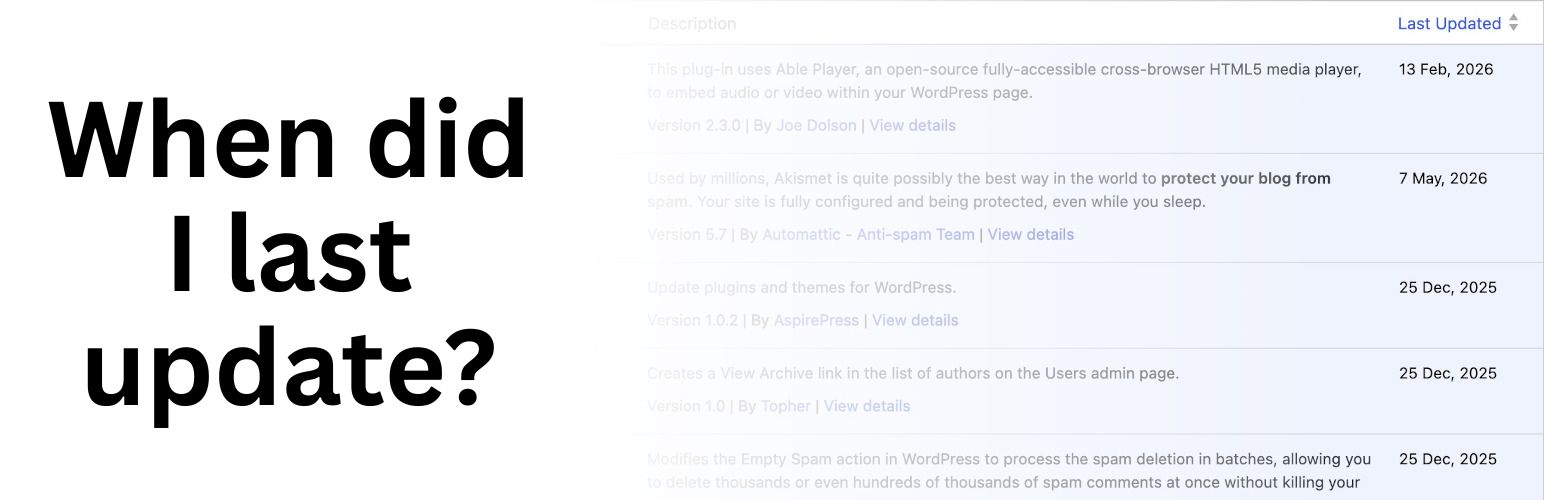
Ever wonder which plugins on your site haven’t been touched in years? Local Plugin Last Update adds a « Last Updated » column to your WordPress plugins list that shows the last time each plugin’s files were modified on your server.
Unlike the « last updated » date shown in the plugin repository (which reflects when the author released a new version), this plugin shows you the actual file modification date on your installation — making it a practical tool for auditing stale plugins, identifying what changed after a bulk update, or just keeping tabs on your site.
Features:
- Adds a « Last Updated » column to the Plugins admin screen
- Dates reflect real file modification times on your server
- Column header is clickable — sort ascending or descending by date
- Update-notice rows stay correctly paired with their plugin when sorting
- Lightweight — one PHP file, no database queries, no external requests
- No settings page needed — works immediately on activation