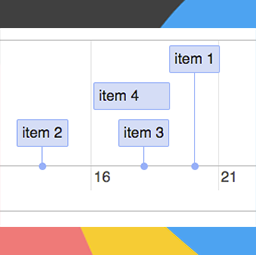
MaxiCharts Timeline
·
Create beautiful timelines based on posts, pages Custom Post Types, free csv datasheets, or even Gravity Flow events.

Create beautiful timelines based on posts, pages or free csv datasheets. Uses the wonderfull js library vis.js. Integrates with Gravity Flow
Shortcodes
Create a timeline for blog’s posts or other post type (even CPT):
[maxicharts_timeline_post type="[post|page|cpt1|cpt2|...] groups="[draft|pending|publish...]"]"
Create a timeline from a csv:
[maxicharts_timeline_csv data_path="[url_of_your_file.csv]" separator="[,|;]"]
where:
type: is the post type you want to create timeline fordata_path: is the URL of your.csvfileseparator: specifies the csv separator, usually,or;groups: only show post with these statuses
Inside your CSV file (url set in data_path), you need to use field defined by the visjs timeline documentation.
Required fields are content and start, all others are optional.
Create a timeline for Gravity Flow:
[maxicharts_timeline_gravity_flow form_id=[form_id] entry_id=[entry_id] groups=[step|assignee|workflow]]
where:
form_id: is the gravity forms form ID you want to create timeline forentry_id: is the GF entry ID you want to create timeline forgroups: coma separated list of status types you want to make appear on the timeline