
Menu Icons by Themeisle – Add Icons to Navigation Menus
·
Add icons to WordPress navigation menus easily — pick from Font Awesome, Dashicons, image icons & more. Style menu items with custom colors & sizes.
Évaluations
Version
0.13.23
Installations actives
100K
Mis à jour récemment
May 19, 2026
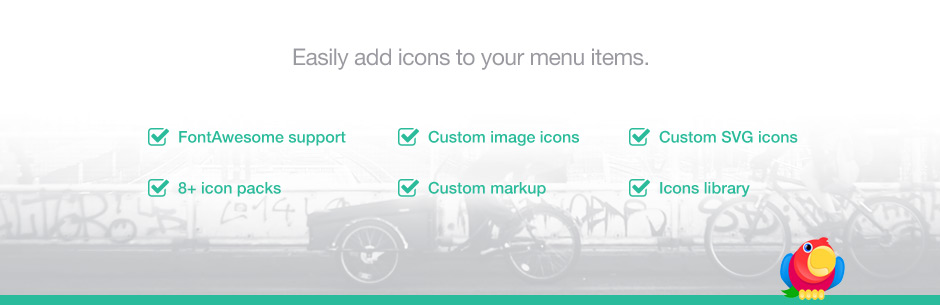
This plugin gives you the ability to add icons to your menu items, similar to the look of the latest dashboard menu.
Utilisation
- After the plugin is activated, go to Appearance > Menus to edit your menus
- Enable/Disable icon types in « Menu Icons Settings » meta box
- Set default settings for current nav menu; these settings will be inherited by the newly added menu items
- Select icon by clicking on the « Select icon » link
- Save the menu
Supported icon types
- Dashicons (WordPress core icons)
- Elusive Icons par Aristeides Stathopoulos
- Font Awesome par Dave Gandy
- Foundation Icons par Zurb
- Genericons par Automattic
- Fontello icon packs
- TI Icons icon pack by ThemeIsle
- Image (attachments)
- SVG (attachments)
Planned supported icon types
- Image (URL)
Compatible themes
Menu icons works with most of the themes out there, especially with popular ones like Twenty Seventeen or Hestia.
Development of this plugin is done on GitHub. Pull requests welcome. Please see issues reported there before going to the plugin forum.
If you like this plugin, then consider checking out our other projects:
CodeinWP Blog – Designer’s Guide To WordPress Revive.Social – Social Media Tools JustFreeThemes – Free WordPress Themes directory