
My Trail Camera
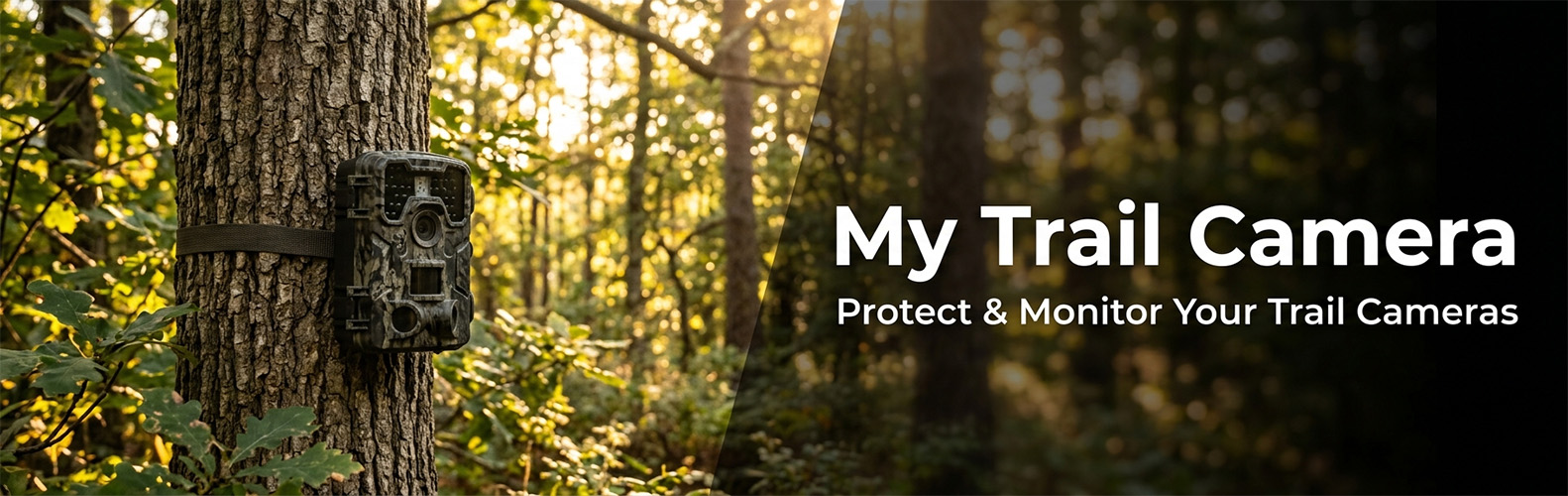
My Trail Camera is growing — and moving to its own home.
We’ve decided to give the project its own space at mytrailcamera.pro — a standalone web app with more flexibility than a WordPress plugin can offer: faster updates, no WordPress required, and room to grow well beyond what fits inside wp-admin. This plugin will keep working for existing installations but will not receive further updates.
The complete trail camera management and protection system for WordPress.
Whether you have a handful of trail cameras or a whole fleet, My Trail Camera keeps everything organized — models, locations, battery status, accessories, and total investment. And if a trail camera goes missing, the built-in honeypot trap gives you a real chance to get it back.
Trail Camera Management
- Register trail cameras with model, location, GPS coordinates, deploy date, and accessories
- 80+ built-in trail camera profiles (Browning, Bushnell, Reconyx, Spypoint, Stealth Cam, Wachman, OXE, and 20+ more brands) with autocomplete search
- Battery life estimation based on trail camera profile, power type (lithium, solar panel, external), trigger count, recording mode (photo/video), and video resolution (480p–4K)
- Accessories per trail camera — batteries, SD cards, locks, metal boxes, GPS trackers (AirTag, Tile, Samsung SmartTag), SIM cards — with total gear value in €
- Trail camera status: active, stored, stolen (with date), tested, recovered, police reported
- Days-in-field counter with planned deployment duration and progress indicator
- WordPress dashboard widget with active/stolen counts, low battery warnings, and 24-hour detection summary
- Admin bar quick access with recent detection count badge
- Import/export all trail camera data and settings as JSON backup
Anti-Theft: Honeypot Trap on Your SD Card
Trail camera theft is a real problem. My Trail Camera fights back — place hidden HTML files on your SD cards, and when a thief opens one on their computer or phone, you get their IP address, GPS location, and device fingerprint. Evidence you can hand straight to the police.
- Works with any trail camera that uses SD cards — no special hardware needed
- Generate a ZIP with trap files that mimic real trail camera file naming (manufacturer-specific)
- Captured data: IP address, GPS coordinates with accuracy, browser fingerprint (OS, screen resolution, timezone, CPU cores)
- Real-time email alerts to multiple recipients — immediate notification on every detection
- Recovery chance scoring (0–100%) based on GPS accuracy, IP data, time factor, and device fingerprint — with recommended next steps
- Theft detection dashboard with per-trail-camera filtering, detection history, and device analysis
- Owner test mode — open the trap file yourself to verify it works before deployment
Location Reviews & Scoring
- Rate your trail camera locations after each deployment (activity, wildlife interest, human disturbance, satisfaction)
- Automatic scoring algorithm: A (75+), B (50–75), C (25–50), D (under 25)
- Interactive Leaflet map with color-coded markers — find your best spots at a glance
- Statistics: total reviews, average score, total monitoring days, total recordings
Settings & Tools
- Email notification configuration with multiple recipients
- IP source selection: direct, Cloudflare (CF-Connecting-IP), or reverse proxy (X-Forwarded-For)
- Public widget visibility controls — choose exactly which fields to show for stolen trail cameras
- Privacy policy auto-contribution — automatically adds data collection disclosure to your site’s privacy policy
- Maintenance tools: orphan record cleanup, manual data deletion, database optimization
- Import/export trail cameras, settings, and location reviews as JSON
- Onboarding checklist for first-time setup
- KML export for Google Earth
Privacy
This plugin connects to external services only when specific features are used. See the FAQ section « Does this plugin use any external services? » for details including links to service terms and privacy policies. No data is collected from your website visitors.
External services
This plugin connects to the following third-party services under specific circumstances:
Google Maps
GPS coordinate links. When a trail camera has GPS coordinates, the plugin displays a « Open in Map » link that opens Google Maps at that location. No data is sent automatically — the link is only followed when the admin clicks it.
- Service: Google Maps
- Data sent: GPS latitude and longitude (as URL parameters, only when the admin clicks the link)
- Terms of service
- Privacy policy
OpenStreetMap
Map tiles for location reviews. Trail camera GPS coordinates are displayed on interactive maps using Leaflet.js with OpenStreetMap tile layers.
- Service: OpenStreetMap
- Data sent: map tile requests contain viewport coordinates
- Terms of use
- Privacy policy
Freemius
Software licensing and analytics platform used for optional plugin updates and upgrade management. Handles license verification and provides an upgrade path to the Pro version.
- Service: Freemius
- Data sent: site URL, plugin version, PHP version (standard WordPress plugin telemetry, opt-in)
- Terms of service
- Privacy policy