
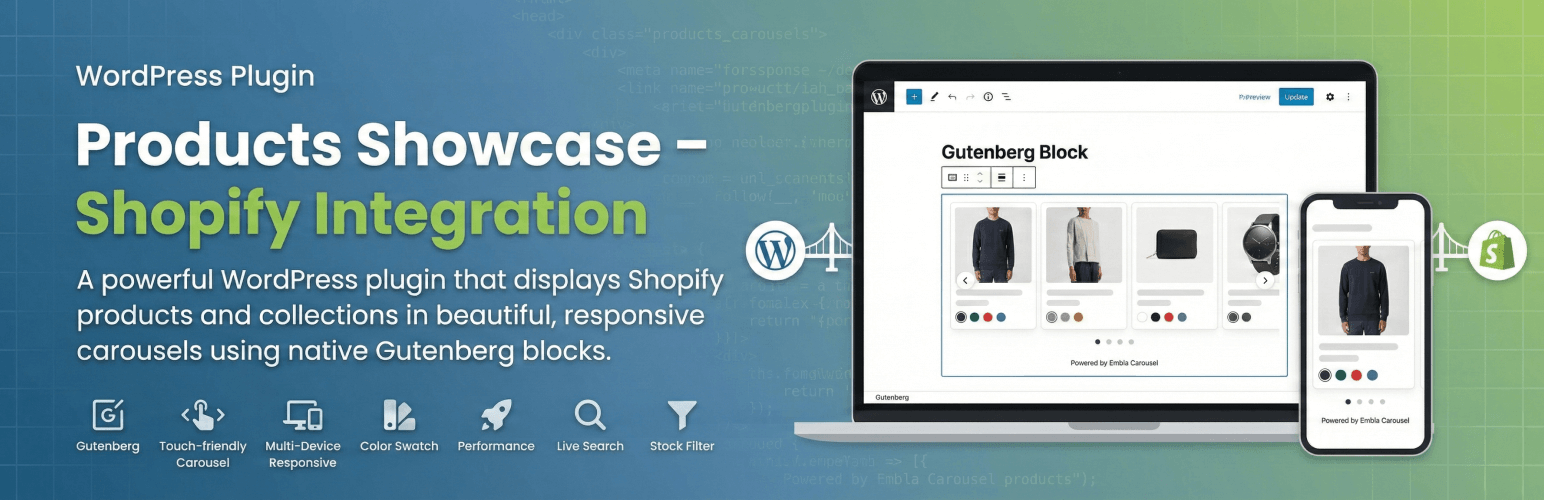
Display your Shopify products on WordPress with beautiful, responsive carousels. Built as a native Gutenberg block with OAuth authentication for easy setup.
Features
- Native Gutenberg Block – Built with React, zero external dependencies
- Beautiful Carousels – Touch-friendly product carousels powered by Embla Carousel
- Smart Product Display – Show individual products or entire collections
- Color Swatches – Visual product color options with hover effects
- Fully Responsive – Optimized for all screen sizes and devices
- Performance Optimized – Smart caching and lazy loading
- Live Search – Real-time product/collection search in block editor
- Stock Filtering – Automatically hides out-of-stock items
- OAuth Authentication – Secure one-click connection to Shopify
Use Cases
- Showcase featured products on your blog
- Display seasonal collections on landing pages
- Add product carousels to content-heavy sites
- Bridge content and commerce seamlessly
Requirements
- WordPress 6.0+, PHP 8.1+
- A Shopify store with Admin API access
Links
- GitHub Repository – Source code & developer docs
- Documentation – Full installation guide
External Services
This plugin connects to the Shopify Admin API to fetch your product data.
Service Provider: Shopify Inc. Data Transmitted: Store URL, OAuth credentials (one-time), and product queries When: During setup, when searching products in editor, and when displaying products (cached for 1 hour)
Privacy: No visitor data is sent to Shopify. All API calls are server-side. Product data is cached locally.
Shopify Legal: * Terms of Service * Privacy Policy * API Terms
Configuration
Easy OAuth Setup
- Navigate to Shopify Products in WordPress admin
- Enter your Shopify Store URL (e.g.,
your-store.myshopify.com) - Paste your Client ID from Shopify
- Paste your Client Secret from Shopify
- Click « Connect to Shopify »
- You’ll be redirected to Shopify to authorize the connection
- After authorizing, you’re automatically redirected back – done!
The plugin automatically obtains the access token via secure OAuth and detects the latest Shopify API version.
Usage
- Edit any page or post in WordPress
- Click « + » to add a block and search for « Shopify Products »
- Choose Products Mode (select individual products) or Collection Mode (display a collection)
- Use the live search to find and add products
- Customize title, description, and product limit as needed
The block displays as a touch-friendly carousel on mobile and with arrow navigation on desktop. Single products get a special two-column featured layout.
Not using the block editor? Use the [products_showcase] shortcode in the Classic editor, text widgets, or page builders:
[products_showcase collection="123456789"]
[products_showcase products="111,222,333" title="Featured"]
Supported attributes: collection, products, limit, title, description, button_text, button_url, button_new_tab, new_tab, hover_image, card_width, disable_padding, and color options. See the GitHub README for the full list.
Customization
For custom CSS classes, template overrides, hooks & filters, and developer documentation, see our GitHub README.
Troubleshooting
Products Not Showing
- Check API credentials in Settings → Shopify Products
- Verify connection shows green checkmark
- Clear cache using the button in settings
- Ensure products are ACTIVE and in stock in Shopify
Can’t Configure Shopify App
- In Dev Dashboard, click « New version » to edit settings
- Add scopes in the « Access » section
- Click « Release » to activate your configuration
For detailed troubleshooting, see our GitHub documentation.
Credits
- Built with Embla Carousel for smooth, touch-friendly carousels
- Powered by @wordpress/scripts
Support
Privacy Policy
This plugin connects to Shopify’s API to fetch product data. Product information is cached locally. The plugin does NOT collect or transmit any visitor data. See Shopify’s privacy policy for their data handling practices.