
Add From Server Reloaded
·
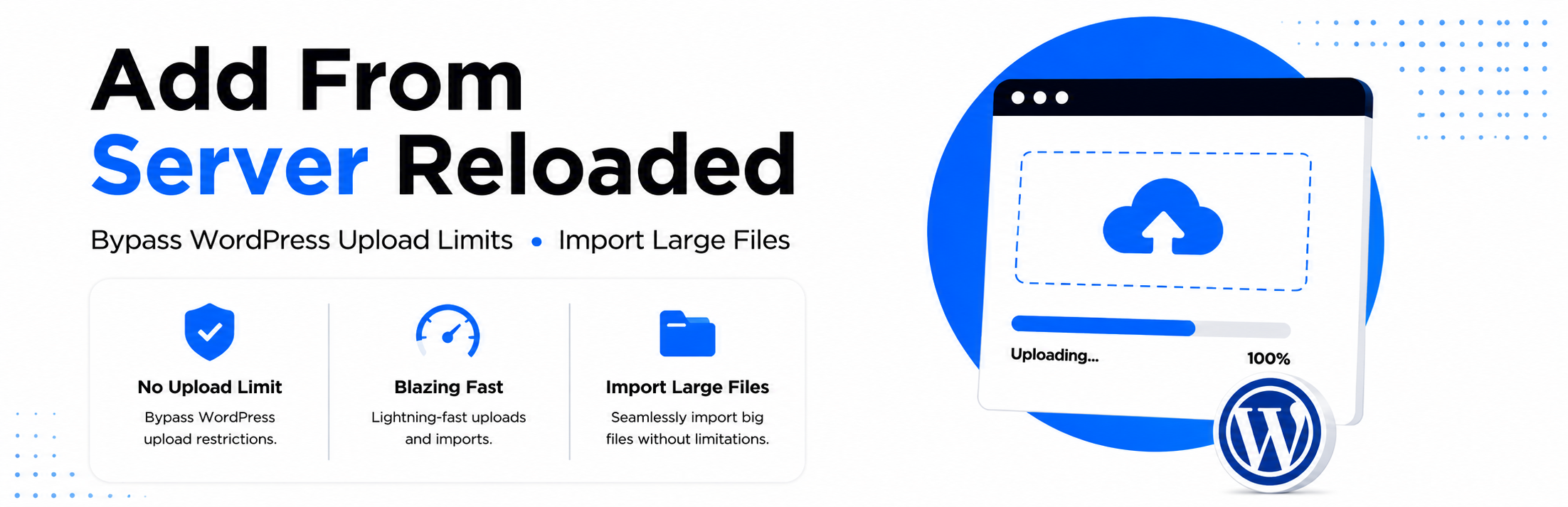
Bypass WordPress upload limits and import large files or folders directly from anywhere on your server into the WordPress Media Library.
דירוגים
גרסה
5.2.1
התקנות פעילות
3K
עודכן לאחרונה
Aug 3, 2026
Dedicated Support For quick support and assistance, please contact us here.
Add From Server Reloaded – The Ultimate WordPress Upload Limit Plugin
Do you struggle with WordPress upload limits? Uploading large videos, RAW photos, PDFs, or bulk product images can be frustrating. Add From Server Reloaded makes it easy to bypass these restrictions, import files directly from your server, and manage your Media Library efficiently.
With Add From Server Reloaded, you can upload files of any size without changing PHP settings or server configuration. Works on shared hosting, multisite installations, WooCommerce stores, and WordPress 6.7+.
How It Works
- Upload files via FTP/SSH to your server (no size limit).
- Use Add From Server Reloaded to scan and select files.
- Import directly to the WordPress Media Library. Done!
Features
File Import & Management
- One-Click Folder Import – Import entire folders including subfolders.
- Smart Duplicate Detection – Avoid importing duplicate files. You're browsing as a Gu
- Real-Time File Search – Quickly find any file on your server.
- Configurable Root Directory – Set browsing root from plugin settings.
- Show/Hide Hidden Files – Toggle visibility for non-importable files.
- Last Modified Column – See when files were last updated.
- Batch Import Progress – Visual feedback for large imports.
- Keyboard Shortcuts – Ctrl+A to select all, ESC to clear selection.
- Import Summary – Consolidated message with links to imported files.
User Interface
- Improved folder navigation with clear checkboxes.
- Better visual hierarchy – folders distinguished from files.
- Clickable breadcrumbs – easily track current folder location.
- Import buttons at top & bottom for convenience.
- File count display – see how many files/folders are selected.
- Success message links – directly view imported files in Media Library.
Security & Performance
- Directory Traversal Protection – prevents access outside allowed folders.
- Dangerous File Blocking – blocks PHP, EXE, and other unsafe types.
- CSRF Protection – all forms include nonce verification.
- Real Path Validation – prevents path manipulation attacks.
- Input Sanitization & Output Escaping – all dynamic outputs sanitized.
- Optimized file scanning – faster loading and memory-efficient.
- Batch operation progress updates – track large imports easily.
Compatibility
- WordPress 6.0 – 7.0
- PHP 7.4 – 8.3
- WooCommerce compatible
- Page builder compatible
- Multisite compatible
- Works on shared hosting