Conflict Finder
·
Conflict Finder is a WordPress troubleshooting toolkit that helps diagnose plugin conflicts, theme issues, debugging errors, and email delivery proble …
דירוגים
גרסה
7.3
התקנות פעילות
100
עודכן לאחרונה
Jun 15, 2026
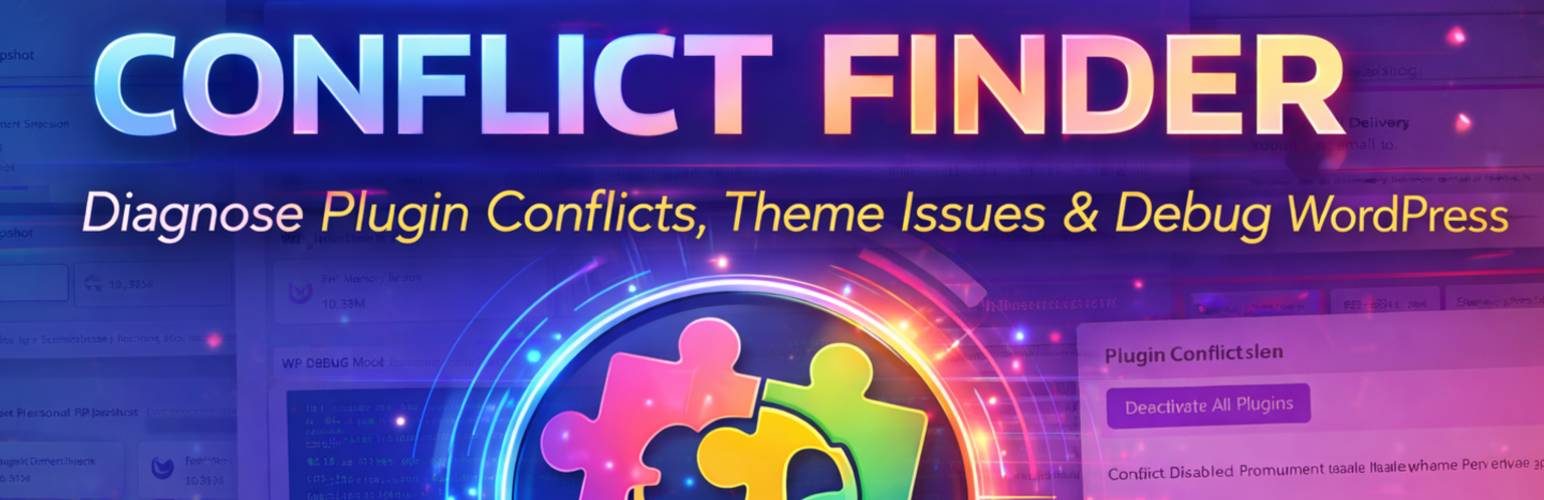
Conflict Finder is a comprehensive troubleshooting plugin designed for WordPress administrators, developers, and support professionals who need to identify the root cause of site issues.
From a single interface, Conflict Finder allows you to:
- Enable and manage WP_DEBUG without manually editing files
- View, download, and clear the WordPress debug log
- Temporarily disable plugins to identify conflicts
- Switch themes to test theme-related issues
- Test WordPress email delivery using
wp_mail()
Important: Conflict Finder does temporarily affect site behavior while troubleshooting is active. This may include:
- Disabled plugins
- A different active theme
- Debug notices or errors being displayed
- Changes visible to logged-out visitors
For this reason, troubleshooting should be performed during maintenance windows or on staging sites whenever possible.
Conflict Finder automatically tracks your original configuration and allows you to restore plugins, themes, and debugging settings once testing is complete.
Features
-
Troubleshooting Dashboard
- Central overview of debugging and conflict states
- Environment snapshot including WordPress, PHP, memory, and server software
-
WP_DEBUG Tool
- Enable or disable WP_DEBUG with a single switch
- Control error display and logging behavior
- Load unminified scripts for debugging
- View, download, or clear
wp-content/debug.log - Safely updates
wp-config.phpas needed
-
Plugin Conflict Tool
- Temporarily deactivate all active plugins
- Save and restore original plugin states
- Activate plugins one at a time to identify conflicts
-
Theme Conflict Tool
- Temporarily switch to another installed theme
- Identify theme-related layout or functionality issues
- Restore the original theme instantly
-
Email Delivery Tool
- Send a real test email using WordPress mail
- Confirm whether the server can successfully send email
- Helps identify SMTP or hosting mail issues
When to Use Conflict Finder
- Diagnosing white screens or fatal errors
- Identifying plugin conflicts
- Testing theme-related layout or functionality issues
- Investigating PHP notices or warnings
- Verifying WordPress email delivery
- Support and development workflows