
בר ניפוי תקלות
·
מוסיף בר ניפוי תקלות לתפריט הניהול בו ניתן לראות שאילתות, מטמון, ומידע מועיל אחר לאיתור תקלות.
דירוגים
גרסה
1.1.8
התקנות פעילות
20K
עודכן לאחרונה
Mar 1, 2026
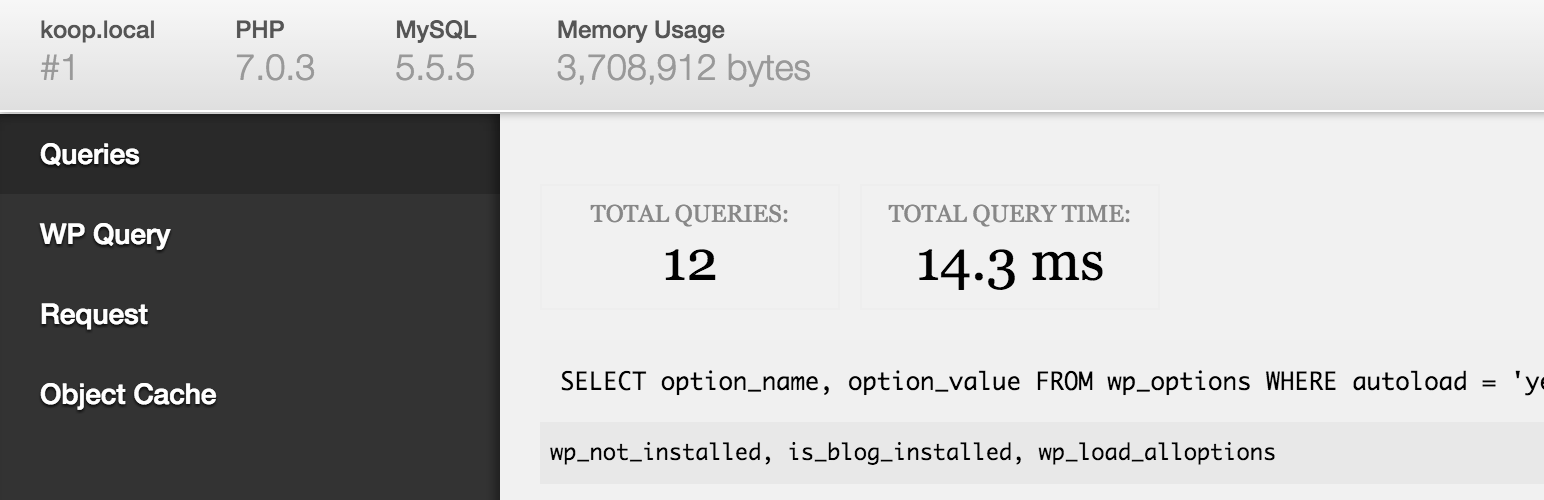
מוסיף בר ניפוי תקלות לתפריט הניהול בו ניתן לראות שאילתות, מטמון, ומידע מועיל אחר לאיתור תקלות.
חובה לכל מפתח!
When WP_DEBUG is enabled it also tracks PHP Warnings and Notices to make them easier to find.
When SAVEQUERIES is enabled the mysql queries are tracked and displayed.
To enable these options, add the following code to your wp-config.php file:
define( 'WP_DEBUG', true );
define( 'SAVEQUERIES', true );
Add a PHP/MySQL console with the Debug Bar Console plugin.
There are numerous other add-ons available to get more insight into, for instance, the registered Post Types, Shortcodes, WP Cron, Language file loading, Actions and Filters and so on. Just search the plugin directory for 'Debug Bar'.