
Mozedia Forms – Simple & Lightweight Contact Form Builder
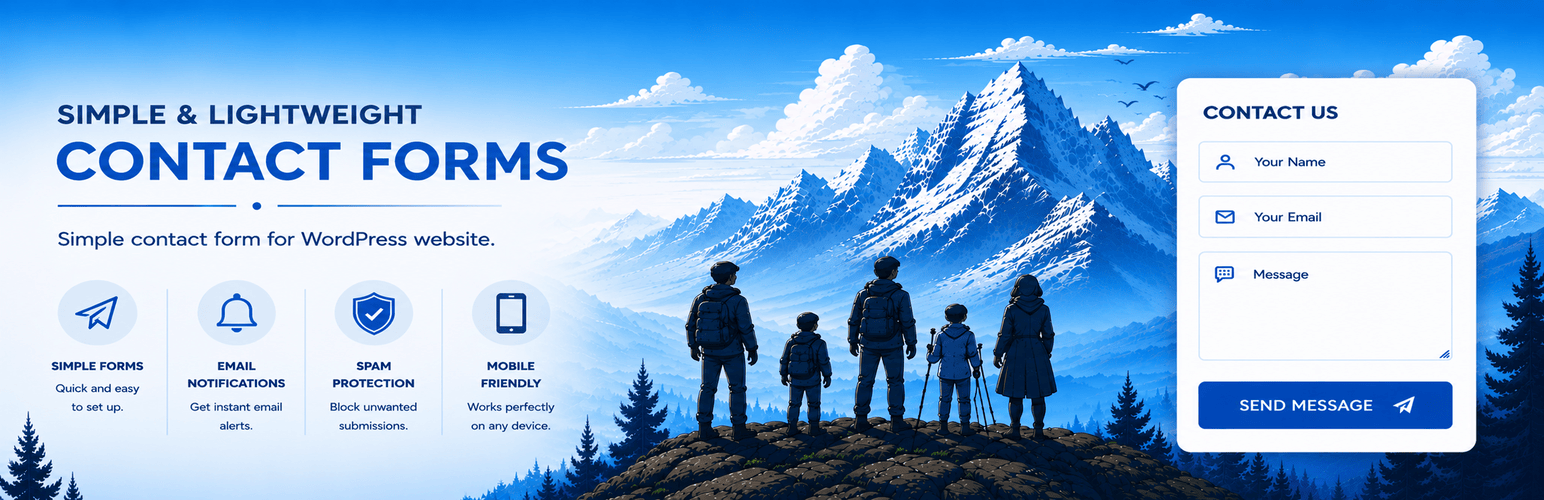
Most contact form plugins for WordPress are designed to build dozens of different forms with visual builders, custom post types, and countless configuration options.
That’s great when you need them — but many websites don’t require such heavy-duty plugins; they simply want to add a basic contact form to their website.
This Mozedia Forms plugin takes a different approach.
It gives you one fast, reliable contact form that's easy to set up, easy to customize, and built with performance in mind. No unnecessary features, no jQuery, no third-party dependencies.
Simply install the plugin, choose the fields you want, configure your email settings, and add the form anywhere using the shortcode or Gutenberg block.
Everything else just works.
Built for Speed and Simplicity
Unlike many form plugins, Mozedia Forms only loads its assets (CSS and JavaScript) on pages where the form actually appears.
It also uses lightweight, dependency-free vanilla JavaScript (less than 5 KB) instead of jQuery, helping reduce unnecessary page weight.
Designed for real websites
The plugin includes the features most websites actually need without becoming a full form builder.
- One global contact form with sensible defaults.
- Name, Email and Message always available.
- Optional Subject, Phone, Company, Website, Address fields.
- AJAX or traditional (non-AJAX) form submission.
- Shortcode and Gutenberg block with attributes support.
- Per-page customization without creating additional forms.
Secure by default
Security and privacy are built into the plugin from the beginning.
- Server-side build-in protection.
- Honeypot spam protection.
- Per-IP rate limiting.
- Message validation.
- Privacy Policy consent checkbox.
- Safe email handling with WordPress.
- No unnecessary external services.
Reliable email delivery
The plugin uses WordPress's built-in email system by default, with optional SMTP support for websites that require improved mail delivery.
You can also send a test email directly from the settings page to verify everything is working correctly before going live.
Privacy focused
Mozedia Forms does not store form submissions in the database or share user data with any third-party service.
Messages are sent directly using WordPress's mail system, helping keep your website lightweight while reducing stored personal data.
Easy to customize
Customize fields, labels, placeholders, messages, email settings, spam protection, appearance, and advanced options from one organized settings page.
Import and export settings as JSON, reset everything back to defaults, or keep your settings when uninstalling the plugin.
Features
- Lightweight single contact form.
- Gutenberg block and shortcode support.
- AJAX and Standard page reload submission.
- Vanilla JavaScript (No jQuery required).
- Loads assets only if form in post/page.
- Customizable and Optional form fields.
- Custom success and error messages.
- JavaScript and server-side validation.
- Honeypot, rate limiting, validation.
- Privacy Policy notice integration.
- SMTP support and Send Test Email.
- HTML and Plain Text emails.
- Theme-aware styling by default.
- Optional built-in color scheme.
- Import and export settings.
- Reset settings, Debug mode.
- Translation-ready.
Why choose Mozedia Forms?
If all you need is a simple, fast, secure contact form without the complexity of a full form builder, Mozedia Forms is built for exactly that.
One Form. No Bloat.
Fits your WordPress theme
By default, Mozedia Forms automatically matches your active theme's colors. You can enable the plugin’s built-in color scheme from the settings.
You can also apply the 'mzforms-default-colors' class to a specific shortcode or block instance to use the plugin’s built-in color scheme only for that form.
The settings page also follows your selected WordPress admin color scheme, so the plugin feels like a natural part of WordPress instead of a separate interface.
Shortcode & Block Attributes
The [mozedia-form] shortcode and the "Mozedia Forms" block accept the same optional attributes, letting one placement differ from the global defaults:
title– Not shown visually – identifies this form instance (e.g. "Advertise With Us") in its accessible name and in notification email subjects.recipient– Send this instance's submissions to a different email address.from_name– Overrides the notification email's "From" name for this instance.success– Custom success message for this instance.redirect– URL to send visitors to after a successful submission.submit– Custom submit button text for this instance.class/id– Extra CSS class(es) / an HTML id on the<form>element itself.phone,company,website,address,subject–"1"forces the field on,"0"forces it off, and leaving it out uses the global Settings toggle.
For example:
[mozedia-form title="Advertise With Us" recipient="ads@example.com" company="1"]