
MailRoute – Conditional Email Routing For Contact Form 7
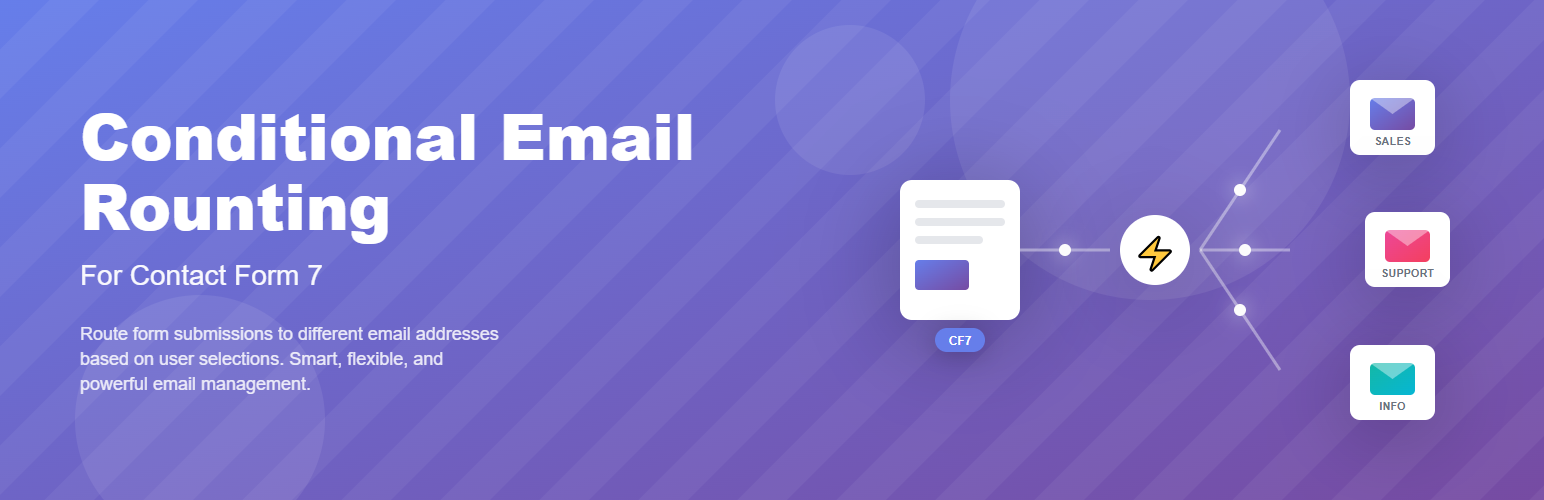
Routes email to different recipients based on form field values and set conditional mail 2 template in Contact Form 7. A flexible and powerful conditional email routing solution for your Contact Form 7 forms.
Conditional Email Routing for Contact Form 7 is a powerful and easy-to-use WordPress plugin that enhances the functionality of the popular Contact Form 7 plugin by adding advanced conditional email routing features.
This Contact Form 7 addon allows you to dynamically send form submissions to different email addresses based on user input or form field values. Whether you’re managing a contact form with multiple departments, support teams, or regional offices, this plugin makes sure emails go exactly where they should — automatically. It also allows you to set conditional mail 2 template based on user input or form field values.
👉 Live Demo: Try it here
Routes email to different recipients in Contact Form 7
Our plugin routes email to different recipients in Contact Form 7 with ease, making your forms more powerful and flexible. Instead of sending all messages to a single inbox, it intelligently routes email to different recipients based on user choices, form fields, or conditions. This ensures the right department or team member receives the inquiry directly, reducing delays and improving communication. Whether you manage sales, support, or multiple departments, this tool transforms Contact Form 7 into a smarter form system by allowing you to route emails to different recipients seamlessly.
Set conditional Mail 2 (auto responder) templates in Contact Form 7
Our plugin allows you to create conditional Mail 2 auto responder templates in Contact Form 7 based on user selections and form inputs. Send personalized confirmation or follow-up emails with different content, subjects, or messages automatically when specific conditions are met.
Why Use Conditional Email Routing for Contact Form 7?
With this Contact Form 7 addon, you can create smart and customized email routing logic. Based on form field selections like dropdowns, radio buttons, or checkboxes, your Contact Form 7 forms can send different email messages to different recipients. It also allow you to set conditional Mail 2 templates based on user input or form field selections like dropdowns, radio buttons, or checkboxes.
This feature is essential for businesses, agencies, or teams that rely on Contact Form 7 for communication and want to optimize their workflow by routing inquiries efficiently.
Key Features:
Key Features of Conditional Email Routing:
🔁 Route emails based on form field values in Contact Form 7
📩 Send emails to different recipients based on dropdown, checkbox, or radio button selections
🧩 Add multiple routing conditions in your Contact Form 7 forms
🚫 Disable the default email sending and define custom recipients
🧠 Intelligent conditional logic for Contact Form 7 email routing
🧷 Fully integrated into the Contact Form 7 editor interface
🧰 Supports various field types like checkboxes, dropdowns, radio buttons, etc.
💼 Ideal for multi-department forms: Sales, Support, HR, etc.
⚙️ Lightweight, flexible, and easy to set up
🔌 Works as a native Contact Form 7 extension — no complex setup required
Key Features of Conditional Mail 2:
📧 Create conditional Mail 2 auto-responder emails based on user input in Contact Form 7
📝 Override the default Mail 2 subject and message body dynamically
🎯 Send personalized confirmation or follow-up emails based on selected options
🧩 Add multiple conditional Mail 2 rules for advanced auto-responder workflows
🚫 Skip the default Mail 2 email when no conditions match
🧠 Use smart conditional logic with operators like equals, not equals, contains, and more
🧷 Fully integrated into the Contact Form 7 editor interface
🧰 Supports dropdowns, checkboxes, radio buttons, text fields, and other CF7 form fields
🌍 Deliver language-specific, country-specific, or department-specific auto-response emails
💼 Perfect for support forms, sales inquiries, registrations, bookings, and onboarding forms
⚡ Lightweight, flexible, and easy to configure
🔌 Works as a native Contact Form 7 extension with a seamless setup experience
Example Use Cases for Conditional Email Routing
📬 Send support tickets to the appropriate department selected in the Contact Form 7 dropdown
🌍 Route emails to regional teams based on selected country or location field in Contact Form 7
🛒 Forward sales inquiries based on product or service type chosen by the user
🧑💼 Let form responders choose a contact person, and the message goes directly to them
Example and Use Cases for Conditional Mail 2
Example: – If a user selects “Support”, send a support confirmation email with troubleshooting resources. – If the user selects “Sales”, send a product brochure and sales contact details. – If the user selects “Partnership”, send a business inquiry acknowledgment email.
Use Cases: – Send different auto-reply emails based on selected departments – Deliver country-specific or language-specific responses – Send customized onboarding emails for different services – Automatically provide relevant documents, links, or instructions – Create personalized responses for event registrations, bookings, or quote requests
Free Features
- Route emails based on form field values in Contact Form 7
- Send emails to different recipients based on dropdown, checkbox, or radio button selections
- Add multiple routing conditions in your Contact Form 7 forms
- Disable the default email sending and define custom recipients
- Supports various field types like checkboxes, dropdowns, radio buttons, etc.
Pro Features
- Combined Condition Rules (AND operator)
- Multiple Add role
- Conditional mail 2 auto responder
Requirements:
This plugin requires the Contact Form 7 plugin to be installed and activated.
If you’re using Contact Form 7 and want to enhance your email routing logic, this plugin is the perfect solution to improve user experience and response accuracy.
License
This plugin is licensed under the GPLv2 or later. See the GNU General Public License for details.