Docurest AI Assistant
·
Add an AI-powered chat assistant to your WordPress site using Docurest. Paste your widget snippet and you are done.
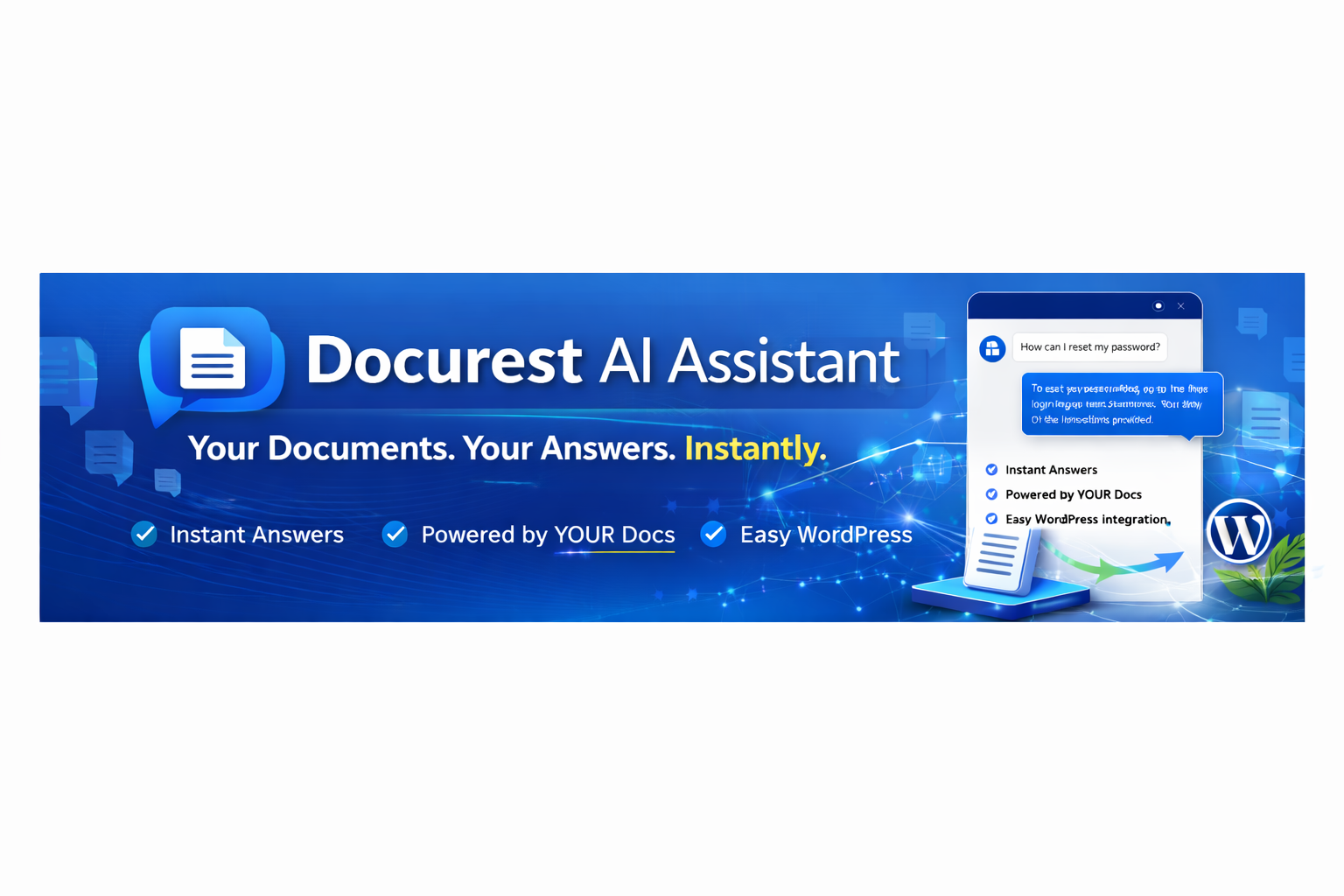
Docurest AI Assistant lets you embed an AI-powered document assistant on your WordPress site in under a minute.
- Create your widget in the Docurest Dashboard — upload documents, configure the AI, and customise the look and feel.
- Copy the widget snippet from the dashboard.
- Install this plugin, paste the snippet, and save.
The chat assistant will appear on your site and answer your visitors’ questions based on the documents you uploaded to Docurest.
Features
- One-click installation — paste the snippet and you are done.
- No coding required.
- Display on all pages, homepage only, posts only, or pages only.
- Test Connection button to verify everything works.
- Fully compatible with any WordPress theme.
Third-Party Service
This plugin relies on Docurest, an external SaaS service, to provide the AI assistant functionality.
When activated with a valid widget snippet, this plugin:
- Loads a JavaScript file from Docurest servers (
folderai-widget.js) that renders the chat widget on your site. - Sends chat messages entered by your visitors to the Docurest API for AI-powered responses.
- Sends the widget key (embedded in your snippet) to identify your widget configuration.
- Sends your site domain for origin validation.
No personal data is collected or tracked beyond core service functionality.
- Service: https://docurest.com
- Terms of Service: https://docurest.com/terms
- Privacy Policy: https://docurest.com/privacy