
FunnelKit Payment Gateway with PayPal for WooCommerce
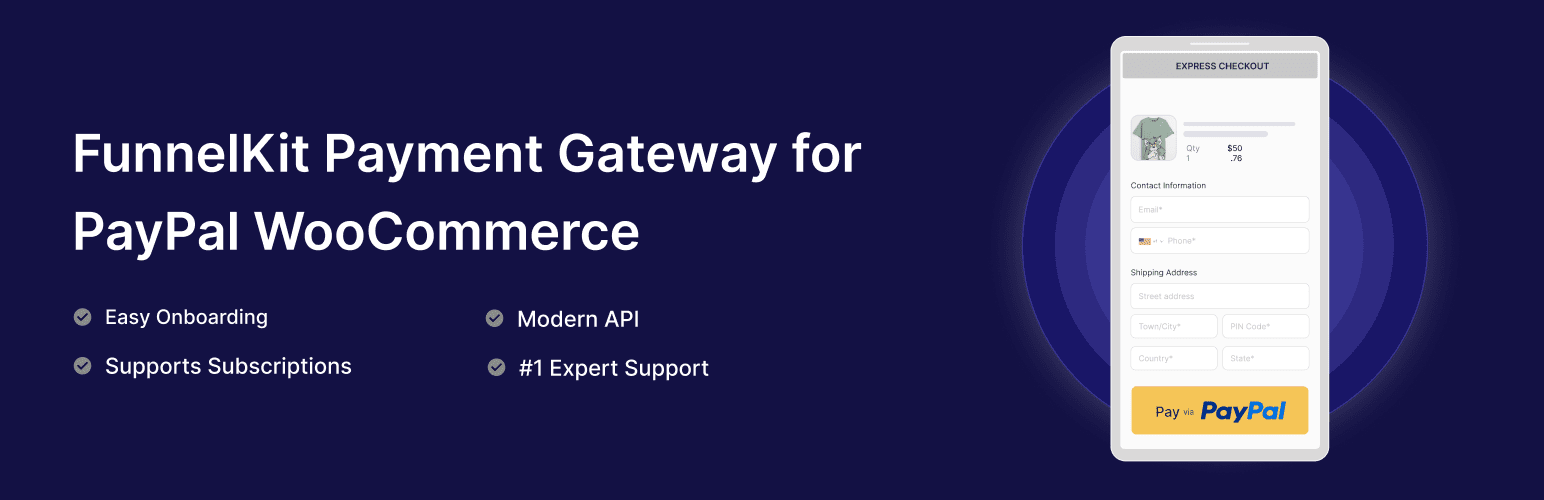
Developed by FunnelKit, PayPal for WooCommerce integrates with PayPal’s newest APIs. Boost conversion rates with PayPal.
Features
- PayPal Standard Integration
- PayPal Express Checkout
- WooCommerce Subscriptions Support
- FunnelKit Checkout and Upsell Support
- Customizable Button Styles
- Comprehensive Logging System
- Webhook Support
- Sandbox Testing Mode
Requirements
- WordPress 5.0 or higher
- WooCommerce 4.7 or higher
- PHP 7.4 or higher
- SSL Certificate (for live payments)
- PayPal Business Account
External Services
This plugin integrates with the following external services:
1. PayPal Direct APIs (JavaScript & PHP)
- Purpose: PayPal Direct APIs handle payment processing, subscription management, and transaction syncing between the plugin and PayPal.
- Data Sent: Customer information (name, email, payment method), order details, and subscription data are transmitted during payment processing. The plugin also syncs transaction status and updates after each purchase.
- Domains:
https://api-m.paypal.com/(Live environment)https://api-m.sandbox.paypal.com/(Sandbox environment)
- Terms and Privacy: This service is provided by PayPal Holdings, Inc. You can view the terms of service and privacy policy at PayPal Terms of Service and PayPal Privacy Policy.
2. PayPal JavaScript SDK
- Purpose: PayPal JavaScript SDK provides the frontend payment buttons and checkout experience for PayPal, Pay Later, Venmo, and credit card payments.
- Data Sent: Payment method selection and checkout data are processed through the PayPal SDK to enable secure payment processing.
- Terms and Privacy: This service is provided by PayPal Holdings, Inc. You can view the terms of service and privacy policy at PayPal Terms of Service and PayPal Privacy Policy.
3. PayPal Partner Onboarding
- Purpose: PayPal Partner onboarding service enables merchants to easily connect their PayPal accounts and configure payment settings.
- Data Sent: Merchant account information and configuration preferences are sent to streamline the PayPal integration process.
- Terms and Privacy: This service is provided by PayPal Holdings, Inc. You can view the terms of service and privacy policy at PayPal Terms of Service and PayPal Privacy Policy.
4. PayPal Webhooks
- Purpose: PayPal webhooks provide real-time notifications for payment events, subscription updates, and order status changes.
- Data Sent: Webhook payloads containing payment status, subscription lifecycle events, and order updates are received by the plugin to maintain synchronization.
- Terms and Privacy: This service is provided by PayPal Holdings, Inc. You can view the terms of service and privacy policy at PayPal Terms of Service and PayPal Privacy Policy.
5. PayPal Payment Capture API
- Purpose: PayPal Payment Capture API is used to capture authorized payments and process refunds for completed transactions.
- Data Sent: Payment capture requests and refund data are sent to process payment completions and handle customer refunds.
- Domains:
https://api-m.paypal.com/v2/checkout/orders/{order_id}/capture(Live environment)https://api-m.sandbox.paypal.com/v2/checkout/orders/{order_id}/capture(Sandbox environment)https://api-m.paypal.com/v2/payments/captures/{capture_id}/refund(Live environment)https://api-m.sandbox.paypal.com/v2/payments/captures/{capture_id}/refund(Sandbox environment)
- Terms and Privacy: This service is provided by PayPal Holdings, Inc. You can view the terms of service and privacy policy at PayPal Terms of Service and PayPal Privacy Policy.
Configuration
- Go to WooCommerce > Settings > Payments
- Click on “PayPal” to manage the settings
- Enable the payment method
- Choose your environment (Sandbox/Live)
- Enter your PayPal API credentials
- Configure button settings and Pay Later messaging
- Save changes
Advanced Settings
The plugin includes several advanced settings for customization:
- Debug Mode – Enable detailed logging for troubleshooting
- Transaction Type – Choose between Capture and Authorize only
- Soft Descriptor – Customize statement text shown to customers
- Invoice Prefix – Add prefix to PayPal invoices for tracking
- Webhook Configuration – Automatic event notifications
- Logging Options – Configure log levels and retention
- Vaulting – Save payment methods for returning customers
Subscription Features
Full support for recurring payments with:
- PayPal Subscriptions – Native PayPal billing plans
- WooCommerce Subscriptions – Compatible with WCS plugin
- Sublium Subscriptions – Full Sublium integration
- Trial Periods – Support for free and paid trials
- Signup Fees – One-time initial charges
- Variable Billing – Amount and date changes
- Payment Method Changes – Customer can update payment method
- Multiple Subscriptions – Handle multiple active subscriptions
Migration Support
Easily migrate from other PayPal plugins:
- PayPal Standard
- PayPal Express Checkout (PPEC)
- PayPal Payments (Official Plugin)
- Angell EYE PayPal PPCP
- Angell EYE PayPal Express
- Payment Plugins for PayPal
Support
For support, please visit FunnelKit Support.
License
This plugin is licensed under the GPL v2 or later.
Copyright (c) 2025-2026 FunnelKit
This program is free software; you can redistribute it and/or modify it under the terms of the GNU General Public License, version 2, as published by the Free Software Foundation.
This program is distributed in the hope that it will be useful, but WITHOUT ANY WARRANTY; without even the implied warranty of MERCHANTABILITY or FITNESS FOR A PARTICULAR PURPOSE. See the GNU General Public License for more details.
You should have received a copy of the GNU General Public License along with this program; if not, write to the Free Software Foundation, Inc., 51 Franklin St, Fifth Floor, Boston, MA 02110-1301 USA