
NexLink
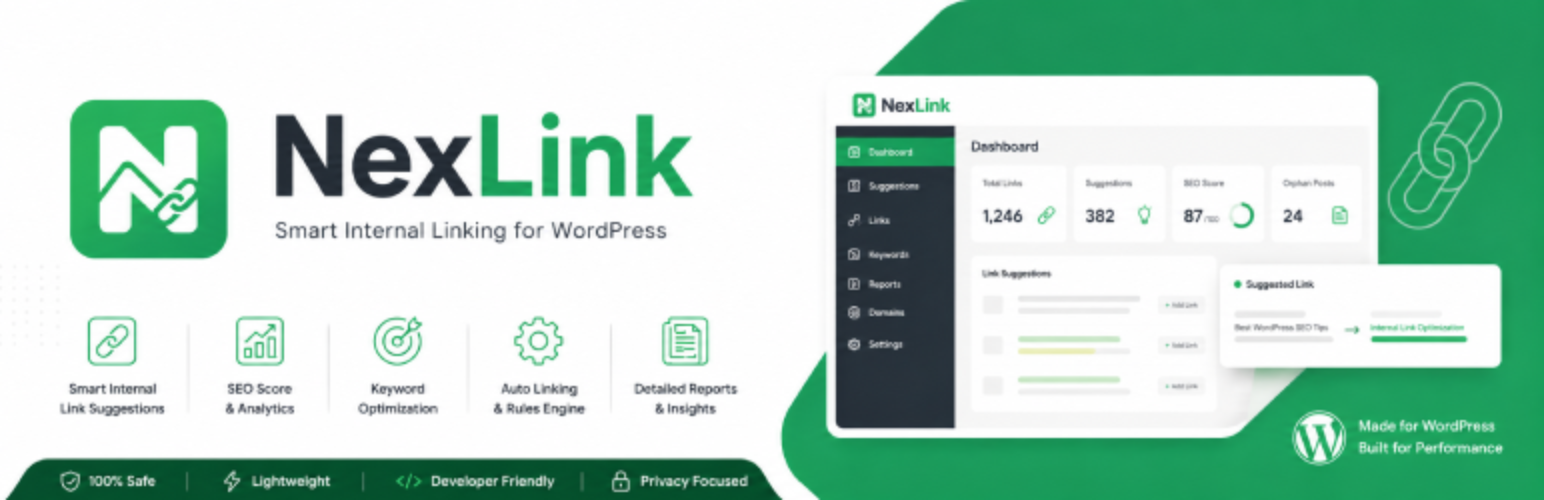
NexLink is a complete internal link management plugin for WordPress. It helps you automate keyword-to-URL linking, discover link opportunities, analyse your link structure, and insert suggestions directly in the editor — with no external service required.
Auto Linking
- Create up to 25 keyword-to-URL rules from the Auto Links manager
- Add up to 3 anchor text variations per keyword rule
- Set a per-post link limit and a site-wide limit per rule
- Filter rules to specific post categories
- Enable automatic linking when other post titles appear in your content
- Enable automatic linking when H2–H6 headings from other posts appear in your content
- Keyword blacklist — one phrase per line to permanently exclude terms from linking
- Import and export all keyword rules as CSV
- Post types supported: Posts, Pages, WooCommerce Products
Link Suggestions in the Editor
Classic Editor: A meta-box widget appears in every post and page editor. It shows relevant suggestions with relevance scores, lets you dismiss individual suggestions, and inserts links with your configured link prefix.
Block Editor (Gutenberg): Two widgets are available in the block editor:
- Sidebar panel — appears in the block editor sidebar with a real-time suggestion list, link format selection, and dismiss controls
- Document settings panel — appears in the Document tab of the sidebar; mirrors the classic editor meta-box with score colour badges (green ≥ 80%, yellow ≥ 50%, red < 50%)
Suggestions can be inserted as inline text or as styled link boxes (Minimal, Modern, Paper).
Suggestion Engine
- Manual mode — keyword matching and NLP analysis using your existing content
- Suggestion scope: Entire article, per paragraph, or both
- Category filter — only suggest posts from the same category
- Content age filter — limit suggestions to posts published within a chosen timeframe
- Custom synonyms — define your own word equivalents for smarter matching
- Duplicate anchor detection — prevents inserting the same anchor text twice
- Link prefix text — customise the prefix shown before inserted links (e.g. “Related:”, “See also:”)
Visual Link Skins
Choose how automatically inserted internal links appear on the front end, from Settings › Assistant & Skins:
- Standard link — your theme’s default link style
- Vertical bar accent — a subtle brand-coloured bar beside the link
- Bordered box — an inline pill with a soft border
All built-in skins are text-only and inline-safe, so they never disrupt the flow of your content.
NLP and Indexing
- Porter Stemmer (English) — converts “Running” to “Run” for better matching
- Stopwords filter (English and Indonesian) — ignores common words during indexing
- TF-IDF scoring — identifies the most relevant keywords in each post
- Configurable index sources:
- Post title (always active)
- Full post content
- Meta description (auto-detects Yoast SEO, Rank Math, All in One SEO)
- TF-IDF calculated keywords
- Background indexing via WordPress Cron
Reports and Analytics
- Overview — at-a-glance metrics for total links, orphan pages, and link health
- Inbound Links — paginated table of all posts receiving internal links
- Outbound Links — all links pointing out from each post
- Anchor Texts — analysis of anchor diversity and reuse across the site
- Opportunities — identifies content that could be better linked
- Click Analytics — 30-day bar chart of internal link click activity
- Google Analysis — real-time data from a connected Google Search Console account
- Audit & Fix — site-wide broken link checker with inline editor highlighting
Visual Architecture Graph
An interactive internal link graph built on the vis-network library. Nodes represent posts; edges represent links. Configure the node limit to keep rendering fast on large sites.
Bulk Operations
- Bulk insert auto-links into selected posts
- Bulk remove all internal links from selected posts
- Bulk re-index all posts (useful after changing NLP settings)
- Re-index button on the Settings › NLP tab for quick access
Gutenberg Blocks
Four ready-to-use blocks for the block editor:
- nexlink/stats — displays a site link statistics summary
- nexlink/related-posts — renders a related posts list based on internal links
- nexlink/seo-scorecard — shows the SEO score for the current post
- nexlink/analysis-report — shows the full content analysis report inline
Shortcodes
Seven shortcodes for use in posts, pages, and widgets:
[nexlink_stats]— link statistics summary[nexlink_keyword_score]— keyword relevance score for a post[nexlink_quality_score]— content quality score for a post[nexlink_related_posts]— related posts list[nexlink_internal_links]— list of internal links in a post[nexlink_analysis]— full analysis output for a post[nexlink_recommendations]— recommended linking actions for a post
WP-CLI
Manage NexLink from the command line:
wp nexlink keyword list— list all keyword ruleswp nexlink keyword add— add a new keyword rulewp nexlink keyword update— update an existing rulewp nexlink keyword delete— delete a rulewp nexlink keyword import— import rules from CSVwp nexlink keyword export— export rules to CSVwp nexlink analyze— run content analysis on a postwp nexlink cache clear— clear the NexLink cache
REST API
NexLink REST API v1 (nexlink/v1):
- Internal link graph data
NexLink REST API v2 (nexlink/v2):
POST /analyze/keyword— analyse keyword usage in contentGET /analyze/keyword/{post_id}— retrieve saved keyword analysisPOST /analyze/quality— run content quality analysisGET /quality/history/{post_id}— quality analysis historyGET /seo/score/{post_id}— SEO score for a postGET /recommendations/{post_id}— linking recommendationsPOST /recommendations/apply— apply recommendations to a postPOST /schema/detect— detect schema type from contentPOST /schema/generate— generate schema markupPOST /cache/invalidate— clear cached data for a post
Utilities
- External links — optionally force
rel="nofollow" target="_blank"on all external links in content - Auto Slug Shortener — automatically removes stopwords from new post URLs on publish
- Excluded HTML tags — comma-separated list of tags (e.g.
h1, pre, code) to skip during auto-linking - Excluded post IDs — skip specific posts from auto-link processing
- Graph node limit — cap the number of nodes in the architecture graph
New Post Automation
Configure how NexLink handles newly published posts:
- Enable automatic link processing on publish
- Set maximum target posts and links per post
- Optionally restrict to same-category posts
- Limit suggestions by content age
Google Search Console Integration
Connect your Google Search Console account to the Reports › Google Analysis tab to view:
- Organic click and impression data
- Average position and CTR per keyword
- Real search queries driving traffic to your site
GDPR Compliance
- Anonymised click analytics — no personal identifiers stored
- Privacy policy content suggestion auto-added to WordPress Privacy Policy page
- Personal data export support (WordPress privacy tools)
- Personal data erasure support (WordPress privacy tools)
Setup Wizard
A guided setup wizard is displayed on first activation to help configure basic settings quickly.
External Services
This plugin connects to external services only in the following case:
Broken link checker — when you use the Audit & Fix page, the plugin sends HTTP HEAD requests to the URLs found in your content to check whether those external links are still reachable. No content or personal data is transmitted; only the URL itself is contacted. This check is performed on demand and only when you visit the Audit & Fix page.
All NLP processing (stemming, stopwords, TF-IDF scoring, keyword extraction, and link suggestions) runs entirely on your own server — no external service is required or used.
Source Code for Minified Assets
The file admin/js/vis-network.min.js is a minified copy of the vis-network visualization library.
- Source: https://github.com/visjs/vis-network
- License: MIT (Dual licensed MIT and Apache 2.0)
The library is used exclusively to render the interactive internal link architecture graph in NexLink.
Privacy
NexLink is privacy-first:
- All NLP and content analysis runs locally — no content is sent to external servers
- Click analytics store only the link URL and a timestamp — no personal identifiers or IP addresses are recorded
- Connecting Google Search Console is optional and entirely user-initiated
- NexLink registers suggested privacy policy wording with the WordPress Privacy Policy guide
- Personal data export and erasure are supported through the standard WordPress privacy tools