
SVG Support
The complete SVG solution for WordPress – secure, flexible, and easy to use.
SVG Support enables secure SVG uploads with powerful features for both basic users and developers:
✨ Key Features: – Secure SVG uploads with automatic sanitization – Inline rendering for direct CSS/JS manipulation – File size optimization through minification – Role-based access control – Advanced developer options – Multisite compatible – Full Block Editor (Gutenberg) compatibility
🔒 Security First: – Built-in sanitization removes potentially harmful code – Role-based upload restrictions – Comprehensive MIME type validation
🎨 Designer Friendly: – Direct styling of SVG elements – Animation support – Custom class targeting – Automatic dimension handling
💻 Developer Ready: – Advanced mode for additional features – REST API support – Gutenberg compatible – Extensive hooks and filters
Usage
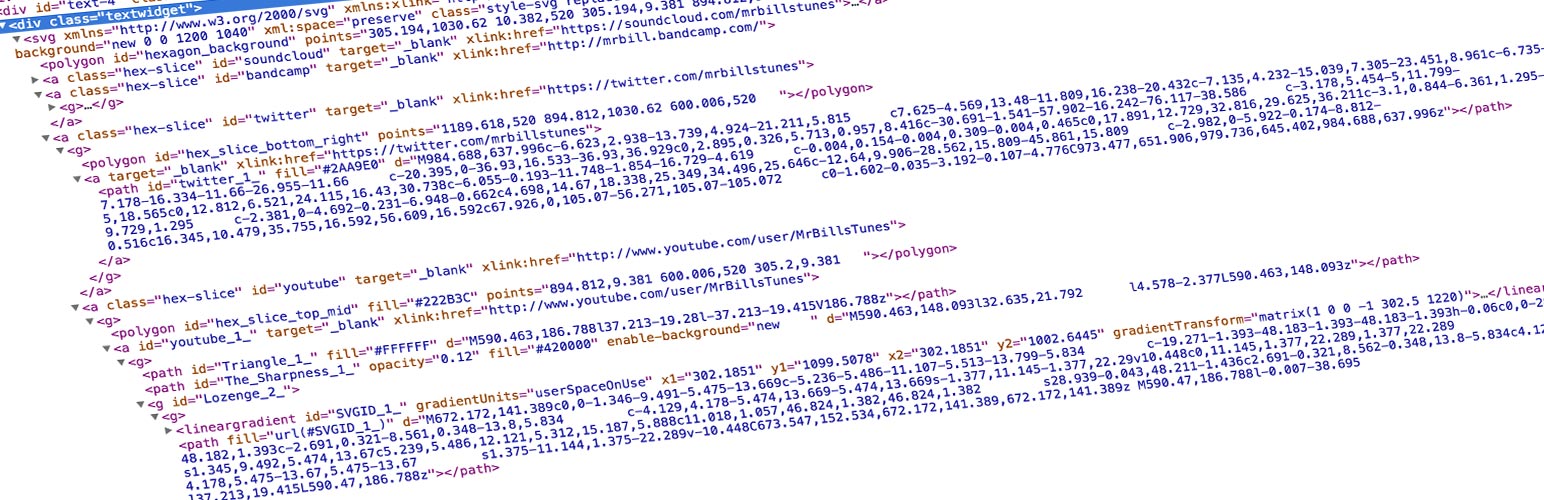
Basic Usage: – First, install and activate SVG Support via your WordPress dashboard – Upload SVG files to your media library like any other image – Works seamlessly with Image blocks, Cover blocks and featured images
Advanced Usage: – Enable “Advanced Mode” for minification and inline rendering – Customize with hooks and filters for tailored functionality
Block Editor Usage:
– Use Advanced Mode to enable inline rendering:
– Add the "style-svg" class to Image blocks
– Add the "style-svg" class to Cover blocks to render SVG backgrounds inline
– Use “Skip Nested SVGs” setting to control inline rendering of SVGs within Cover blocks
Classic Editor Usage:
– Use Advanced Mode to add the "style-svg" class to <img> tags for inline rendering
– Enable “Auto Insert Class” option for automatic class insertion in Classic Editor
Common Issues & Solutions: – SVG not displaying? Ensure dimensions are set in CSS. – Need help? Use the support tab and I will do my best to assist you.
Spin up a test site
With a single click, you can spin up a completely free test site to test SVG Support using TasteWP! No sign up, no cards, nothing! How cool is that? Give it a go: Click Here to spin up a test site in seconds
Security
SVG Support prioritizes security with automatic sanitization and role-based restrictions. Only trusted users should have upload permissions. Configure settings to balance functionality and security.
Feedback
I’m open to your suggestions and feedback – Thanks for using SVG Support!
Follow @SVGSupport on Twitter Follow @benbodhi on Twitter Follow @benbodhi on Farcaster
Note: I hope you like this plugin! Please take a moment to rate it.
Development & Contributing
The development version of SVG Support is maintained on GitHub. Feel free to contribute:
- Submit bug reports or feature suggestions: GitHub Issues
- Contribute code via Pull Requests
- Development repository: GitHub
Translations
Contribute translations here. New to translating? Check the Translator Handbook.