
VisioGalaxia
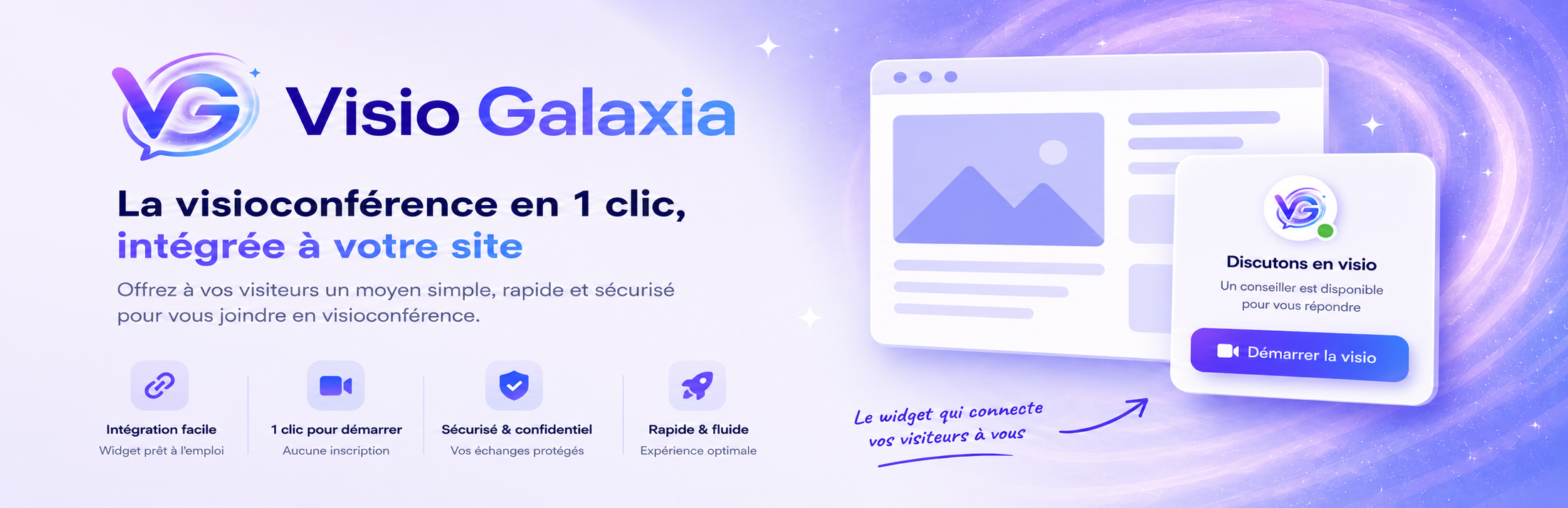
VisioGalaxia adds a video call button to your website. When you are online, a green dot shows that you are available: your visitors can then reach you by video conference in a single click, directly from their browser, with no prior appointment and without installing any application.
You stay in control of your availability, with three statuses reflected in real time on the button: available (green), busy (orange) and invisible. When you are busy, visitors can join a virtual queue and see their position; when you are away, they can leave you a message in a chat-style window: you receive it instantly by email and can reply directly from your mailbox, so you never lose a contact.
The button is more than a single call link: when visitors hover over it (or tap it on mobile), a welcome screen presents every contact channel you have enabled — video call, audio-only call, live text chat, appointment booking. Only the channels you activate are shown, and the most relevant one is highlighted according to your status.
Before each call, a short questionnaire lets your visitor describe their request: you receive this information together with the call, so you can choose whether or not to accept the connection.
During the conversation, a collaborative whiteboard is available whatever the mode (video, audio or chat): draw together in real time (pen, eraser, colors, undo/redo), or display a PDF or an image (up to 10 MB) and annotate it with your visitor, then export your annotations as a PNG image. Shared documents are ephemeral: they are deleted at the end of the call, and at the latest within 24 hours.
From your dashboard, you can also see in real time how many visitors are currently browsing your site — and start a proactive chat to invite one of them to talk with you. Sound and visual notifications alert you as soon as a visitor wants to reach you.
Calls are protected by end-to-end encryption with perfect forward secrecy (AES-256-GCM, TLS 1.3): only you and your visitor can see and hear the conversation. All data is hosted in France and never leaves the European Union; the service is GDPR compliant.
Your video call button is not limited to your website: your VisioGalaxia account also gives you a personal call link, a QR code and an email-signature button that reflects your availability in real time. Share them by email, on social networks, on LinkedIn or on printed material: visitors reach you the same way — one click, no appointment, no installation.
The widget automatically appears in your visitor’s language (English or French, based on their browser), while your own texts and questionnaire stay exactly as you wrote them.
Main features
- Video call button embedded on your site, in a fixed position
- Real-time presence indicator (green when available, orange when busy, grey when away)
- Channel hub: on hover or tap, a welcome screen presents the contact channels you have enabled (video, audio, chat, appointment)
- Video conferencing directly in the browser, with no download or sign-up required for visitors
- Audio-only calls for visitors who prefer not to turn their camera on (optional)
- Live text chat, handled on your side like an incoming call (optional)
- Pre-call qualification questionnaire, fully customizable: short text, long text, single-choice and multiple-choice questions
- Collaborative whiteboard during the call: draw together in real time, share and annotate a PDF or an image (up to 10 MB), export the result as PNG
- Real-time visitor counter: see from your dashboard how many visitors are currently on your site
- Proactive chat: invite a visitor currently on your site to start a conversation, directly from your dashboard
- Sound and visual notifications in your dashboard as soon as a visitor wants to reach you
- End-to-end encrypted calls (AES-256-GCM, perfect forward secrecy), data hosted in France, GDPR compliant
- Visitor queue with real-time position when you are already in a call
- Appointment booking offered when you are away, showing your next available slot (optional)
- Text chat alongside the video — if the video connection fails, the conversation seamlessly continues in writing
- When you are offline, visitors can leave you a message (chat-style window); you are notified by email and can reply directly, optionally after your qualification questionnaire
- “Back online” alert: visitors leave their email and are automatically notified when you are available again (optional)
- Widget displayed in the visitor’s language (English/French, automatic or forced in the settings)
- Display options: widget shape, position, color, and button text for both available and offline states
- Mobile-friendly button that adapts to its text and never overflows the screen
Third-party service and data
This plugin is a connector to the VisioGalaxia service (https://visio.galaxia.paris), which is required for it to work. To display the button and handle video calls, the plugin loads a script hosted on the VisioGalaxia servers:
- Loaded script: https://visio.galaxia.paris/v.js
- This script is loaded on the public pages of your site only when a VisioGalaxia token is set in the settings.
- The token you enter links the button display to your VisioGalaxia account.
- The button shown by the widget may include a “powered by VisioGalaxia” mention linking to https://visio.galaxia.paris.
Use of the VisioGalaxia service is subject to its terms and privacy policy:
- Terms of use: https://visio.galaxia.paris/cgu
- Privacy policy: https://visio.galaxia.paris/confidentialite
- Data deletion / objection: https://visio.galaxia.paris/opposition
Creating an account on https://visio.galaxia.paris is required to obtain a token and use the plugin.