
Set a price for new job listings and use either Stripe Checkout or PayPal Standard to seamlessly take payments during the job submission process.
Job listing
When previewing a job listing the 'confirm' button is renamed to 'Pay for listing'. This is where the magic of this add-on happens. Clicking 'Pay for listing' will trigger the payments process, which differs depending upon whether you have chosen Paypal or Stripe.Configuration
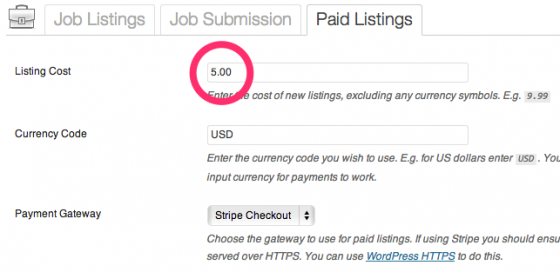
After installation head over to Job Listings > Settings > Paid Listings to configure your paid listings + gateways. You can set the listing cost and configure your payment gateway - Stripe or Paypal.