
Advanced User Avatar | Custom Profile Picture Uploader for WordPress, WooCommerce, and BuddyPress
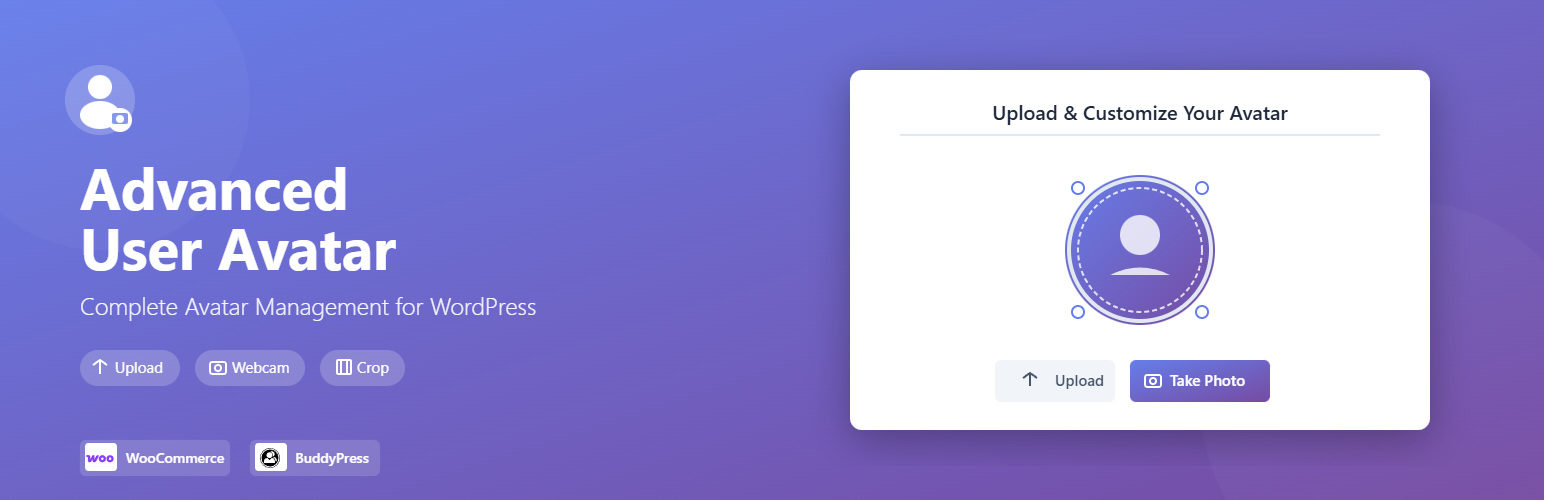
Your WooCommerce customers are faceless. Reviews come from anonymous silhouettes, the My Account dashboard greets returning shoppers with a generic placeholder, and every account in your store feels like a transaction instead of a person. Faceless reviews are trusted less, and anonymous accounts give your customers no reason to feel connected to your brand.
Advanced User Avatar gives every WooCommerce customer a real profile photo, uploaded from their device in seconds. The avatar appears in the WooCommerce My Account dashboard and on the Account Details page automatically. For BuddyPress communities, it replaces the default avatar uploader with a faster, friendlier flow. For any other WordPress site, drop the avatar uploader anywhere using a shortcode or the Gutenberg block.
Features
WooCommerce integration
- My Account Dashboard avatar — customer’s profile photo displays on the dashboard the moment they log in
- Account Details upload field — customers update their photo from the same page they manage their account
- Page builder compatible — works alongside Bricks Builder and other builders without duplicate template rendering
- Product review avatars — coming in version 2, so reviewers show as real people on product pages
BuddyPress integration
- Replaces the default BuddyPress avatar uploader with the same upload, crop, and webcam flow used across your site
- Displays on member profile pages and the member directory so communities feel populated by people, not placeholders
Better Messages integration
- Custom avatars appear in the Better Messages chat interface automatically, replacing the default Gravatar with the user’s uploaded photo
Upload experience
- Crop interface — customers position and size their photo before saving
- Webcam capture — take a photo directly in the browser, no file needed
- EXIF orientation handling — phone photos stay upright after cropping
- File type validation — admin chooses which of JPG, PNG, and GIF are allowed
- Max file size control — set the upload ceiling from settings
- Auto-generated image sizes — multiple thumbnails created on upload for fast display everywhere
Placement options for developers and site builders
- Shortcode:
[wpmake_advance_user_avatar_upload]renders the full upload form on any page - Shortcode:
[wpmake_advance_user_avatar]outputs the current user’s avatar - Gutenberg block for drag-and-drop placement in the block editor
No Gravatar, no external data sharing
Gravatar sends a hash of every visitor’s email address to an external server to fetch their photo. For EU stores and any site under GDPR scope, that third-party request is a compliance question your legal team would rather not answer. Advanced User Avatar stores every photo on your own server. No outbound requests, no hashed emails leaving your site, no third-party dependency.
Install the plugin and give your customers a face on your store.