
AFB – Auto Form Builder – Drag & Drop Form Creator
Live Preview | Backend Demo (One-Click Login) | Support
Watch the full overview video below.
Auto Form Builder is a powerful, fully free WordPress form plugin that gives you everything you need to create professional forms — without touching a single line of code.
Whether you’re building a simple contact form, a multi-step feedback form, a file upload form, or a complex form with conditional logic, Auto Form Builder handles it all from an intuitive drag-and-drop interface.
Every feature listed below is included in the free plugin. No upsells hidden behind core functionality.
Why Auto Form Builder?
Most form plugins lock their best features behind expensive subscriptions. Auto Form Builder gives you conditional logic, form analytics, spam protection, submission management, webhooks, import/export, and full visual customization — all completely free.
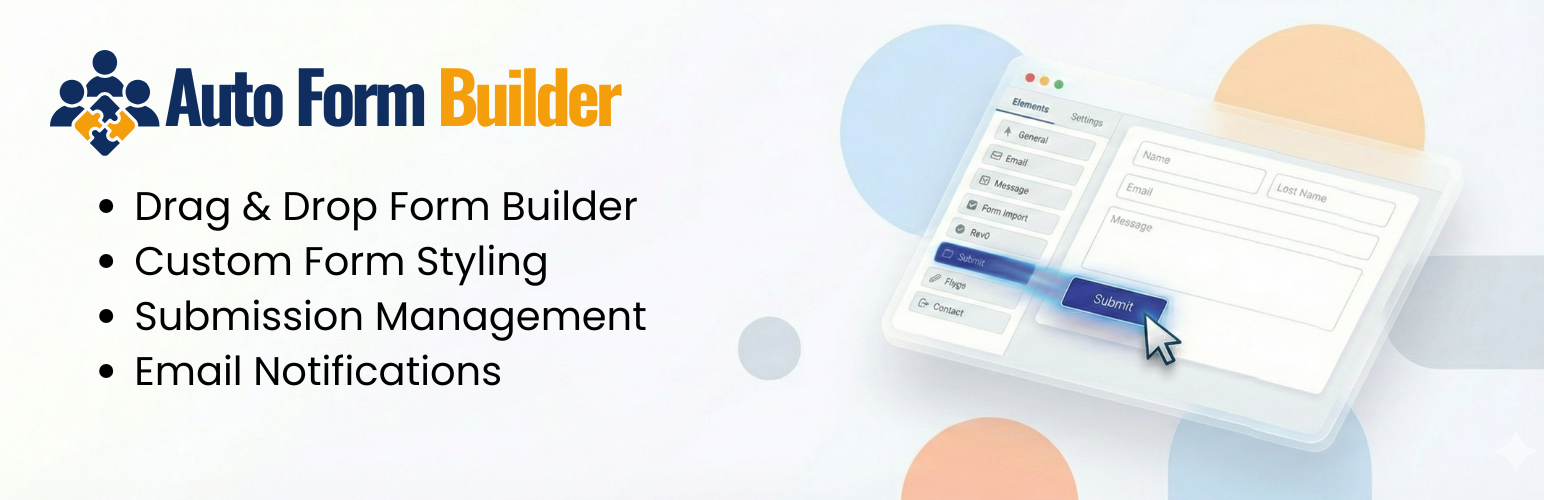
Drag & Drop Form Builder
Building a form takes minutes. Open the builder, drag your fields onto the canvas, and you’re done. The builder supports undo/redo, a live preview with desktop, tablet, and mobile views, and instant shortcode generation so you can embed your form anywhere on your site.
10+ Field Types
Every common field type is included:
- Text Input
- Textarea
- Phone
- Number
- Date & Time
- Checkbox
- Radio Buttons
- Dropdown
- Name Field
- Address
- File Upload
Pre-Built Templates
Start faster with ready-to-use form templates including Contact Form, Feedback Form, Support Request, Newsletter Signup, Event Registration, and more. Every template is fully customizable after creation.
Conditional Logic
Show or hide any field based on what a user has already entered. Set multiple conditions per field using AND or OR logic. Build smart, dynamic forms that adapt to each visitor — all without any code.
Full Visual Customization
Make your forms match your brand perfectly. The Customize tab gives you control over:
- Theme presets — Corporate, Minimal, Modern, Eco, Friendly, Luxury, Neutral, Creative, Feminine, Fresh, and more
- Header image / banner per form
- Background, colors, fonts, layout
- Field styling and button design
- Visual effects
Every change is previewed live across desktop, tablet, and mobile.
Submission Management
All your form submissions are organized in a clean inbox-style interface with Unread, Starred, Read, Spam, and Trash tabs. Search submissions by any field value — name, email, phone, or any custom field. Filter by form or date range, sort by newest or oldest, and print submissions directly from the dashboard.
Email Notifications
Get notified instantly when a form is submitted. Admin notification emails and user confirmation emails are both supported and fully configurable per form.
Form Analytics (Built-In Add-On)
Track exactly how your forms are performing. The analytics dashboard shows total views, total submissions, average conversion rate, and per-form breakdowns — all with a 30-day activity chart. Sync historical submissions, and reset data anytime. Form analytics is included free and activatable from the Add-Ons page.
Spam Protection (Built-In Add-Ons)
Two spam protection options are included free:
- Google reCAPTCHA — industry-standard bot protection
- Cloudflare Turnstile — a privacy-first, user-friendly CAPTCHA alternative with a better experience for real visitors
Both are activatable from the Add-Ons page. Use one or both on any form.
Import & Export
Export your forms and entries for backup or migration. Import forms onto any WordPress site in seconds. Perfect for agencies managing multiple client sites.
Webhooks
Connect your forms to any external service or automation platform using built-in webhook support. Send submission data to Zapier, Make, or any custom endpoint the moment a form is submitted.
Extend with Paid Add-Ons
The free plugin is complete and fully functional on its own. For teams and agencies that want to go further, premium add-ons are available to extend specific functionality.
Auto Form CRM Integration
Auto Form Builder integrates natively with Auto Form CRM, a dedicated WordPress CRM plugin built for managing leads and form submissions in one place.
Try It Before You Install
External Services
Auto Form Builder is privacy-first. By default the plugin does not contact any external service. The following optional services are off by default and only ever run after you actively opt in:
Anonymous Deactivation Feedback (opt-in, one-time)
- Service: Auto Form Builder feedback endpoint
- Endpoint: https://autoformbuilder.com/afb-deactivation-feedback.php
- Provider: Auto Form Builder (https://autoformbuilder.com/)
- When it is contacted: Only when an administrator clicks the “Submit & Deactivate” button inside the optional feedback dialog that appears when deactivating the plugin from the WordPress plugins screen. Clicking “Skip & Deactivate”, closing the dialog, pressing Escape, or not deactivating the plugin sends nothing at all.
- Data that is sent: the reason you selected, your optional short free-text explanation (capped at 1000 characters), your WordPress version, your PHP version, the Auto Form Builder plugin version, and your site locale.
- Data that is NOT sent: site URL, administrator name or email, user ID, IP address, or any form / submission data. The User-Agent of the request is overridden to a neutral string so the request does not embed the site URL.
- Purpose: To help us understand why users deactivate the plugin and prioritise improvements accordingly.
- Transparency: The exact JSON payload that will be sent is shown inside the feedback dialog (via the “See exactly what we send” toggle) before any data leaves your server.
- Provider terms / privacy policy: https://autoformbuilder.com/
Anonymous Usage Data (opt-in, off by default)
- Service: Auto Form Builder telemetry endpoint
- Endpoint: https://autoformbuilder.com/afb-telemetry.php
- Provider: Auto Form Builder (https://autoformbuilder.com/)
- When it is contacted: Only if you enable “Help improve Auto Form Builder by sending anonymous usage data” in the onboarding screen or under Settings → General. While enabled, the plugin sends a one-time “install” event when you opt in and an “uninstall” event when the plugin is deleted. If you never opt in, nothing is ever sent. You can turn it off again at any time in Settings, which stops all further requests.
- Data that is sent: a randomly generated anonymous site ID (created locally, not derived from your URL), the plugin / WordPress / PHP / MySQL versions, the plugin version present at install, your site locale, whether the site is multisite, the number of days since install, the approximate number of forms and submissions expressed as ranges (never exact counts), which Auto Form Builder add-ons are active, and whether onboarding was completed.
- Data that is NOT sent: site URL, administrator name or email, user ID, IP address, or any form / submission content.
- Purpose: To measure how many installations are removed over time (the uninstall rate) and understand which environments and usage levels correlate with users leaving, so we can prioritise improvements.
- Transparency: The full list of what is and is not collected is shown next to the opt-in checkbox (“What we collect”) before you enable it.
- Provider terms / privacy policy: https://autoformbuilder.com/privacy/