
Footnotes Made Easy
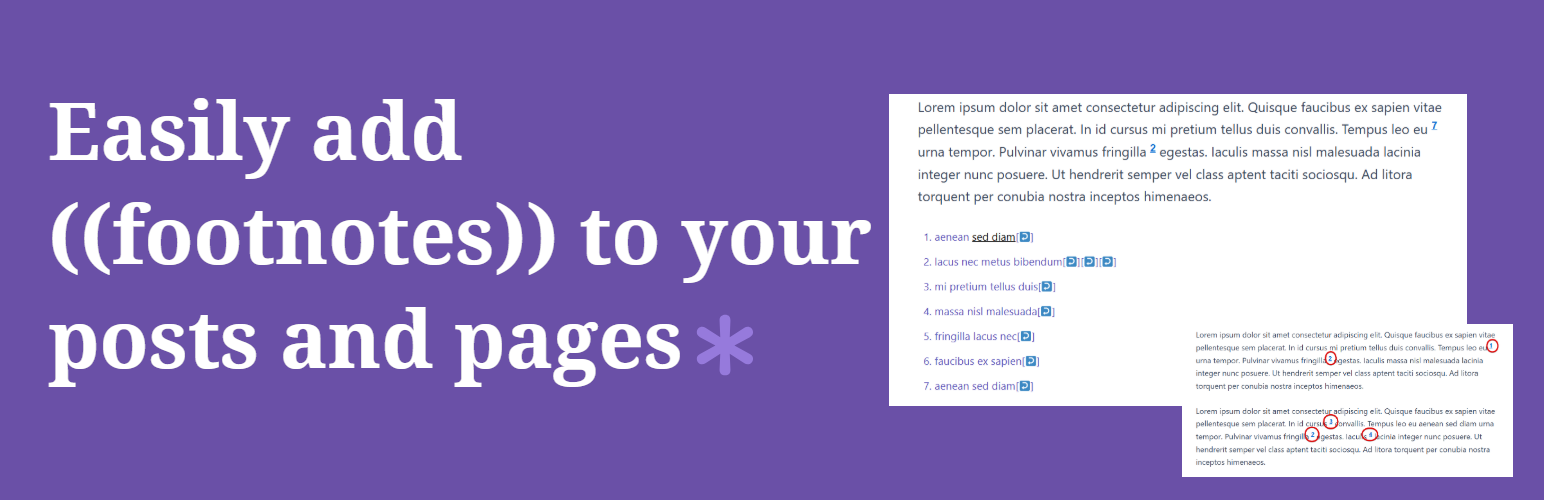
Footnotes Made Easy is a simple but powerful plugin for adding footnotes to your WordPress posts and pages. Wrap any text in double parentheses, and it becomes a footnote; automatically numbered, linked, and displayed at the bottom of your content.
Full documentation is available at docs.altvisewp.com/footnotes-made-easy
Key features:
- Simple inline syntax — wrap text in
(( ))to create a footnote anywhere in a post or page - Combine identical footnotes automatically
- Paginated post support with manual start number control
- Reference a previous footnote by number using
((ref:1)) - Pretty tooltips — show footnote content on hover using jQuery
- Suppress footnotes on specific page types (home, archives, search, feeds)
- Exclude footnotes from specific post categories or custom URLs
- Dashboard with live usage stats; footnote counts across all posts and pages
- Export/import Footnotes Made Easy settings across different sites
- Multisite support; network-managed mode or per-subsite override
- Compatible with the Classic Editor and the Gutenberg block editor
- Lots of configuration options
Footnotes Made Easy is a fork of WP Footnotes, a plugin by Simon Elvery.
For the latest code, planned enhancements and known issues, visit the GitHub page.
Getting Started
Creating a footnote is simple; wrap your footnote text in double parentheses:
This is a sentence ((and this is your footnote)).
The footnote will appear at the bottom of your post or page, automatically numbered and linked.
Important: Include a space before your opening double parentheses or the footnote will not work.
Settings
The settings page is organised into four tabs:
- Display — Control footnote identifier style, back-link format, header and footer text, and tooltip behaviour.
- Behaviour — Configure combining identical footnotes, back-link position, and processing priority.
- Suppress — Choose which page types (home, archives, search, feeds, previews) should not display footnotes. Also suppress by post type and exclude footnotes from specific URLs or post categories
- Advanced — Change the opening and closing delimiters.
Paginated Posts
By default, each page of a paginated post restarts footnote numbering from 1. To maintain a continuous sequence, add a start number tag between each <!--nextpage--> marker:
<!--startnum=5-->
Replace 5 with the number you want the first footnote on that page to start at.
Referencing
To reference a previous footnote a second time, you can either repeat the exact same text (recommended — works with the Combine Identical Footnotes option) or use the number reference syntax:
((ref:1))
Note: number referencing does not work across pages in a paginated post, and risks pointing to the wrong footnote if new footnotes are inserted before it. The exact-text method is more robust.
Multisite Support
On WordPress multisite networks, the plugin can be configured from the network admin in two modes:
- Network managed — all settings controlled centrally; the Footnotes menu is hidden from subsite admins
- Subsite override — each subsite admin can manage their own footnote settings independently
Available in 8 Languages
Footnotes Made Easy is fully internationalised and ready for translation.
Thanks to the following translators:
- David Artiss, English (UK)
- Mark Robson, English (UK)
- Annabelle W, English (UK)
- maboroshin, Japanese
- Laurent MILLET, French (France)
- B. Cansmile Cha, Korean
- danbilabs, Korean
- denelan, Dutch
- Peter Smits, Dutch
- Pieterjan Deneys, Dutch (Belgium)
- Alex Grey, Russian
To add a translation, visit the Translating WordPress page.