
KooKoa Folders – Cartelle Media Library & Organizzatore File
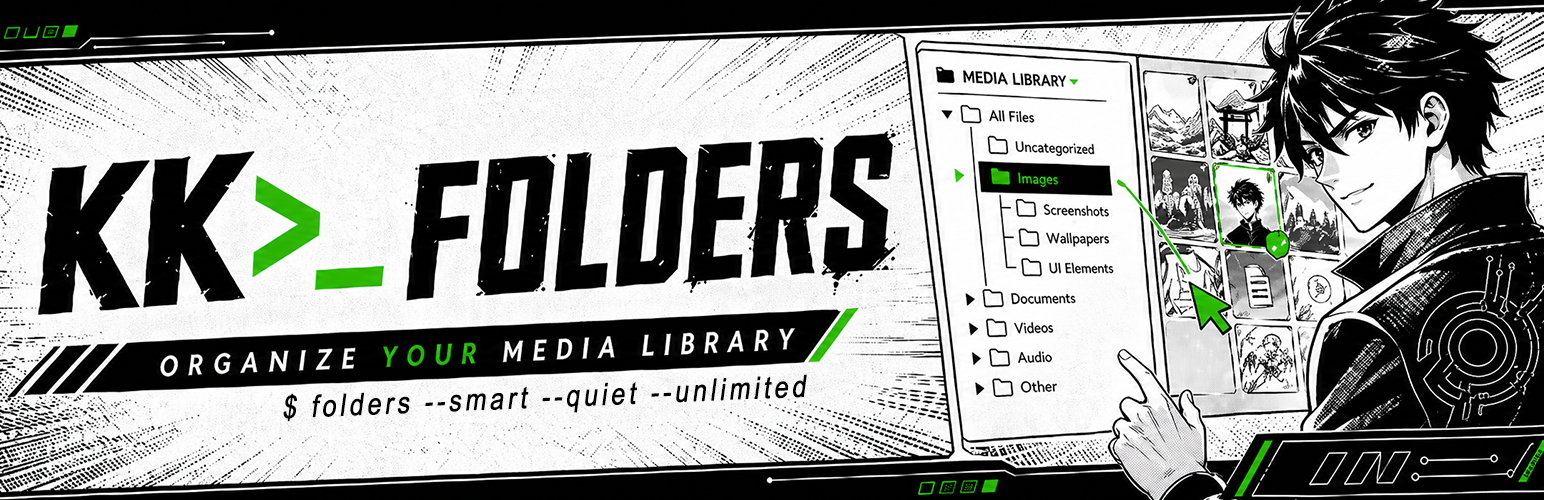
KooKoa Folders aggiunge una barra laterale con cartelle alla Media Library di WordPress. Puoi creare cartelle, annidarle in sottocartelle e spostare i file con il drag and drop. Include anche Smart Folder illimitate che si popolano automaticamente in base a regole che definisci tu — tipo di file, dimensione, data, proporzioni, tag e altro ancora — così la libreria rimane ordinata man mano che cresce.
👉 PROVA LA DEMO LIVE ☝️ — Accesso immediato, nessun account necessario
Le cartelle sono virtuali. Sono archiviate come tassonomia privata di WordPress e collegate ai tuoi elementi media, quindi i file sul disco non vengono mai spostati e gli URL delle immagini esistenti continuano a funzionare. Se disattivi il plugin, la tua Media Library continua a funzionare come se nulla fosse accaduto.
🗂️ Organizzazione
- Cartelle e sottocartelle illimitate nella Media Library
- Trascina e rilascia gli allegati tra le cartelle
- Assegna automaticamente i nuovi caricamenti alla cartella in cui ti trovi
- Conteggio elementi per cartella
- Filtro cartelle nella vista lista della Media Library
⚡ Smart Folder
- Smart Folder illimitate (basate su regole), popolate automaticamente man mano che la tua Media Library cresce
- Combina più regole per cartella con logica AND — tipo di file, dimensione, proporzioni, data, autore, stato, ricerca, tag e altro ancora
- Conteggi in tempo reale memorizzati nella cache per cartella, aggiornati automaticamente quando gli elementi cambiano
- Supporto per fissaggio, blocco, colore e icona — stessa UX delle cartelle normali
🌈 Personalizzazione
- Colori personalizzati per le cartelle
- Icone personalizzate per le cartelle con selettore emoji
- Fissa le cartelle in cima all’albero
- Blocca le cartelle per evitare rinominazioni, cambi di colore, icona o eliminazioni accidentali
🔍 Navigazione
- Barra laterale delle cartelle ridimensionabile e fissa
- Cerca e ordina l’albero delle cartelle
- Barra breadcrumb e schede sottocartelle
- Smart Startup Folder — apri la Media Library sull’ultima cartella utilizzata o su una cartella fissa a tua scelta
- Scorciatoie da tastiera per le azioni comuni
- Layout responsive per dispositivi mobili
🔄 Operazioni in blocco
- Modalità Organizzazione in blocco — seleziona più allegati e spostali in una cartella con un clic
- Scarica una cartella (e tutte le sue sottocartelle) come singolo archivio ZIP
- Scarica solo gli elementi selezionati come ZIP, direttamente dalla barra degli strumenti Organizzazione in blocco
- Carica una struttura di cartelle dal tuo computer e le sottocartelle vengono ricreate automaticamente
- Esporta e importa la struttura delle cartelle in formato JSON, con modalità Unisci o Sostituisci
📊 Informazioni
- Tooltip al passaggio del mouse sugli elementi media con nome file, dimensione e proporzioni
- Campi EXIF opzionali nel tooltip al passaggio del mouse — fotocamera, apertura, tempo di scatto, ISO, lunghezza focale
🛡️ Controllo accessi
- Accesso basato sui ruoli — scegli quali ruoli WordPress possono utilizzare la barra laterale delle cartelle
🔒 Privacy
- Font self-hosted, nessuna chiamata a Google Fonts
- Nessuno script esterno, nessun tracker, nessuna analytics
- Nessuna risorsa frontend viene caricata per i visitatori normali; le integrazioni con builder/editor si caricano solo quando un editor autorizzato apre un visual builder supportato
✅ Compatibile con
La barra laterale delle cartelle è disponibile in:
- Viste lista e griglia della Media Library di WordPress
- Modal media dell’editor a blocchi (Gutenberg)
- Modal media dell’Editor classico
- Modal media di Divi 4 e 5
- Modal media di Elementor
- Modal media della galleria prodotti WooCommerce
🔁 Migrate from other folder plugins
Already using another folder plugin? Switch in one click. KooKoa Folders detects existing folder structures directly from your database and rebuilds the full tree inside the KooKoa sidebar — with file assignments intact, no JSON export, no rebuilding from scratch.
Supported sources:
- FileBird (Ninja Team)
- Folders (Premio)
- Real Media Library (devowl.io)
A subtle hint inside the Media Library surfaces the importer when one of these plugins is detected, so you find it without going hunting through Settings. After a successful import, the source plugin can be deactivated with one button — your KooKoa folder structure keeps living independently.
🚀🚀🚀 Add-on Pro
👉 TRY THE LIVE DEMO ☝️
🚀 Folders for Posts & Pages 🚀 Folders for Custom Post Types 🚀 AI Image Generator (text-to-image) 🚀 AI Image Editor (text-guided edits) 🚀 WebP / AVIF Converter 🚀 Replace Media (same name or rename) 🚀 Watermark Images (logo or text) 🚀 Clean Unused Media 🚀 Find Duplicate Media (byte-exact + perceptual hash) 🚀 Image Editor (crop, rotate, filters, resize) 🚀 Media Stats Dashboard 🚀 Priority Email Support
💻 Use cases
A few real-world setups where KooKoa Folders earns its keep:
- Bloggers and content writers — keep every blog image, post screenshot, hero photo, video clip and audio file inside dedicated media folders. Drag and drop assets between folders, filter the media library by folder, and find the right image for tomorrow’s article in seconds instead of scrolling past 2,000 thumbnails.
- WordPress photographers and photo studios — split your media library by shoot type (portraits, weddings, real estate, landscapes, nature, family), by client, by year, or by location. Pin your active project to the top, lock the archive against accidental edits, and let smart folders auto-collect images by date, file size or alt text.
- WooCommerce shop owners and e-commerce managers — organize product images into folders that mirror your catalog (apparel, footwear, accessories, electronics). Drag and drop new product photos straight from upload into the right SKU folder, and use smart folders to auto-group every PNG, JPEG or WebP above a certain size for quality audits.
- Web designers, web developers and freelance agencies — separate site assets per project, per page section or per client (logos, mockups, illustrations, icon sets, screenshots). Folder colors and custom icons turn the media library into a navigable workspace even when you sit on thousands of files.
- Online publishers, magazines and editors — file every image per issue, per article, per author or per topic. Smart folders auto-collect everything uploaded this week, this month, or by a specific contributor — no manual sorting needed.
- Real estate, hospitality and listings sites — one folder per property or per location, subfolders per room, view or photoshoot. Bulk upload an entire shoot, drag the keepers into the listing folder, and skip the rest. Color-code your busiest property folders so the right one stands out at a glance.
- Course creators and membership sites — split lesson screenshots, video thumbnails and downloadable PDFs into folders per course, per module or per lesson. Find the right cover image without scrolling past fifty unrelated lessons.
- Marketing agencies, design studios and creative teams — one WordPress Media Library, many clients. A folder per brand keeps work tidy, role-based access keeps clients out of each other’s assets, and the export/import tool ships a folder tree to a new project in a single JSON file.
Librerie Open Source
KooKoa Folders è costruito su questi progetti open source. Grazie ai loro autori per aver condiviso il loro lavoro con la community.
-
jsTree v3.3.16 by Ivan Bozhanov (vakata) — MIT License Website: https://www.jstree.com/
-
Share Tech Mono di Carrois Apostrophe (Ralph du Carrois) — SIL Open Font License 1.1 — https://www.carrois.com/ Font monospace self-hosted utilizzato in tutta l’interfaccia. Nessun CDN Google Fonts.
Per tutto il resto, KooKoa Folders utilizza le librerie già incluse nel core di WordPress — jQuery, jQuery UI (Draggable, Droppable, Sortable) e Dashicons — invece di includere le proprie copie.
Crediti
KooKoa Folders è progettato e sviluppato da Adamo Lussana — https://www.kookoa.com