
Product Roles Manager for WooCommerce
·
Control WooCommerce product visibility based on user roles. Restrict products and variations to specific user roles.
Votazioni
Versione
1.0.1
Ultimo aggiornamento
Jun 12, 2026
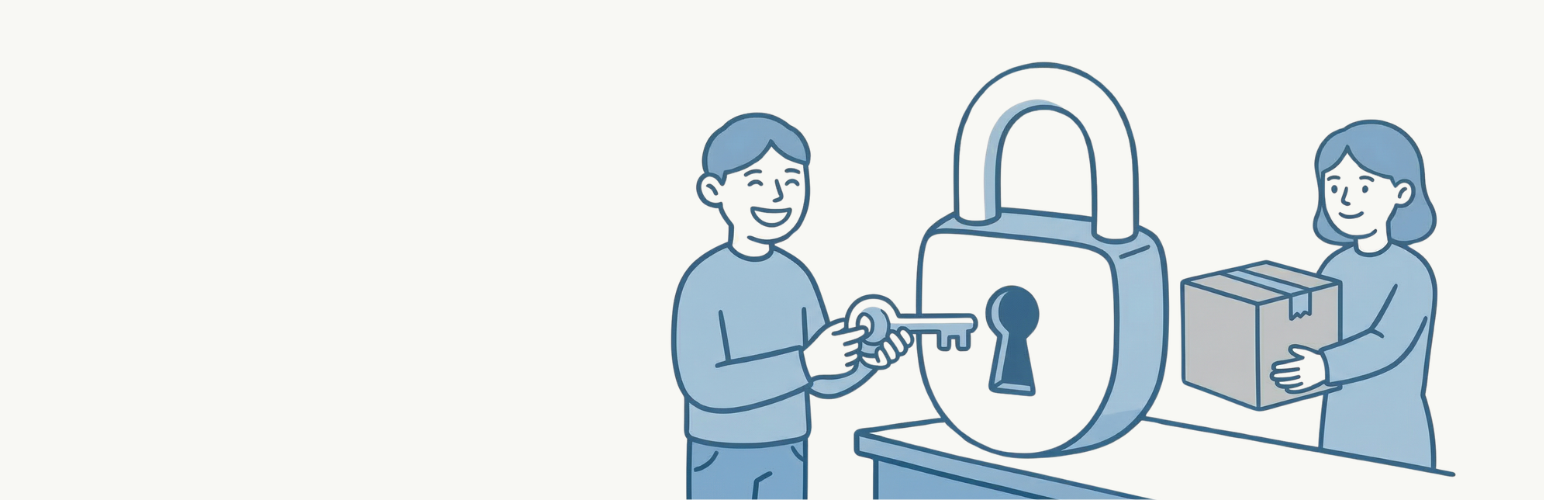
Product Roles Manager for WooCommerce allows you to control which products are visible to specific user roles. Perfect for wholesale stores, membership sites, or any WooCommerce store that needs role-based product access.
Features
- Restrict simple products to specific user roles
- Restrict product variations individually by user role
- Works with WooCommerce product queries, widgets, and shortcodes
- Compatible with WooCommerce Blocks and REST API
- Automatically hides restricted products from related products, upsells, and cross-sells
- Redirects unauthorized users to 404 when accessing restricted products directly
- Settings page with import/export functionality
- Lightweight and performance-optimized with caching
Use Cases
- Wholesale Stores – Show wholesale-only products to users with a wholesale role
- Membership Sites – Display exclusive products to premium members only
- B2B Stores – Restrict certain products to registered business customers
- Staff Discounts – Show staff-only products to employees
Configuration
Simple Products
- Go to Products then Edit Product
- Scroll to the Product Data section
- In the General tab, find Product Visibility by Role
- Select the user roles that should see this product
- Leave empty to show the product to all users
Variable Products
- Go to Products then Edit Product
- Navigate to the Variations tab
- Expand any variation
- Find Variation Visibility by Role
- Select the user roles that should see this variation
- Leave empty to show the variation to all users
Plugin Settings
Navigate to WooCommerce then Product Roles Manager to access:
- Global settings configuration
- Export settings to JSON file
- Import settings from JSON file
- Delete all plugin data