
Send Users Email – Email Subscribers, Email Marketing Newsletter
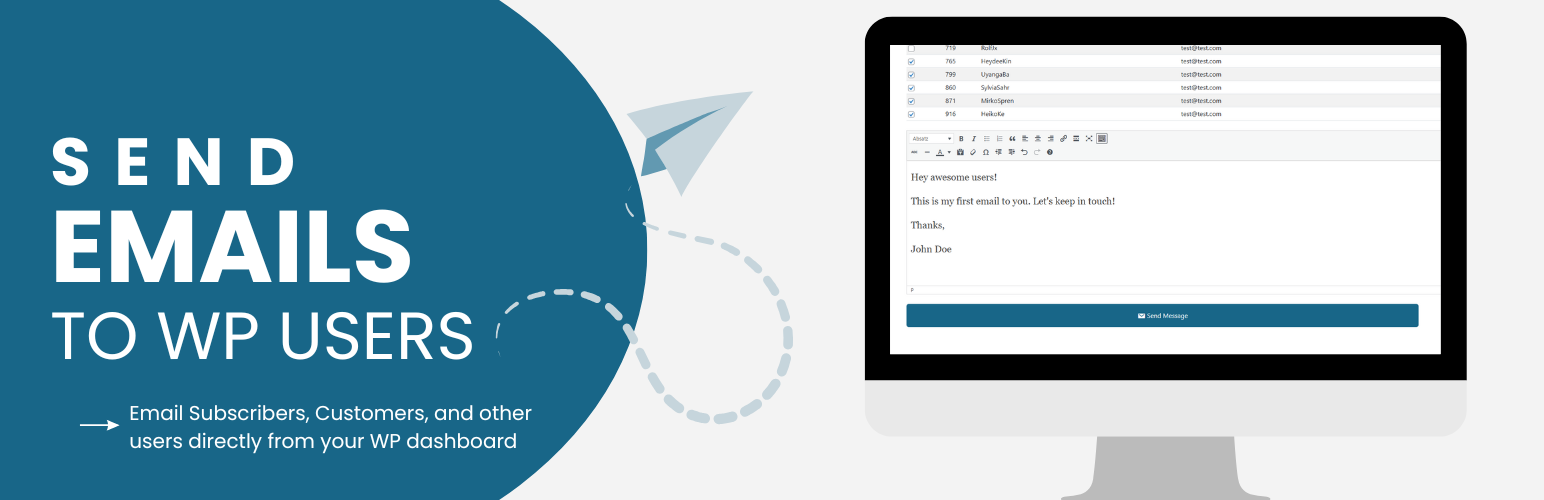
Send Users Email turns your WordPress user base into a mailing list. Compose a message once and send it straight to individual users, entire roles, or a single external email address — no separate mailing list service required.
The free version covers everything you need for one-off announcements and support emails: personalized placeholders, custom CSS styling, social media links in the footer, branded headers, and a 15-day log of everything sent (plus any delivery errors) for troubleshooting.
The PRO version turns the plugin into a full email marketing tool: an email queue that paces sends to stay within your provider’s limits, scheduling for future delivery, custom user groups and external contact lists, a library of pre-designed templates (or your own custom HTML template), subject-line placeholders, per-user email subscription opt-out, your own SMTP server for better deliverability, and extended 90-day logs.
This plugin uses the wp_mail function to send emails, so it works alongside any other email plugin (e.g. SMTP plugins) that also hooks into wp_mail.
⚡ PRO Version (Free Trial) for emailing groups, external lists and batch campaigns
📚 Documentation | 🌟 PRO Features | 🔥 Get PRO
Free Version Features
- Send to Individual Users: Select one or more specific users from your site and send them a personalized email.
- Send to User Roles: Send a single email to everyone in a chosen role (Administrator, Editor, Subscriber, etc.), or combine multiple roles in one send.
- Send to a Single Email Address: Quickly compose and send a one-off email to any external address, without it needing to be a registered user.
- Personalization Placeholders: Insert tags such as the recipient’s username, first/last name, display name, user ID, or email address so every message feels personal.
- Subject & Body via the WordPress Editor: Compose your message with the familiar WordPress rich text (TinyMCE) editor.
- Custom CSS for Email Styling: Add your own CSS in Settings to restyle the default responsive email template to match your brand.
- Branded Email Header: Set a logo, custom email title, and tagline that appears at the top of every email.
- Social Media Icons: Add links to your social profiles (Facebook, Twitter/X, LinkedIn, Instagram, etc.) shown in the email footer.
- From / Reply-To Settings: Configure the sender name, sender email, and reply-to address used for outgoing emails.
- Role-Based Sending Permissions: Decide which roles, besides Administrators, are allowed to send emails through the plugin.
- Email Preview: Preview how an email will look — including placeholder substitution — before sending it.
- Error Logging: Failures from
wp_mailare automatically logged with details so you can diagnose delivery problems. - Email Logs (15 Days): Sent emails and errors are kept for 15 days, viewable by date from the admin area.
PRO Features
- All Free Features Included: Everything above, plus the tools below.
- Email Queue System: Send large batches of email gradually (a configurable number every 5 minutes via WP-Cron) to stay within your provider’s sending limits and improve deliverability.
- Use Queue by Default: Optionally make every send go through the queue automatically, without choosing it each time.
- Email Scheduling: Schedule queued emails to go out at a specific future date and time instead of immediately.
- Queue Activity & Logs: Track queue throughput with activity charts and a dedicated 30-day queue email log, with automatic cleanup of old queue records.
- User Groups: Create custom groups of users (independent of WordPress roles) and add members via a searchable multi-select, then email a group directly.
- External Lists: Build and manage contact lists of email addresses that aren’t WordPress users — import them in bulk via CSV and email the whole list.
- Email Templates: Save reusable templates (subject + message) so recurring emails can be sent again in a couple of clicks.
- Pre-Designed Email Themes: Choose from 15+ ready-made color and layout styles (Blue, Green, Dark Mode, Modern, Serif, Plain Text, and more) — no CSS required.
- Bring Your Own HTML Template: Upload a fully custom HTML/CSS email layout and set it as your default template.
- Default Email Theme: Pick which theme or custom template loads automatically for every new email you compose.
- Subject Line Placeholders: Personalize subject lines with the same placeholder tags used in the email body.
- Per-Email Title & Tagline: Override the global header title/tagline on a per-email basis when you need a different look for a specific campaign.
- Email Subscription Management: Let users opt in or out of your emails from their profile, with the option to override their preference on a specific send.
- Your Own SMTP Server: Configure a custom or third-party SMTP server (host, port, credentials, TLS/SSL) for more reliable delivery than default PHP mail.
- Extended Email Logs: Keep a configurable history of sent emails — 90 days by default — for auditing and review.
- Clutter-Free UI: A streamlined, modern admin interface designed to keep larger campaigns easy to manage.
📚 Documentation | 🌟 PRO Features | 🔥 Get PRO
Also check out our other plugins on WordPress.org: – YASR – Star Rating Plugin for WordPress – Google Reviews Plugin for WordPress
Credits
- unDraw – Illustrations
- Bootstrap – UI
- DataTables – Tables