
Asset CleanUp: Page Speed Booster
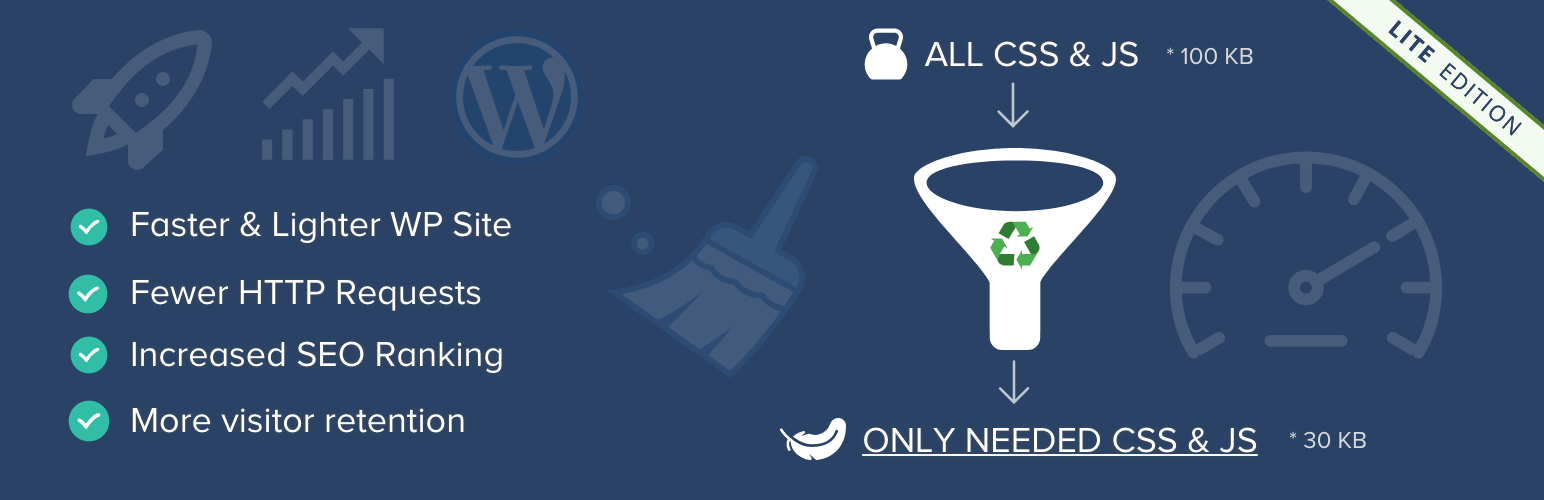
Most WordPress sites load unnecessary CSS and JavaScript files, making pages slower than they should be. Strip the “fat” first and get a faster website!
Faster page load = Happier Visitors = More Conversions = More Revenue 🙂
When using a theme and multiple plugins, many styles and scripts are loaded on every page, even when they are not needed. Preventing unnecessary assets from loading makes your website faster and the HTML output cleaner.
For example, a contact form plugin may load its CSS and JavaScript files on every page, even if the form is only used on the contact page.
Asset CleanUp scans your page and shows all loaded assets. You can then unload the ones that are not needed, reducing page bloat and improving load speed.
The plugin works best alongside a caching plugin or CDN (e.g. Cloudflare) for maximum performance.
Main plugin’s benefits include
- Unload (prevent from loading) unnecessary CSS & JavaScript files and decrease HTTP requests
- Eliminate render-blocking resources for faster page load
- Improve Core Web Vitals and performance scores (PageSpeed, GTmetrix, Pingdom)
- Combine and minify remaining CSS & JavaScript files (including inline code)
- Defer JavaScript execution to improve loading speed
- Inline critical CSS for faster rendering
- Preload important assets such as CSS, JavaScript, local fonts & Google Fonts
- Remove unused features such as Emojis, Dashicons (for guests) and Comment Reply
- Disable RSS feeds if not needed
- Reduce overall HTML size (especially effective with GZIP compression enabled)
- Prevent potential conflicts between plugins and themes
- Make source code cleaner and easier to debug
Ottimizzazione / Rimozione Google Font
- Reduce the number of Google Font requests by combining them into fewer requests (faster loading)
- Load Google Fonts asynchronously or via preload to avoid render-blocking issues
- Preload Google Font files for improved performance
- Apply font-display to ensure text remains visible while fonts are loading
- Enable preconnect to speed up font delivery
- Option to completely remove Google Fonts (including all related requests)
Local Fonts Optimization
- Preload local font files for faster rendering
- Apply font-display to improve text visibility during font loading (important for PageSpeed)
Critical CSS
- Add your own critical CSS to improve above-the-fold loading speed
- Supports homepage, posts, pages, taxonomies, archives, search and 404 pages
- Can be managed directly from the Dashboard or via code / Read More
Clean up unnecessary code from HEAD & BODY
- Remove unused WordPress tags (RSD, REST API, shortlinks, generator meta, etc.)
- Disable RSS feed links if not needed
- Remove oEmbed scripts if you don’t use embedded content
- Strip unnecessary HTML comments (with exceptions support)
Each option can be enabled or disabled individually, giving you full control over how your site is optimized. Clear instructions are available directly in the plugin’s settings.
Disable partially or completely XML-RPC protocol
- Disable XML-RPC if not needed (improves security and reduces unnecessary access)
- Keep it enabled if you rely on external apps or services
Fully compatible with WordPress Multisite networks
Asset CleanUp Pro
This is the lite version of Asset CleanUp Pro, which offers advanced control over how CSS & JavaScript files are loaded across your entire website. Learn more about the Pro version
NOTES
If something is not working as expected or you have any suggestions, feel free to open a thread in the support forum, and I’ll be happy to help.
If you enjoy using the plugin, a review is always appreciated.
GO PRO
- Unlock advanced control over how CSS & JavaScript files load across your entire website
- Unload (prevent from loading) CSS/JS files across all pages (including taxonomies, archives, search and 404 pages)
- Disable entire plugins in the frontend or Dashboard to reduce load time and avoid conflicts
-
Load assets conditionally based on screen size (e.g. skip unnecessary files on mobile)
-
Defer or async JavaScript files for faster page rendering
- Move CSS & JS between HEAD and BODY to reduce render-blocking resources
-
Inline JavaScript when needed for better performance
-
Get faster updates, early access to new features and premium support
Ready to take full control of your website’s performance? Upgrade to Asset CleanUp Pro