
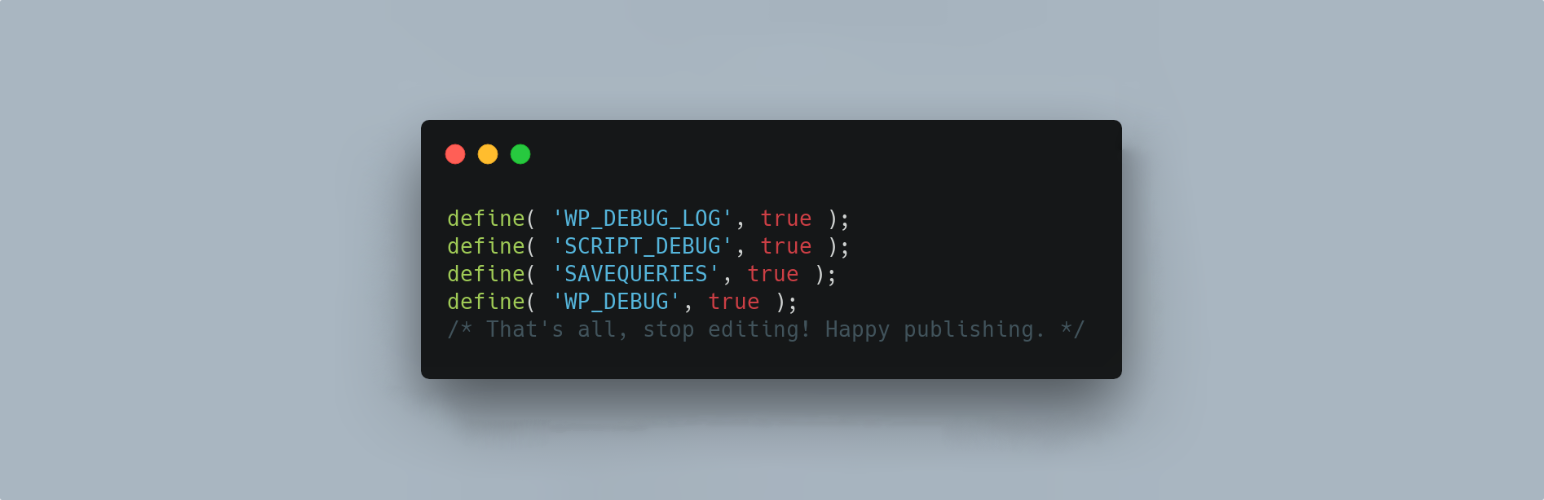
Questo plugin imposta le seguenti costanti di debug in wp-config.php all’attivazione del plugin e le rimuove alla disattivazione. Qualsiasi errore comporterà il lancio di un’eccezione PHP. Costanti di debug secondo Debug in WordPress.
Impostazioni predefinite:
define( 'WP_DEBUG_LOG', true );
define( 'SCRIPT_DEBUG', true );
define( 'SAVEQUERIES', true );
@ini_set( ‘display_errors’, 1 ); viene impostato quando il plugin è attivo WP_DEBUG viene impostato su true al primo avvio del plugin, dopodiché può essere disattivato nelle Impostazioni.
La pagina Impostazioni consente all’utente di impostare quanto segue.
define( 'WP_DEBUG', true ); // Default on initial plugin installation.
define( 'WP_DEBUG_DISPLAY', false ); // Default when not declared is true.
define( 'WP_DISABLE_FATAL_ERROR_HANDLER', true ); // WordPress 5.2 WSOD Override.
When the plugin is deactivated best efforts are made to re-add pre-existing constants to their former state. When the plugin is activated the default settings and any saved settings are restored.
This plugin uses the wp-cli/wp-config-transformer command for writing constants to wp-config.php.
Debug Quick Look from Andrew Norcross is included with this plugin to assist in reading the debug.log file. If you already have this plugin installed you should delete it when WP Debugging is not active.
Query Monitor and Debug Bar plugins are optional dependencies to aid in debugging and troubleshooting. The notice for installation will recur 45 days after being dismissed.
If you have a non-standard location for your wp-config.php file you can use the filter wp_debugging_config_path to return the file path for your installation.
Il filtro wp_debugging_add_constants consente all’utente di aggiungere costanti al file wp-config.php.
Il filtro restituisce un array in cui le chiave è il nome della costante ed il valore è un array di dati che contenente il valore come stringa e un valore booleano per indicare se il valore deve essere passato senza virgolette o meno.
$my_constants = [
    'my_test_constant' =>
    [
        'value' => 'abc123',
        'raw' => false,
    ],
    'another_test_constant' => [ 'value' => 'true' ],
];
L’opzione value contiene il valore della costante come stringa.
L’opzione raw significa che, invece di inserire il valore nella configurazione come stringa, questo verrà visualizzato senza virgolette. Il valore predefinito è true. Impostare su false per i valori non booleani.
Esempio:
add_filter(
    'wp_debugging_add_constants',
    function( $added_constants ) {
        $my_constants = [
            'my_test_constant'      => [
                'value' => '124xyz',
                'raw'   => false,
            ],
            'another_test_constant' => [ 'value' => 'true' ],
        ];
        return array_merge( $added_constants, $my_constants );
    },
    10,
    1
);
Questo creerà le seguenti costanti.
define( 'MY_TEST_CONSTANT', '124xyz' );
define( 'ANOTHER_TEST_CONSTANT', true );
Sviluppo
PRs are welcome against the develop branch on GitHub.