
Entry Reports for Gravity Forms
·
Get instant insights into Gravity Forms entries with intuitive visualisation.
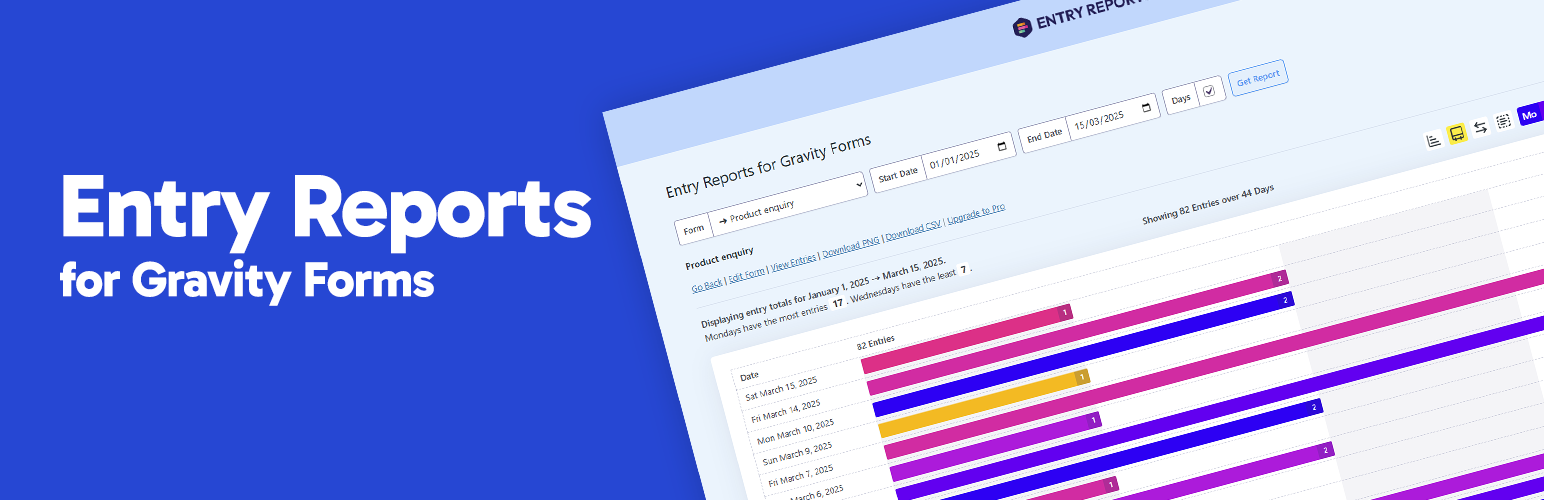
Entry Reports for Gravity Forms gives you a clear, visual breakdown of form submissions over time. Just pick a form and set your date range to see exactly how many entries were submitted each day within that period.
When is this useful?
- You might be running a marketing campaign and want to track form performance over time
- You’re curious to see entry trends across any specific date range
- You need a quick way to relay submission activity to your team or clients
Support
Free Plugin Support | Pro Plugin Support
Requirements
- Gravity Forms 2.4 or higher
- WordPress 6.0 or higher
- PHP 8.1
Upgrade to PRO
What are the benefits of PRO?
- Export Data: Quickly export to CSV.
- Automated Email Reports: Schedule reports to be automatically sent to selected recipients at specific days and times.
- Calendar heat map: Show daily submission activity with color-coded intensity to visualise trends over time.
- Submission trends by hour:Instantly see when submissions peak with an hourly breakdown for any selected day.
- Customise Chart Colours: Easily adjust chart colours using either baked-in presets or choose your own.
- One-click chart screenshots: Save charts to PNG.