
Frontis Interactions – Block Animations with scroll, hover & click interactions
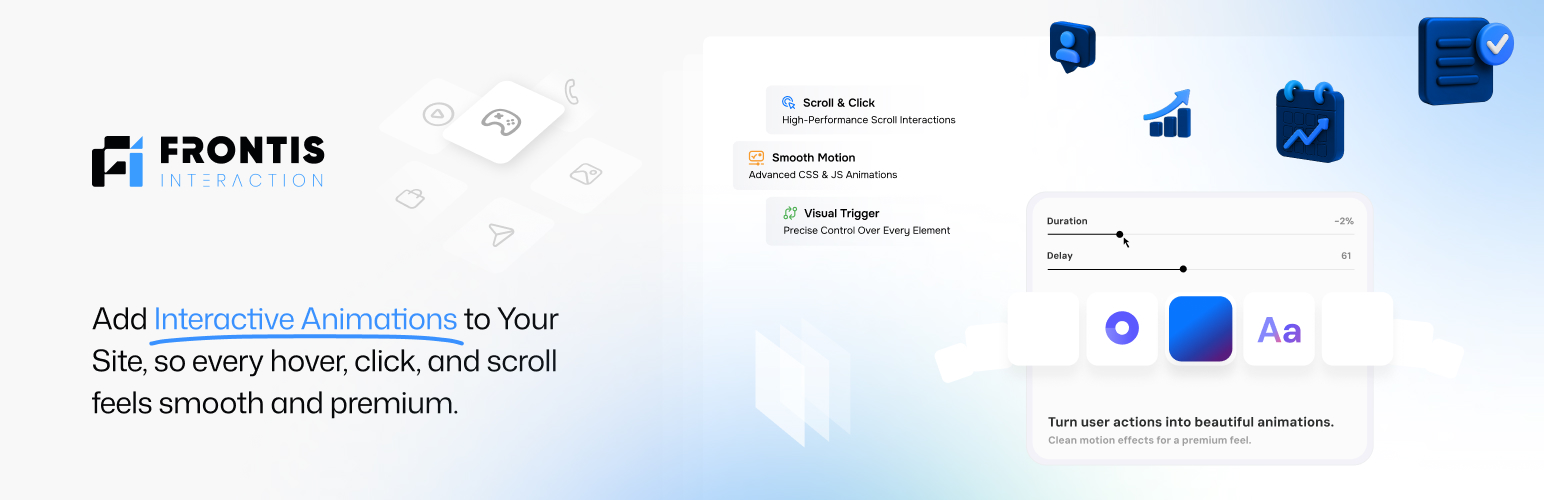
MAKE YOUR WEBSITE FEEL ALIVE — WITH INTERACTION-BASED ANIMATIONS.
Your page looks good. But they feel… still the same. No motion. No response. No “wow.”
Frontis Interactions fixes that.
It’s built to help you create WordPress animation effects directly in the Block Editor using an animation builder, so your blocks don’t stay static. You can build block animations that react when visitors Click, Hover, View, Scroll, and Drag so your site feels alive with animated blocks, not static sections.
Frontis is building Interactions as part of one ecosystem (Theme + Blocks + Interactions), so you don’t have to juggle many plugins just to add motion to your site.
The problem (you’ve seen it)
Should you install 5 different animation plugins? Paste random code snippets from tutorials? Fight with timings until midnight?
Most “WordPress animation” setups turn into a messy mix of scripts, settings, and guessing. Frontis Interactions is built to give you a cleaner way to build motion, inside your block workflow (Frontis describes Interactions as a simple Gutenberg-based interface with triggers like click/hover/view/scroll, timed sequences, and style changes).
What makes it different?
Frontis Interactions is designed around a simple idea: This animation builder follows a simple flow: Pick a trigger → choose what happens → control timing → publish.
According to Frontis’ own product messaging, the goal is to:
- Design interactions using a simple interface inside Gutenberg
- Set actions based on clicks, hovers, view, scrolls, and more
- Animate elements or change styles
- Sequence multiple actions with exact timing for more complex animations
- Work smoothly with Frontis Theme and Frontis Blocks for consistency and performance
Why Motion (motion.dev)?
Frontis Interactions uses Motion instead of legacy animation libraries to give you:
- Smooth, hardware-accelerated animations
- Modern API designed for UI interactions
- Better performance with less overhead
- Precise control over timing, easing, and sequencing
This means your animations feel fast, responsive, and intentional.
Features at a Glance
Scroll & Page Movement
- Scroll-based triggers — start animations based on scroll position
- Smooth Scrolling — fresher page movement feel
- Horizontal Scrolling — scroll sideways sections
- Sticky Elements — keep key blocks pinned while scrolling
- Scroll To Animation — animated jump to a section
- Scroll Smoother — more controlled smooth scrolling
- Parallax Effects — depth effect while scrolling
Animation Builder, Timing & Control
- Timeline-Based Animation — multi-step animations with exact timing
- Stagger Animation — animate items one-by-one (cards, list items, icons)
- Advanced Easing Functions — control how motion starts/stops by ease and spring physics and spring time transitions
Text & Visual Effects
- Split text animation — animate words and characters
- Clip-path animation — reveal and masking effects
- Flip animations — smooth state transitions
Interactions
- click, Hover, View & Page Load — responsive UI feedback
Preset animations
-
Advanced text effect presets – A rich collection of customizable text animations with staggered, masked, and dynamic effects for modern interfaces.
-
Layout animation presets – Predefined smooth animation patterns for entrances, exits, and responsive layout transitions across all UI elements.
Why you’ll use Frontis Interactions
Frontis Interactions is made for people who want:
- Animated blocks that look clean and modern
- Scroll-based storytelling sections (hero → features → CTA)
- Sticky + scroll animations for better page flow
- Text effects that feel premium (split text, clip path)
- Interactive UI moments (drag elements, flip effects)
If you’re building landing pages, portfolios, product pages, or service sites, this is exactly the type of WordPress animation plugin workflow you’ll want.
Built for Gutenberg (and the Frontis ecosystem)
Frontis Interactions works directly inside Gutenberg, and pairs seamlessly with: – Frontis Theme – Frontis Blocks
Build your layout → add motion → ship.
No context switching.
Documentation
Start with the Frontis Blocks documentation for quick setup, guides, and best practices. Clear steps, screenshots, and tips to help you build faster in the Gutenberg editor.
Support
Need help after checking the docs? Send us a message via Frontis Support. Share your WordPress version, theme, and steps to reproduce—we’ll reply fast.
Say Hello, Get Help — Connect with the Frontis Team
We’re just a message away. Follow us for quick tips, release news, 60-second tutorials, and fast help from real humans. Got a question about Frontis or your setup? DM us — we’ll jump in.
- Facebook Group: https://www.facebook.com/groups/wpmessiah
- Discord: https://discord.gg/wEVmDvRbad
- YouTube Tutorials: https://www.youtube.com/@wpmessiahacademy