
Hexa Grid – Product Grid, List & Slider for WooCommerce
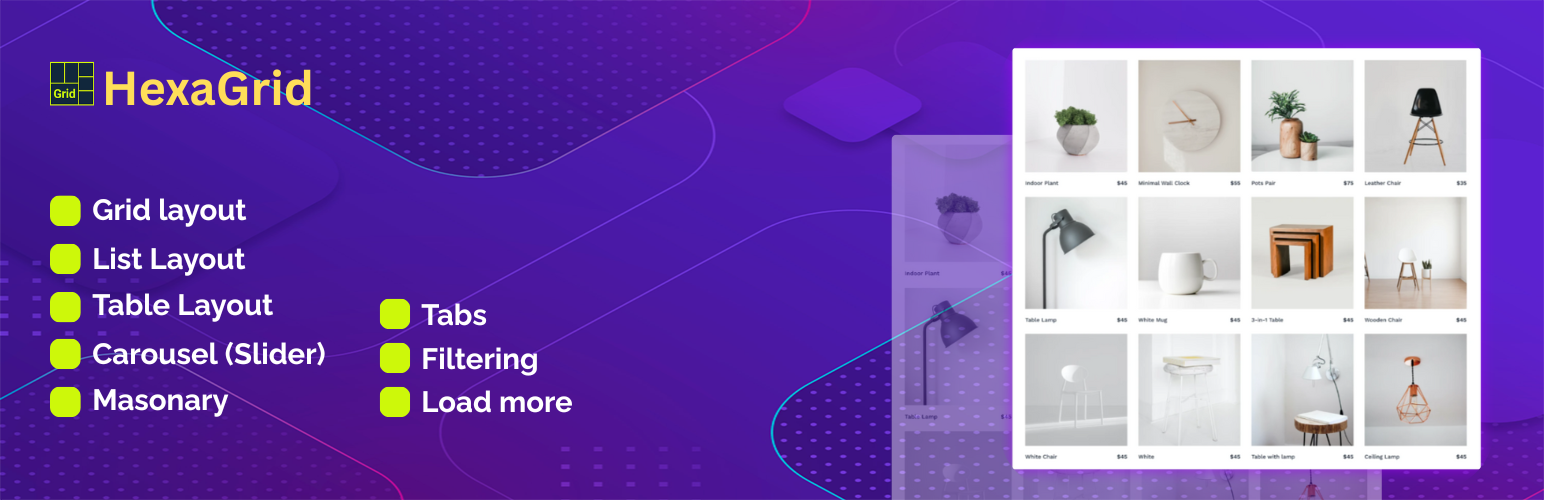
Hexa Grid is a WooCommerce product display plugin for creating flexible product grids, lists, sliders, carousels, tables, masonry layouts, tabs, product filters, load more sections, and category displays.
Create a WooCommerce Product Grid to showcase products on your homepage, landing pages, shop sections, and other content areas. Choose a product list, slider, carousel, table, or masonry layout when a different presentation works better for your store.
Hexa Grid also includes a WooCommerce Category Display feature that lets you showcase product categories using visual category layouts. Use category displays to organize your store and help visitors discover product groups.
The plugin uses shortcodes, allowing you to add product and category displays to supported WordPress content areas such as pages, posts, sidebar widgets, and custom theme templates.
Whether you want to highlight featured products, display latest products, promote sale products, show best-selling products, or organize products by category, Hexa Grid provides multiple WooCommerce product display options from one focused plugin.
WooCommerce Product Grid
Create a responsive WooCommerce Product Grid to display multiple products in an organized grid layout.
Product grids are useful for:
- Featured products
- Latest products
- Sale products
- Best-selling products
- Products from selected categories
- Homepage product sections
- Landing page product sections
Use different product grid sections to showcase different product collections throughout your WooCommerce store.
WooCommerce Product List
Use the WooCommerce Product List layout when you want to display products in a vertical list instead of a traditional grid.
Product lists can be useful for product collections, promotional sections, catalog-style displays, and other areas where a list-based layout is more suitable.
WooCommerce Product Slider
Create a WooCommerce Product Slider to showcase products in a horizontal layout.
Product sliders are useful for featured products, latest products, sale products, and selected product collections.
Hexa Grid includes slider configuration options for navigation, dots, autoplay, and responsive product columns.
WooCommerce Product Carousel
Create a WooCommerce Product Carousel to display multiple products in a horizontally browsable layout.
Use carousel layouts for featured products, promotional sections, category-based product collections, and other areas where horizontal product browsing is useful.
WooCommerce Product Table
Create a WooCommerce Product Table when you need a structured table-based product layout.
The product table provides an alternative to grid, list, slider, and carousel layouts for presenting WooCommerce products in a structured format.
WooCommerce Product Masonry
Use the masonry layout to create an alternative visual product display.
A WooCommerce Product Masonry layout provides a flexible presentation for product sections where a traditional grid layout is not preferred.
Product Tabs
Use product tabs to organize multiple product collections within a single section.
Tabs can be used to separate product groups such as:
- Latest products
- Featured products
- Sale products
- Best-selling products
This allows multiple product collections to be presented within one organized section.
Product Filtering
Hexa Grid supports product filtering based on selected WooCommerce categories.
Create focused product sections by displaying products from specific categories.
Category-based product displays can be useful for:
- Homepage product sections
- Product collections
- Promotional sections
- Category-focused landing pages
- Featured product sections
Product Load More
Use the Load More option to display additional products when needed.
Load more functionality can help organize larger product collections by allowing additional products to be loaded instead of displaying the entire collection at once.
WooCommerce Category Display
Create a visual WooCommerce Category Display to showcase product categories using category images and titles.
Category displays can be used for:
- Homepage navigation
- Shop landing pages
- Category overview sections
- Promotional category sections
A visual category display provides another way for customers to explore the product categories in your WooCommerce store.
WooCommerce Category Grid
Create a WooCommerce Category Grid to present product categories in a structured visual layout.
Category grids are useful for stores with multiple product groups and can be placed alongside product sections to create organized storefront navigation.
Responsive Product Layouts
Hexa Grid provides responsive layouts for product and category displays.
Product grids, lists, sliders, and category sections are designed to adapt to different screen sizes, helping maintain a consistent browsing experience across desktop, tablet, and mobile devices.
Shortcode-Based Product Display
Hexa Grid uses shortcodes to add product and category displays to your WordPress website.
You can use shortcodes in supported areas such as:
- Pages
- Posts
- Sidebar widgets
- Custom theme templates
This makes it possible to create WooCommerce product sections without requiring a page builder.
Flexible WooCommerce Product Showcase
Hexa Grid gives WooCommerce store owners multiple ways to showcase products.
Use a product grid for a standard product section, a list for compact product presentation, a slider or carousel for featured products, a table for structured product displays, or masonry for an alternative visual layout.
You can also combine product sections with WooCommerce category displays to create organized storefront sections.
Use Cases
Hexa Grid can be used to create:
- WooCommerce Product Grid sections
- WooCommerce Product Showcase sections
- Product sliders
- Product carousels
- Product lists
- Product tables
- Product masonry layouts
- Product tabs
- Category-based product sections
- WooCommerce Category Grid sections
- Featured product sections
- Latest product sections
- Sale product sections
- Best-selling product sections
- Homepage product sections
- Landing page product sections
- Category navigation sections
Features
- WooCommerce Product Grid
- WooCommerce Product List
- WooCommerce Product Slider
- WooCommerce Product Carousel
- WooCommerce Product Table
- WooCommerce Product Masonry
- Product Tabs
- Product Filtering
- Product Load More
- WooCommerce Category Display
- WooCommerce Category Grid
- Responsive product layouts
- Shortcode-based product display
- Featured product display
- Latest product display
- Sale product display
- Best-selling product display
- Category-based product display