
Integrazo Automator – Send Form & WooCommerce Data to CRM & Marketing Tools
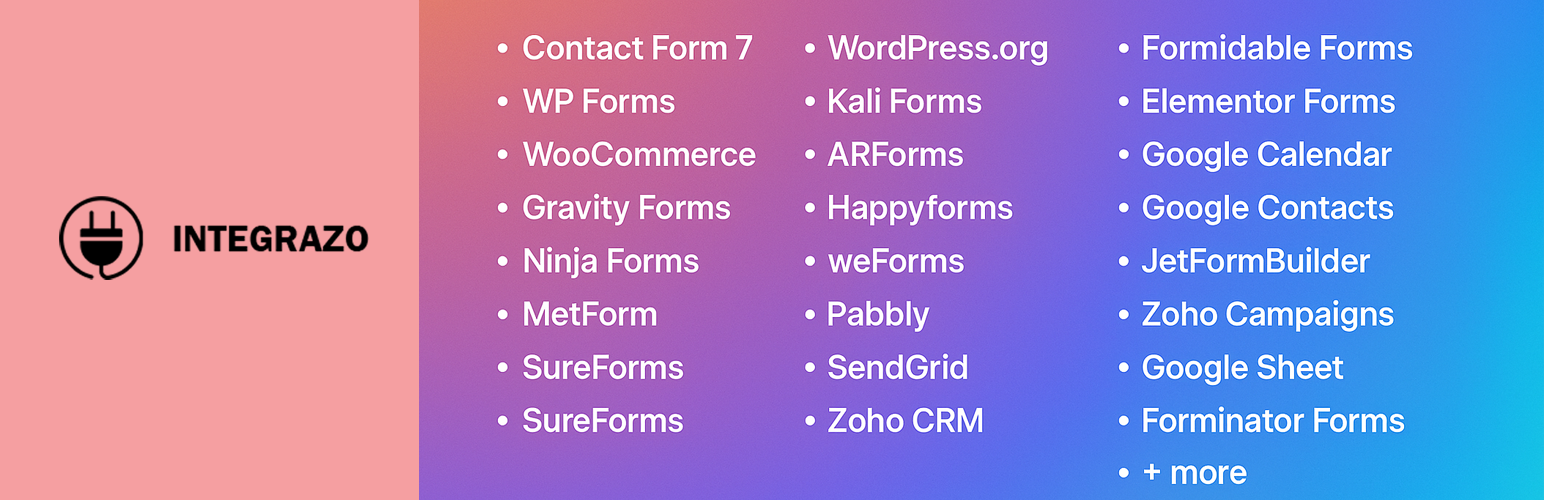
Integrazo Automator is the all-in-one WordPress integration plugin that connects your favorite form plugins and WooCommerce with leading CRM, email marketing, spreadsheet, and automation platforms — without writing a single line of code.
Stop copying and pasting form entries into your CRM. Stop manually adding subscribers to your email lists. Integrazo Automator handles it all automatically, the moment a form is submitted or a WooCommerce order is placed.
Why Choose Integrazo Automator?
One Plugin, Endless Connections — Instead of installing separate integration plugins for each service, Integrazo Automator connects 20+ WordPress form plugins and WooCommerce to 20+ external services through a single, lightweight plugin.
Set Up in Minutes — Select your form plugin, choose a service, authenticate, map your fields, and you’re done. No developer needed.
Reliable Data Delivery — Every submission is logged with detailed API responses. If something fails, you can resync individual records or bulk resync directly from the Logs page.
How It Works
- Select a Form Plugin — Choose from Contact Form 7, WPForms, Gravity Forms, Elementor Forms, Fluent Forms, WooCommerce, and many more.
- Choose a Service — Pick from Zoho CRM, HubSpot, Google Sheets, Mailchimp, Brevo, Twilio SMS, and other supported platforms.
- Authenticate — Securely connect your account using OAuth or API key authentication.
- Map Fields — Match your form fields to the corresponding fields in your selected service.
- Go Live — Enable the integration and every new submission flows automatically to your connected service.
🔌 20+ Supported Form Plugins
Integrazo Automator works with the most popular WordPress form builders:
- Contact Form 7 — The most widely used free contact form plugin
- WPForms — Beginner-friendly drag-and-drop form builder
- Gravity Forms — Advanced form builder with powerful add-ons
- Elementor Forms — Built-in form widget for Elementor Pro users
- Fluent Forms — Fast, lightweight form builder with smart conditional logic
- Forminator — Free form builder by WPMU DEV
- Formidable Forms — Advanced form builder for complex solutions
- Ninja Forms — Flexible form builder with a drag-and-drop interface
- WooCommerce — Send order data, customer details, and product information
- Everest Forms — Lightweight drag-and-drop form builder
- JetFormBuilder — Gutenberg-native form builder by CrocoBlock
- HappyForms — Simple form builder for quick contact forms
- Kali Forms — User-friendly WordPress form plugin
- MetForm — Form builder for Elementor
- NEX-Forms — Multi-step form builder with conditional logic
- SureForms — Modern form builder for WordPress
- weForms — Fast contact form plugin with WP admin integration
- WSForm — Advanced form framework for WordPress
- ARForms — Premium responsive WordPress form builder
- WordPress Core — Native WordPress registration and comment forms
🌐 20+ Supported Services
Send your data to leading CRM, marketing, and productivity platforms:
CRM & Sales * Zoho CRM — Complete customer relationship management * HubSpot CRM — Free CRM with marketing and sales tools * Freshsales — AI-powered CRM for high-velocity sales * Zoho Bigin — Pipeline-centric CRM for small businesses
Email Marketing * Mailchimp — All-in-one email marketing platform * Brevo (Sendinblue) — Email, SMS, and marketing automation * MailerLite — Email marketing with landing pages and automation * Moosend — Affordable email marketing and automation * SendGrid — Cloud-based email delivery service * Pabbly Email Marketing — Email marketing with built-in SMTP * Zoho Campaigns — Email marketing for growing businesses
Productivity & Sheets * Google Sheets — Automatically log submissions to spreadsheets * Google Contacts — Sync form data as Google contacts * Google Calendar — Create calendar events from form submissions * Zoho Sheet — Cloud spreadsheet for data collection
Support & Communication * Zoho Desk — Customer support ticketing system * Twilio SMS — Send SMS notifications on form submission
Accounting & Invoicing * Zoho Books — Online accounting and bookkeeping * Zoho Inventory — Inventory and order management * Zoho Invoice — Online invoicing for businesses
📊 Powerful Features
Detailed Logs & Resync Every form submission is logged with the full API response. Filter logs by integration, status, or time period. Failed records can be resynced individually or in bulk — no data is ever lost.
Smart Field Mapping Map form fields to service fields with an intuitive drag-and-drop interface. Use custom values, system fields, and conditional logic to transform your data before sending.
Filter Conditions Apply conditions to control which submissions are sent. For example, only send to your CRM when a specific dropdown value is selected or when an email field is not empty.
Error Notifications Get email alerts when a sync fails so you can take action immediately. Configure multiple notification recipients and customize the subject line.
Unlimited Integrations Create as many integrations as you need — there are no limits on the number of connections, submissions, or services.
WooCommerce Order Sync Send WooCommerce order data including customer details, line items, totals, shipping, and billing information to Zoho Books, Zoho Inventory, Zoho Invoice, Zoho CRM, HubSpot, Google Sheets, and more.
🔒 Secure by Design
- OAuth 2.0 authentication for Zoho, Google, HubSpot, and Mailchimp
- API key authentication with encrypted storage for Brevo, MailerLite, and others
- All admin actions protected with WordPress nonces and capability checks
- No data stored on external servers — everything stays on your WordPress site
Upgrade to Pro
Unlock advanced integration features with Integrazo Automator Pro.
Free Version Includes: * Unlimited integrations and submissions * Contact Form 7, WPForms, Elementor Forms, WordPress Core, and WooCommerce support * Add-only record creation * Custom values and system fields * Log resync for failed records * Error email notifications
Pro Version Adds: * All 20+ form plugins supported * Add or Update record actions (upsert) * Custom module support for Zoho CRM and HubSpot * Premium and custom field mapping * File attachment support * Tags and notes mapping * Advanced filter conditions with AND/OR logic * Twilio SMS integration * Extended log features * Priority support
Support
Email: support@integrazo.com
Additional Notes
This plugin is compatible with WordPress multisite installations. Third-party services require their own account and may have separate terms of service.