
JSM Show Post Metadata
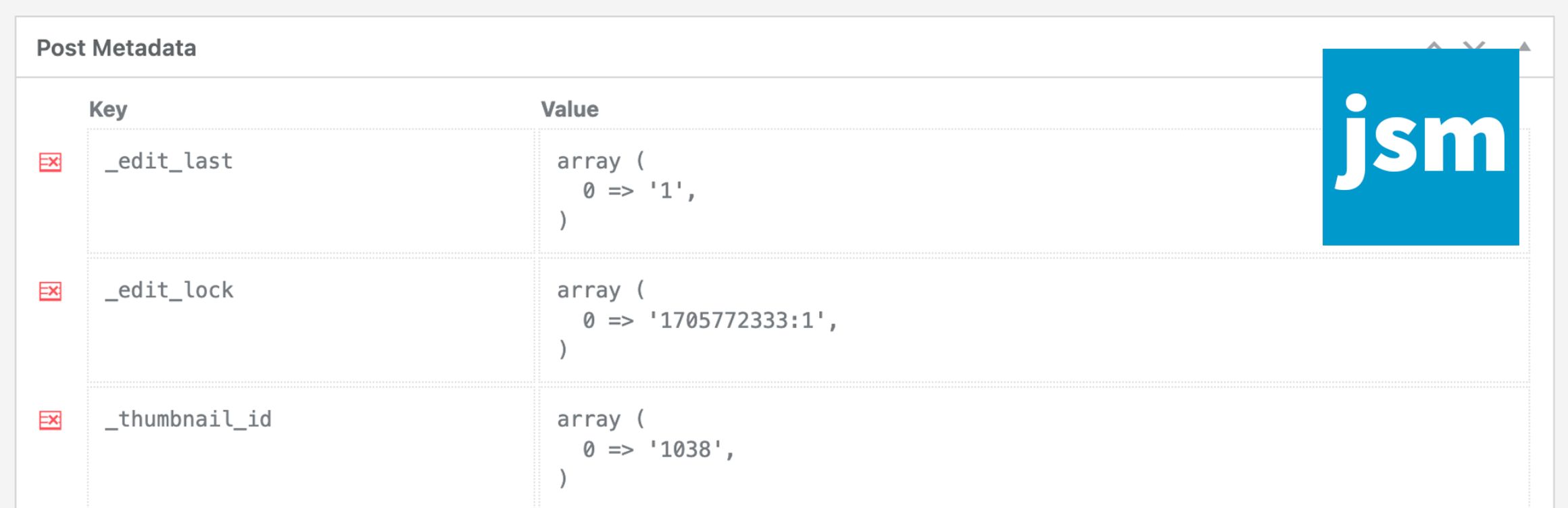
The JSM Show Post Metadata plugin displays post (ie. posts, pages, and custom post types) meta keys (aka custom field names) and unserialized values in a metabox at the bottom of the post editing page.
Note that if you’re using WooCommerce HPOS (High-Performance Order Storage), available since WooCommerce v8.2, then your WooCommerce orders are NOT post objects and you should use the JSM Show Order Metadata plugin instead.
There are no plugin settings – simply install and activate the plugin.
Available Filters for Developers
Filter the post meta shown in the metabox:
'jsmspm_metabox_table_metadata' ( array $metadata, $post_obj )
Array of regular expressions to exclude meta keys:
'jsmspm_metabox_table_exclude_keys' ( array $exclude_keys, $post_obj )
Capability required to show post meta:
'jsmspm_show_metabox_capability' ( 'manage_options', $post_obj )
Show post meta for a post type (defaults to true):
'jsmspm_show_metabox_post_type' ( true, $post_type )
Capability required to delete post meta:
'jsmspm_delete_meta_capability' ( 'manage_options', $post_obj )
Icon for the delete post meta button:
'jsmspm_delete_meta_icon_class' ( 'dashicons dashicons-table-row-delete' )