
Nextmint Forms
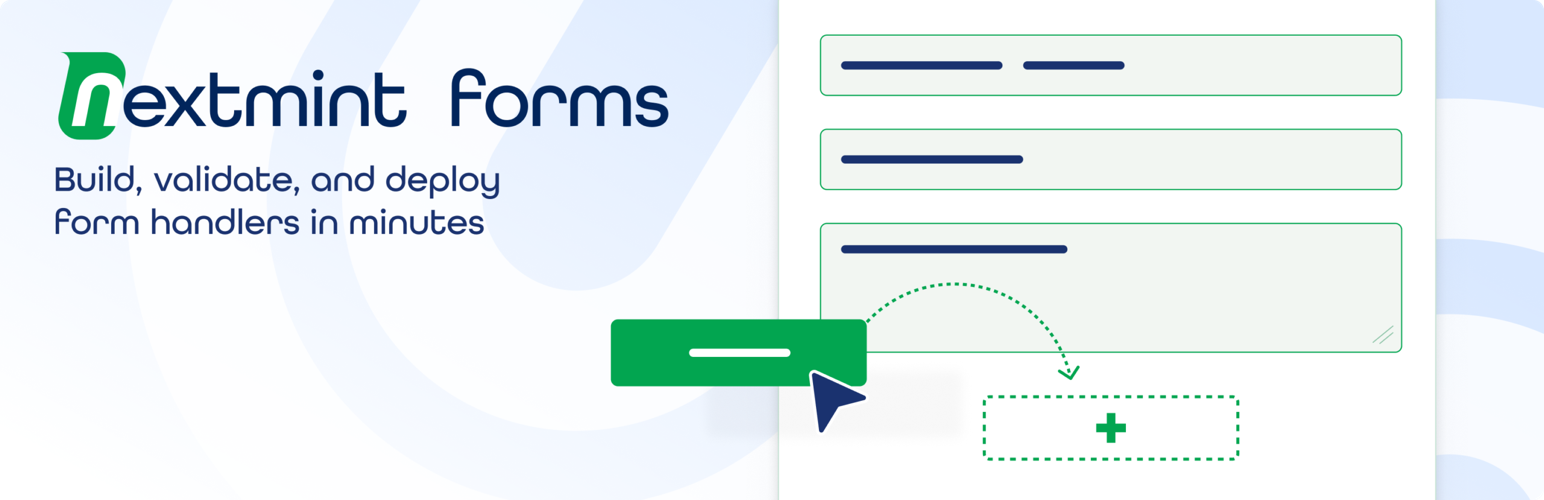
Nextmint Forms is a drag-and-drop form builder that turns form submissions into leads in Salesforce Marketing Cloud Next. Build a form, connect it to your Form Handler, and embed it on any page. Form submissions go straight to Salesforce.
Nextmint Forms is an independent integration and is not affiliated with, or endorsed by, Salesforce.
A visual builder. Drag fields onto the canvas and watch the live preview update as you work. The builder uses WordPress’s own components, so it looks at home in wp-admin.
Secure. Forms block spam by default with a honeypot and rate limiting. Turn on Google reCAPTCHA or Cloudflare Turnstile when you want extra protection.
Simple to run. One plugin, one zip, no dependencies. Install it, build a form, paste your Form Handler URL, and embed the form on any page.
Features
- Visual drag-and-drop builder with a live preview
- Two ways to connect: Server-side (WordPress posts to your Form Action URL) or Client-side (WordPress forwards the submission with the visitor’s tracking id to keep Salesforce web tracking and identity resolution). Both submit through WordPress, so the same spam protection applies
- Optional form submission log, off by default: store each form submission encrypted with CSV export, or leave it off and store nothing
- Spam protection: honeypot and rate limiting on by default, plus optional Google reCAPTCHA (v2/v3) or Cloudflare Turnstile
- Shortcode and block embedding
- Five style presets and a full Customize panel (fonts, colors, spacing, corners) with a mobile and desktop preview
- Show a form inline or as a pop-up: a button opens the form in an accessible dialog (set per form in Customize, or per placement with the shortcode)
- Map each field to its Marketing Cloud Next external field name
- Accessible styles that look the same on any theme
External services
This plugin can connect to the services below. Nothing loads in the visitor’s browser unless you turn it on.
- Salesforce Marketing Cloud Next. Form submissions are sent from your server to Salesforce in both modes: Server-side posts to the Form Action URL you set; Client-side posts to your Form Handler’s submit endpoint and also sends the visitor’s tracking id so Salesforce can resolve identity. The plugin loads no Salesforce script in the visitor’s browser. If you add Salesforce’s web tracking (Data Cloud Web SDK) to your site yourself, the plugin includes the tracking id it provides. The data sent to Salesforce consists of the field values the visitor submits plus a unique id. See Salesforce’s Terms of Service and Privacy Policy.
- Google reCAPTCHA (only if you turn it on). Google’s reCAPTCHA script loads in the visitor’s browser on pages that show the form and sends the visitor’s IP address and interaction signals to Google. The resulting token is then verified from your server via Google’s siteverify API. See Google’s Terms of Service and Privacy Policy.
- Cloudflare Turnstile (only if you turn it on). Cloudflare’s Turnstile script loads in the visitor’s browser on pages that show the form and sends the visitor’s IP address and interaction signals to Cloudflare. The resulting token is then verified from your server via Cloudflare’s siteverify API. See Cloudflare’s Terms of Service and Privacy Policy.
Privacy
By default Nextmint Forms stores nothing: form submissions relay straight to Salesforce. If you enable the optional log (off by default), each form submission is stored encrypted at rest. The admin table shows a summary (a masked email plus metadata: time, form, event, HTTP status, error code), and an admin can export the full form submissions as CSV or delete them at any time. The log is removed when you delete the plugin.
Nextmint Forms is an independent integration and is not affiliated with, or endorsed by, Salesforce.