
WP Password Policy
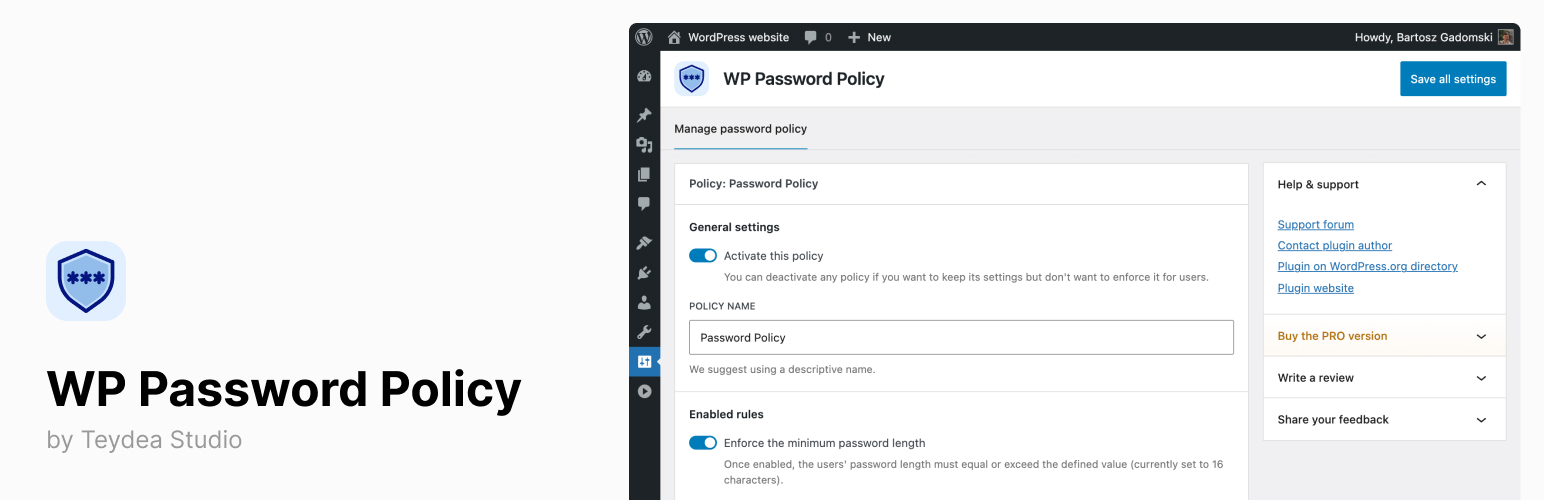
WP Password Policy lets you define and enforce password policies for all users on your WordPress site.
Set rules for password length, complexity (uppercase, lowercase, digits, special characters), restricted characters, password expiration, and more. The plugin validates passwords on login, registration, password changes, and during active sessions — automatically redirecting users to reset non-compliant passwords.
Key benefits:
- Enforce password length and complexity rules from a single settings page.
- Set password expiration to ensure users update their passwords regularly.
- Require users to confirm their current password before making changes.
- Compatible with WordPress multisite networks.
Whether you manage a personal blog, a membership site, or a multisite network, WP Password Policy helps you maintain consistent password standards across all user accounts.
Learn more at wppasswordpolicy.com.
Why password policies matter
Weak passwords remain one of the most common entry points for unauthorized access to WordPress sites. WP Password Policy lets you enforce the password-policy controls that many security and compliance programs call for — minimum length, character composition, expiration, restricted characters, and more — across every user account. It helps you apply these controls, but does not by itself make your site compliant with any particular standard.
Features
Free Features
- Minimum password length — Set and enforce the minimum number of characters for user passwords.
- Maximum password length — Limit password length to prevent denial-of-service attacks caused by hashing very long passwords.
- Password complexity rules — Require a mix of uppercase letters, lowercase letters, digits, special characters, and a minimum number of unique characters.
- Consecutive username symbols — Restrict how many consecutive characters from the username can appear in the password.
- Restricted characters — Block specific characters from being used in passwords.
- Restricted words and phrases — Maintain a site-wide list of words and phrases (one per line) that passwords cannot contain. Case-insensitive substring matching catches site-specific tokens such as your brand name, product names, your city, or a year token (for example:
acme,summer,2026). - Maximum password age — Force users to update their passwords periodically (e.g., every 30 days).
- Minimum password age — Prevent users from changing their password too frequently, discouraging rapid cycling back to an old password.
- Require current password — Add a “Current Password” field to the user profile screen and validate it before allowing password changes.
- Custom password hints — Replace the default WordPress password hint with a policy-specific hint based on active rules.
- Site Health integration — A Site Health test reports whether your plugin settings are properly configured.
- Multisite/network support — Works with both standard and multisite WordPress installations.
- AI integration — On WordPress 6.9+ with the MCP Adapter plugin, list, configure, and delete password policies through natural language commands from any connected AI provider.
- Translation-ready — Localize the plugin into any language.
PRO Features
- Prevent password reuse — Block users from reusing their previous passwords, encouraging new, unique passwords every time.
- Custom password policies per role or user — Assign different password rules for administrators, editors, WooCommerce customers, or specific users.
- Block common, weak passwords — Over 100,000 common passwords are blocked, preventing users from choosing easy-to-guess passwords.
- Breached password screening (HaveIBeenPwned) — Screen passwords against the HaveIBeenPwned “Pwned Passwords” breach corpus using k-anonymity, so users cannot pick a password already exposed in a data breach. The full password never leaves your server.
- Password expiry warning emails — Warn users by email on a schedule you configure before their password expires, so they can change it before being locked out.
- Vendor-default account detection — Scan user accounts for risky patterns — default or predictable usernames, logins matching your domain, and unchanged display names — and review or dismiss each finding from a dedicated settings tab, a dashboard widget, and admin notices.
- Integrations:
- WooCommerce integration — Enforce password policies on WooCommerce login, registration, checkout account creation (including Store API), account details, password change, and password reset forms. Replaces WooCommerce’s built-in password strength meter with your policy rules.
- Ultimate Member integration — Enforce password policies within Ultimate Member registration, login, password reset, and password change forms. Disables Ultimate Member’s built-in password strength option to avoid conflicts.
- Tutor LMS integration — Enforce password policies on Tutor LMS student and instructor registration, login, password change, and password reset forms.
- LifterLMS integration — Enforce password policies on LifterLMS registration (including checkout), account password change, and password reset forms. Replaces LifterLMS’s built-in password strength meter with your policy rules.
- LearnPress integration — Enforce password policies on LearnPress registration, login, and password change forms.
- Sensei LMS integration — Enforce password policies on Sensei LMS registration and login forms.
- BuddyPress integration — Enforce password policies on BuddyPress registration, login, and password change forms.
- bbPress integration — Enforce password policies on bbPress login and profile password change forms. Replaces bbPress’s built-in password strength meter with your policy rules.
- Priority support and updates — Get premium email support and updates.
Learn more about the PRO version at wppasswordpolicy.com/pricing.
Video Tutorial
See the plugin in action:
Related Plugins
Looking for a way to force users to reset their passwords immediately? Check our Password Reset Enforcement plugin — it lets you require password resets site-wide, by role, or for individual users, with WP-CLI support for automation.