
QuadLayers Telegram Button
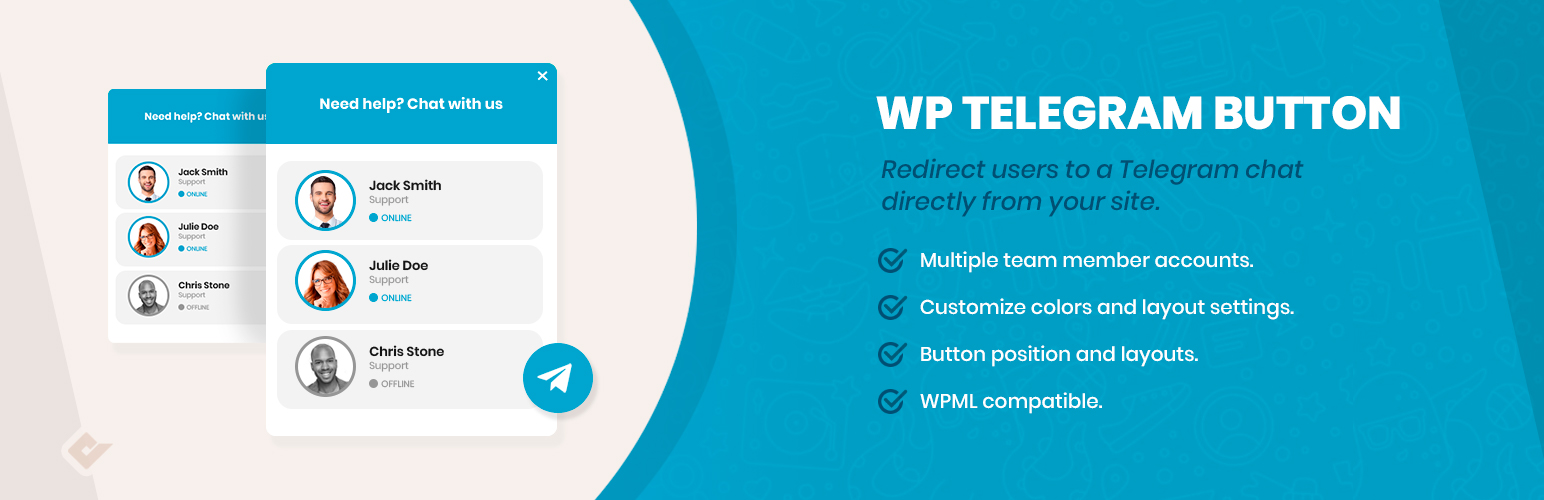
Telegram Button for WordPress allows your customers to open a conversation from your website directly to your Telegram account.
Why Telegram?
Due to recent changes in WhatsApp privacy policies, Telegram has become one of the most popular instant messaging applications in the world.
This means that many users are migrating to this platform and Telegram is becoming their main contact method. Therefore, offering easy access from our website is a good way to convert those visitors into customers.
Generating leads is the key to every business success, and the Telegram chat button can help you to increase your overall sales and reach this goal.
Telegram Button
With the Telegram chat button, your visitors will be allowed to send a message directly to your account. To start configuring it, you have to go to the button tab inside the Telegram chat section that you can find in your admin dashboard.
Inside the button tab, you wil be able to switch between two different layouts, and to define if you want to include rounded edges, also the position where you want to show the Telegram button, the text to be displayed inside, the account and the default user message.
Telegram Button Features
- Telegram button
- Telegram multiple contact
- Telegram button and box colors
- Two button layouts
- Hide the button based on post types and taxonomies
- Add rounded or square borders
- Vertical and horizontal position
- Custom button text
- Custom user message