
Right Click Ban – Content Protection
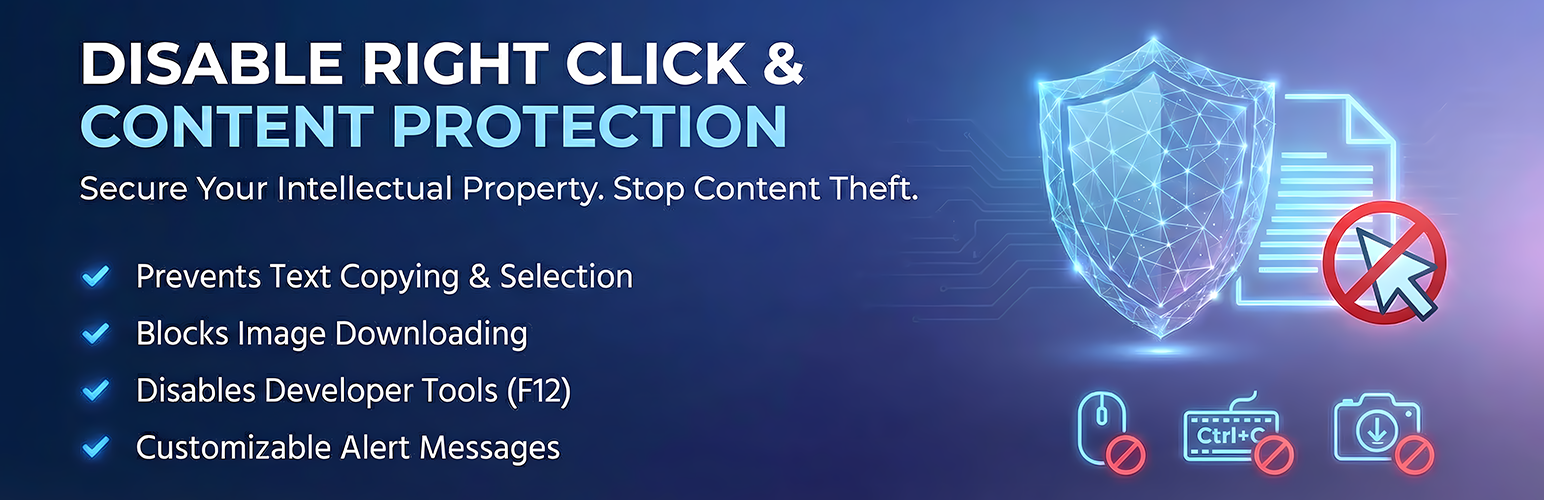
Right Click Ban – Content Protection helps keep your website content safe. We built this simple tool to disable right click and provide robust copy protection. It works quietly to protect your hard work.
This plugin is a great fit if you are: * A photographer looking to protect your images. * A blogger wanting to keep your articles original. * A business needing to secure sensitive data with reliable content-protection.
By turning off the right-click menu and blocking copy-paste, you get more control over your site. It only runs for your visitors, so your work as an admin stays exactly the same.
Upgrade to Right Click Ban and Content Protection Pro
User Live Demo Right Click Ban and Content Protection Pro Live Demo
How to Disable Right Click
The plugin blocks actions that people normally use to copy your content.
Here is what it does: * Hides the right-click menu. * Stops text from being highlighted. * Blocks users from dragging and dropping your images.
Copy Protection Benefits
- Keeps Content Safe: Lowers the chance of someone stealing your text.
- Protects Images: Makes it hard to download your photos.
- Stays Fast: Uses clean code so your page load speed is not hurt.
- Easy to Use: Just flip a switch to turn features on or off.
Free content-protection Features
- Right Click Disable: Blocks the context menu on your website to prevent “Save Image As” and “Copy”.
- Text Selection Blocking: Disables the ability to highlight and copy text from your pages.
- Image Drag Prevention: Stops users from dragging images to their desktop to save them.
- Link Drag Prevention: Prevent hyperlinks from being dragged to bookmarks, new browser tabs, or external applications.
- F12 Key Blocking: Prevents the use of the F12 key to open developer tools.
- Extended Keyboard Protection: Block common shortcuts like Ctrl+C (Copy) and Ctrl+U (View Source).
- Mobile Protection: Option to enable/disable protection features specifically for mobile devices.
- Daily Block Counter: Track blocked events in real-time with a dashboard counter.
- Custom Alert Message: Option to display a modern modal notification when a restricted action is attempted.
- Admin Access: Usage remains unrestricted for logged-in administrators if configured.
- Basic Analytics: Track how many times right click protection and other features are triggered on your website.
- Data Control: New “Reset Statistics” feature and “Delete Data on Uninstall” option for full user control.
- Privacy Ready: Built-in support for WordPress Privacy Policy suggestions (GDPR friendly).
- Browser Compatibility: Right Click Ban works on all major browsers including Chrome, Firefox, Safari, Edge, and Opera. Mobile browsers are also supported, with long-press context menus blocked on touch devices.
Premium Features Overview
The Pro version extends content protection with advanced capabilities. Here is what you unlock with the premium edition:
Custom Modal Popup – Replace standard browser alerts with professionally styled popup dialogs. Choose from 7 visual themes including Light, Dark, Glass, Neon, and Sunset. Select from 4 animation styles: Fade, Slide Up, Bounce, and Zoom. Customize the title, message text, and button label. Set auto-dismiss with countdown timer.
Keyboard Shortcut Blocking – Block 18 or more keyboard shortcuts including Ctrl+C (Copy), Ctrl+V (Paste), Ctrl+A (Select All), Ctrl+S (Save Page), Ctrl+P (Print), Ctrl+U (View Source), Ctrl+Shift+I (DevTools), Ctrl+Shift+C (Inspector), Ctrl+Shift+J (Console), F3 (Find), and F7 (Caret Browsing). Mac Command key equivalents are also blocked.
Developer Tools Detection – Detect when browser DevTools is opened through any method. Choose from three response actions: show a warning alert, redirect to another URL, or hide all page content. Customize the warning message or specify a redirect destination.
Focus Loss Detection – Detect when visitors switch browser tabs or minimize the window. Useful for catching screenshot extension activity. Choose an action: show alert, blur page content, display overlay, or redirect to another page.
Print Protection – Block the browser print function. Prevents Ctrl+P shortcut and window.print() JavaScript calls. Shows a custom message when printing is attempted.
Image Watermark – Add a CSS text overlay on all images across your website. Customize the watermark text, choose from 6 positions including center and tiled, and adjust opacity from 10 to 100 percent.
Mobile Protection – Long-press protection with configurable duration from 200ms to 2000ms. Multiple alert styles including popup, toast notification, and vibration. Gesture detection, screenshot detection with blur protection, and Force Touch protection for iOS devices.
IP Address Blocking – Block access from specific IP addresses or IP ranges using CIDR notation. Customize the block page message and colors. Track blocked visitor analytics.
Country Blocking – Block visitors from 80 or more countries. Searchable country list with flag icons. Bulk select and deselect options. Custom block message per region. Analytics showing top blocked countries.
Spam Bot Blocking – Automatically block 40 or more known malicious bots, scrapers, and content thieves. Add custom bot signatures to your blocklist. Enable rate limiting to stop aggressive request patterns. Set requests per minute threshold.
Page Exclusions – Select specific pages and posts where protection should be disabled. Searchable list interface with bulk selection.
Role-Based Protection – Control which WordPress user roles see protection. Administrators, Editors, Authors, Contributors, and Subscribers each configurable independently.
Per-Page Settings – Override global protection settings on individual pages or posts. Force enable or force disable protection per page using a meta box in the editor.
Advanced Analytics – Comprehensive statistics dashboard with 7-day activity charts, event breakdown by type, top blocked countries chart, browser and device analytics, real-time threat feed, and CSV export for reporting.